
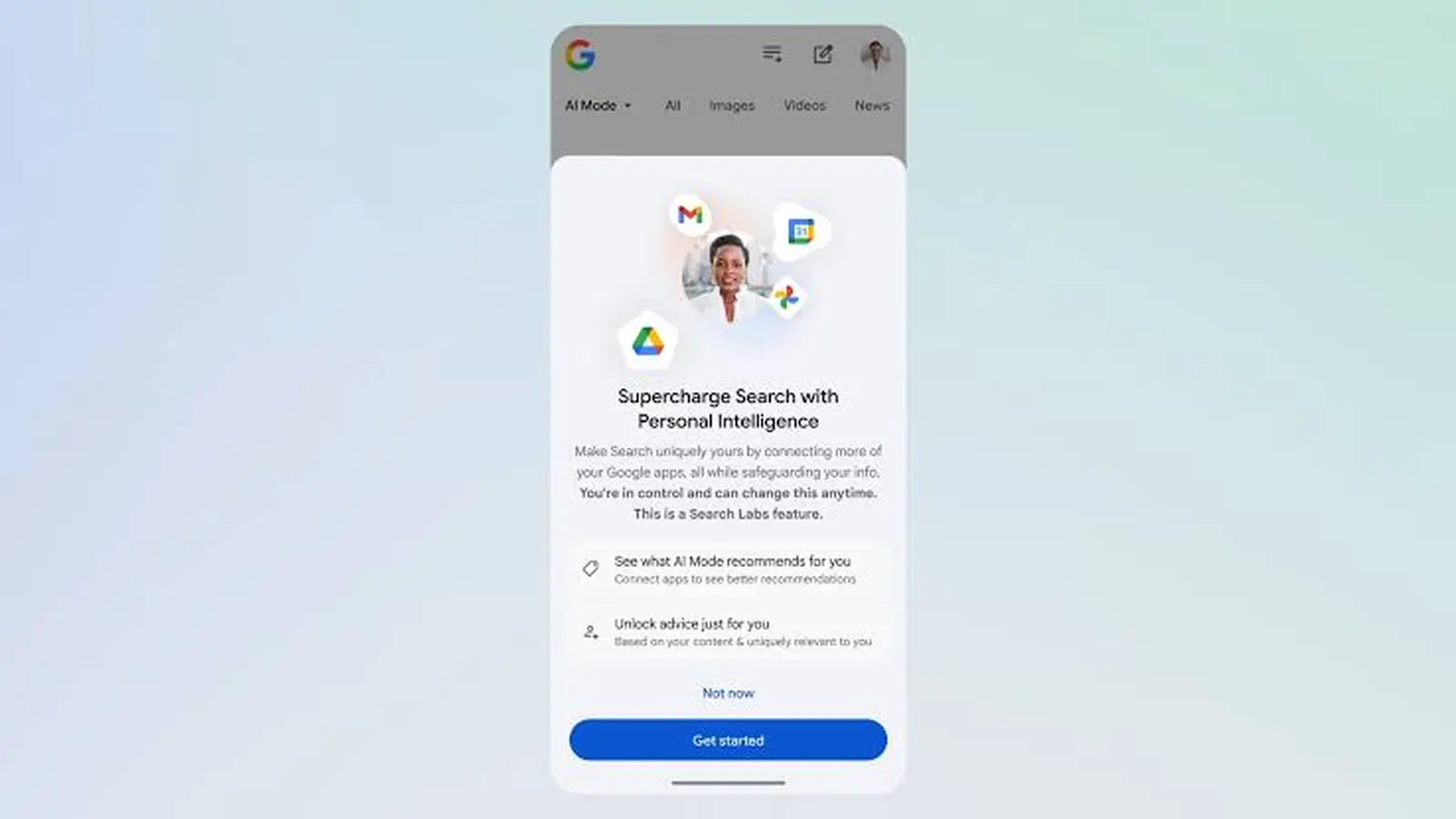
Google is rolling its Personal Intelligence feature into Search's AI Mode, letting the search experience tap your Gmail and Google Photos for more personalized, context-aware answers. The rollout is opt-in and currently targeted at English users in the US on paid plans.
How it works and why it matters
When enabled, Personal Intelligence connects your Gmail and Google Photos to Search's AI Mode to surface results tailored to your life. Look for clothing suggestions based on brands you recently bought, or get local restaurant and activity recommendations that reference hotel reservations and travel photos. It aims to make Search feel more useful and relevant by referencing your own content—without you having to repeat details.
Under the hood, AI Mode runs on Gemini 3. Google says the model doesn't train directly on the contents of your inbox or photo library. Instead, any learning is limited to specific prompts you give inside AI Mode and the model's responses, which helps improve functionality over time while keeping your core data from being used for broad model training.

Turning it on
The feature is available to Google AI Pro and Google AI Ultra subscribers in the US and is offered as a Labs-style opt-in. To enable Personal Intelligence in Search:
- Open Google Search and tap your profile icon.
- Choose Search personalization, then select Connected Content Apps.
- Connect Google Workspace (Gmail) and Google Photos as prompted.
Once connected, AI Mode can reference bookings, receipts, travel photos and other signals to make suggestions tailored to your past activity. If you prefer not to share that context, you can keep the feature turned off.
For people who want more helpful, personalized search results—especially for travel planning, shopping and local recommendations—this is a small but meaningful step toward a Search that understands your life. Just remember: it’s opt-in, limited to specific plans and regions for now, and Google says training is constrained to in-mode prompts and replies rather than your raw inbox or photo libraries.

“I cover emerging technologies, digital innovation, and the intersection of tech and everyday life. My goal is to make complex trends accessible and inspiring.”

Discussion
Leave a Comment