
3 Minutes
Think Apple won't make it easy to leave? Think again. iOS 26.3 and iPadOS 26.3 landed today with a mix of urgent security patches and a surprisingly generous lifeline for anyone plotting an escape to Android.
The security work alone is reason enough to hit update. Apple patched dozens of vulnerabilities, including one that was actively exploited in the wild. Short sentence: update now. Long sentence: if you value your device integrity, installing this release should be near the top of your to-do list.
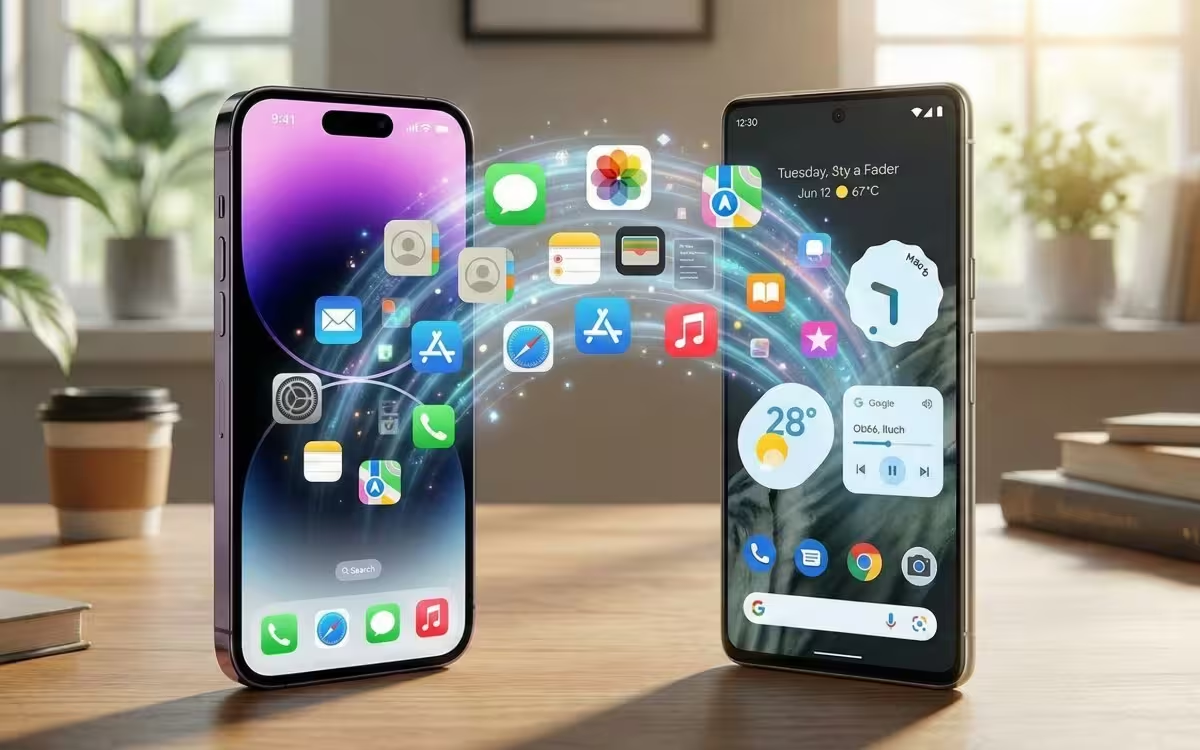
Then there is the migration tool. It moves photos, messages, notes, installed apps, saved passwords, contacts and more — all without forcing you to install a special third-party transfer app. It aims for frictionless: sign out, follow a guided transfer, and most of your essentials move to the new phone. Sounds simple because it mostly is.
Why now? The European Union pushed both Apple and Google to make switching between operating systems less painful, and while the requirement applied to the EU, both companies decided to roll the feature out globally. So whether you live in Lisbon, Lagos or Los Angeles, that seamless migration is available to you.
There’s a smaller but notable addition tucked into iOS 26.3: a setting that limits carrier location tracking for devices using Apple’s in-house C1 and C1X modems. It’s not universal. At launch it only works with a handful of carriers — think Boost Mobile in the US, EE and BT in the UK, and Telekom in Germany — but it signals a subtle shift toward giving users more control over how carriers access location data.
Tech nuance: the migration is not magic. App availability on Android, account locks, and some DRM-protected content can still trip the process. Passwords and app data transfer depend on what services support cross-platform restoration. Expect smoothness in core data like contacts and photos, and more friction with some app ecosystems.
Install 26.3 sooner rather than later for security, and test the migration tool if you are considering a switch — it may change how you think about ecosystems.
Curious to try it? Back up first, read the prompts carefully during transfer, and remember: switching operating systems is easier than it used to be, but it still pays to be deliberate.
Source: gsmarena



Leave a Comment