
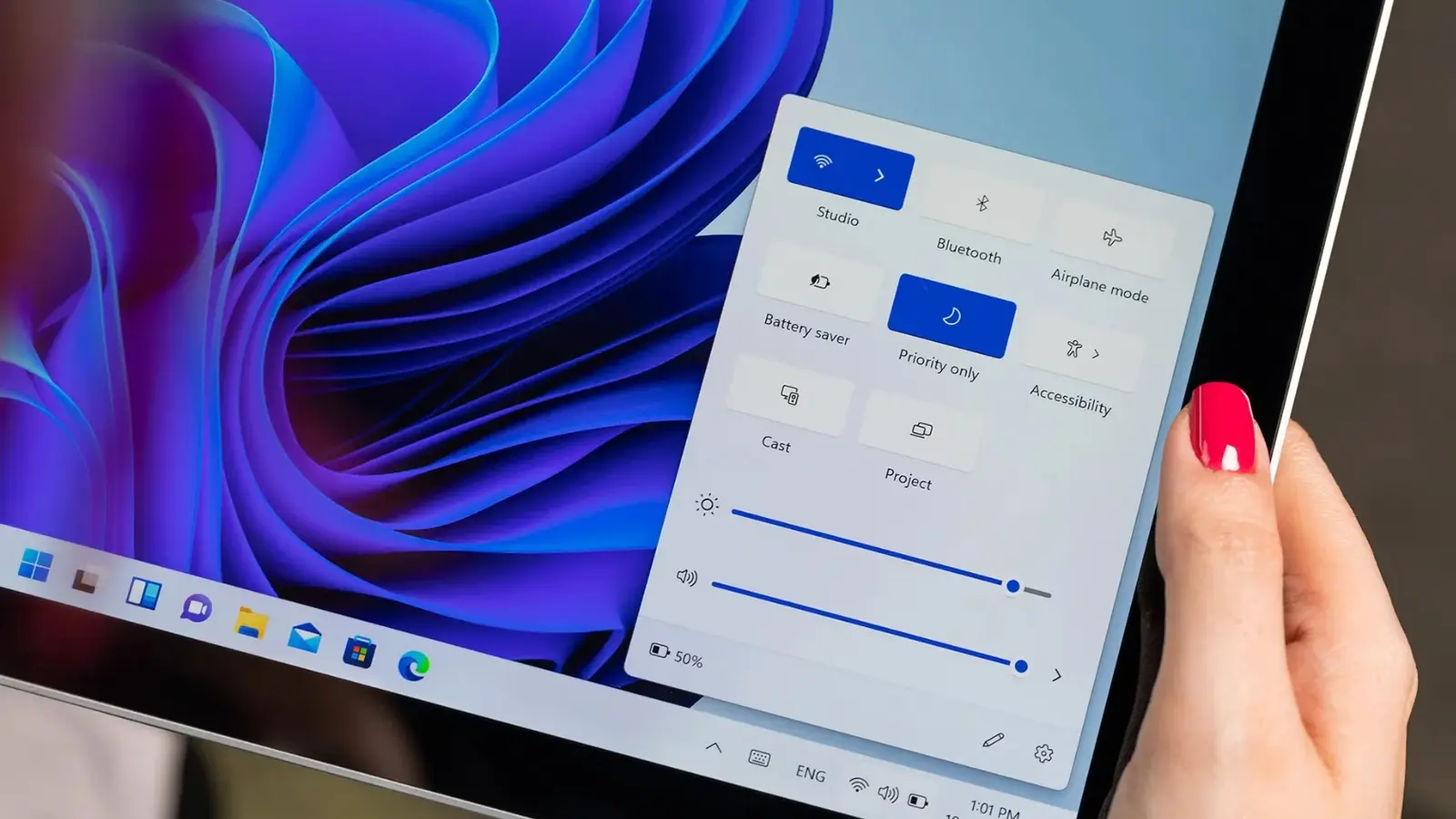
One click. Instant clarity. Microsoft is quietly folding an internet speed test into Windows 11’s taskbar, so you no longer need to hunt for a website or an app to check whether your connection is behaving.
The feature is rolling out to Windows Insider testers in builds 26100.7918 and 26200.7918 (KB5077241). Access is simple: open the quick settings for Wi‑Fi or Cellular, or right‑click the network icon in the system tray and choose Perform speed test. A browser tab opens to run the check and will test Ethernet, Wi‑Fi and Cellular links using the platform Microsoft points users toward.
Curious why the OS would steer you into a browser? It appears the taskbar shortcut routes to the Bing speed test. That keeps the taskbar lightweight—no bundled binary—but gives newcomers and freshly imaged machines a straightforward, one‑click route to a familiar diagnostic.

This isn’t about a flashy new utility; it’s about shaving friction from a routine task so users can diagnose slow connections faster.
Beyond the speed test, this Insider update bundles several quality‑of‑life improvements. Settings now offer camera pan and tilt controls for compatible devices. Emojis received a redesign. You can use WebP images as desktop wallpaper. Microsoft also improved recovery tools for Cloud PC and enterprise environments, and fixed a pesky bug that caused some laptops docked with lids closed to wake unexpectedly.
For now, the features are Insider‑only, but Microsoft says a wider release is expected alongside the February security update. If you’re on the Insider channel and live in the fast lane of testing, you can try the new taskbar shortcut today; if not, expect the change to reach stable systems in the coming weeks. Want to know if your ISP is at fault? This little shortcut just made that first check a lot less annoying.


“I cover emerging technologies, digital innovation, and the intersection of tech and everyday life. My goal is to make complex trends accessible and inspiring.”

Discussion
Leave a Comment
Comments
No comments yet. Be the first.