
Graphics cards are expensive and in high demand — which makes them a prime target for scammers. Before you hand over cash for a “new” GPU, learn the practical checks that separate legitimate hardware from clever counterfeits.
10 clear signs your new GPU might be a fake
1. Packaging and branding look off
Legitimate manufacturers use consistent, sharp packaging. Faded colors, misspellings, blurry logos, or barcodes that won't scan are immediate red flags. A different box than the model you ordered — for example, an older GTX box for a claimed RTX purchase — is a classic scam tactic. Always compare box art and serial numbers with official images or documentation.
2. Old or unexpected connectors
Modern GPUs ship with HDMI and DisplayPort connectors. If you find VGA or DVI on a card sold as brand-new in 2025, something is wrong. Many fake cards are reworked older models with a fresh paint job and stickers. Also check the PCIe connector pins — scuffed or worn gold contacts suggest prior use or tampering.
3. The card’s weight feels wrong
Real GPUs have a noticeable heft from heatsinks and coolers. Fakes sometimes substitute cheap materials to feel lighter, or glue in weights to mimic heft. While weight alone isn’t definitive proof, it’s a useful clue when combined with other signs.
4. Sloppy PCBs, mismatched components, or fake serials
Inspect the printed circuit board if you can. Look for messy soldering, missing chips, odd wiring, or nonstandard components. Genuine cards have clean, uniform manufacturing. Also verify serial numbers on the manufacturer’s warranty page — a missing or unrecognized serial number is a strong warning.
5. Your OS identifies the wrong GPU
If Windows Device Manager or Task Manager reports a much older or different model (for example, a GT 640 instead of an RTX 40-series), take it seriously. Some scammers try to mask hardware with BIOS hacks, so also use tools like GPU-Z to validate the card’s reported cores, memory size, clock speeds, and other specs.
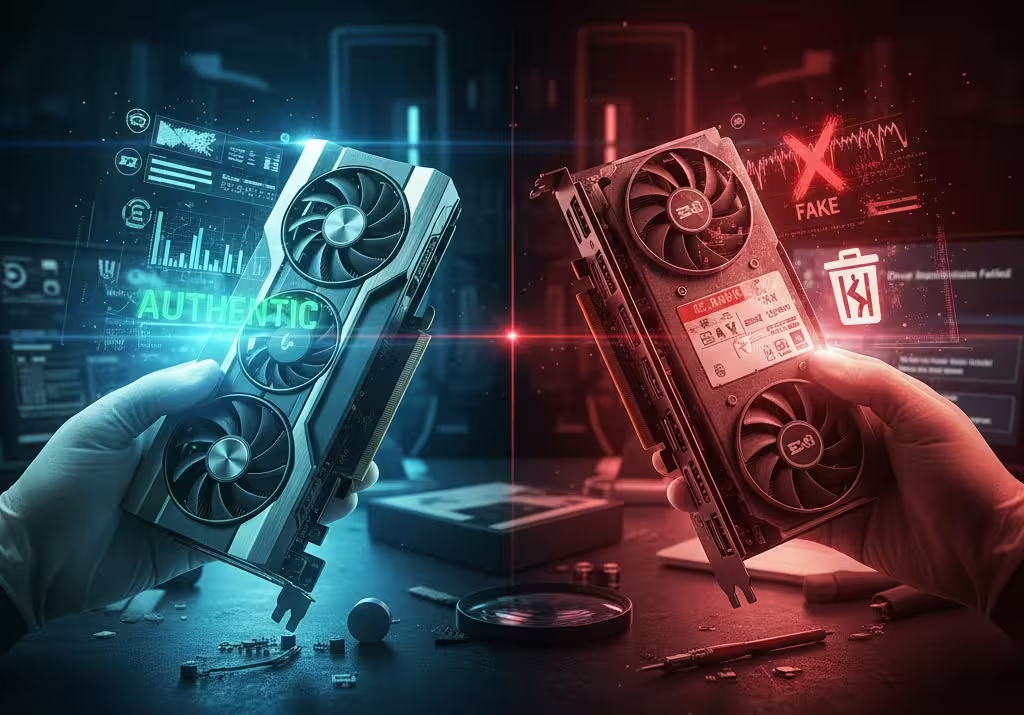
6. Driver installation fails or control panels misbehave
Official drivers from Nvidia, AMD, and Intel should install and run without repeated errors. If drivers crash, refuse to install, or the vendor control panel won’t detect features properly, the hardware may be counterfeit or tampered with.
7. Performance doesn’t match the claimed model
Run benchmarks like 3DMark or Cinebench and compare your scores to reputable online results for the same model. If frame rates and compute scores come in far below expectations, you might have a knockoff. Conversely, suspiciously high scores could also indicate unofficial overclocking or misreporting — dig deeper.
8. Connector quality and finish look poor
Ports and metalwork on authentic GPUs are well-machined and consistent. Cheap or uneven port housings, loose metal tabs, or poor paint jobs are telltale signs. If the card's I/O plate seems ill-fitting or the connectors wiggle, that's a concern.
9. Shoddy cooling and thermal paste work
Open the cooler only if you’re sure it won’t void warranty, and check for proper heatsinks, firm screws, and neat thermal paste. Fake cards sometimes skip proper cooling or reuse old, degraded components to cut costs — which will bite you with thermal throttling and instability.
10. Price is unrealistically low
The quickest red flag is a deal that seems too good to be true. If a current-generation GPU is priced well below market with vague seller details, insist on box, invoice, and serial proof. On marketplaces like eBay, Craigslist, or Facebook Marketplace, get documentation and ask questions — and walk away if the seller resists.
What to do if you suspect a fake
Whenever possible, inspect the card and box before finalizing a purchase. Verify serial numbers on the manufacturer’s site, run hardware ID tools and benchmarks right away, and keep receipts and seller messages. If you discover a counterfeit after purchase, report it to the platform and the card maker, and file a payment dispute if needed.
Buying a GPU is a big investment. A few quick checks — packaging, connectors, OS detection, drivers, and benchmarks — can save you from ending up with a glorified paperweight.

“I cover emerging technologies, digital innovation, and the intersection of tech and everyday life. My goal is to make complex trends accessible and inspiring.”

Discussion
Leave a Comment
Comments (5)
cheap price was red flag, seller's dodgy replis made me walk away, be careful.
i felt the card was too light and ports wobbled, demanded serial check and got refund.
drivers acted weird, gpu-z showed wrong specs, disputing payment now.
packaging told me it was dodgy, seller promised invoice but sent a pic, walked away.
i always check serials and run 3dmark asap, saved me from a fake once.