
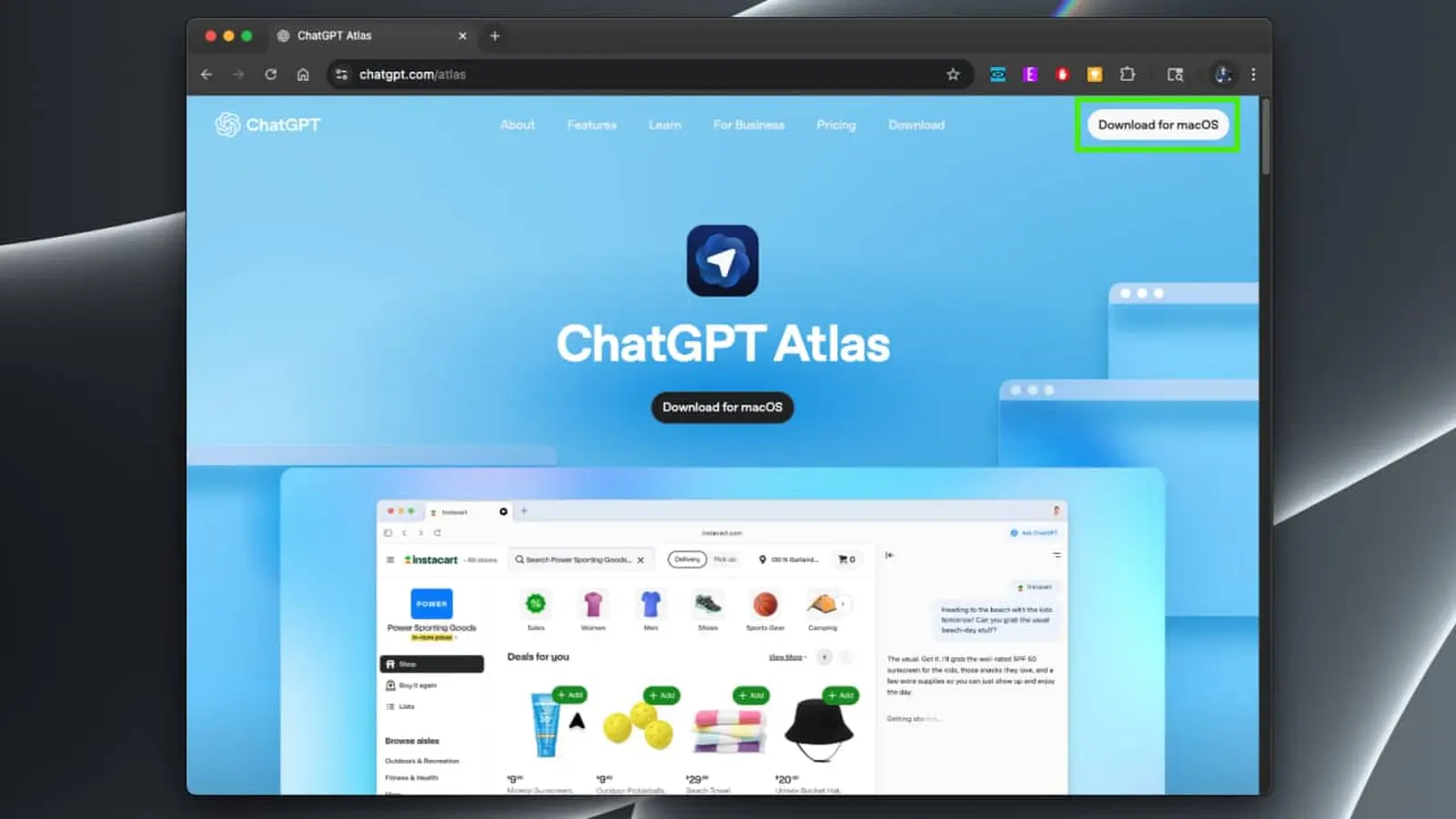
OpenAI has quietly entered the browser race with Atlas, a Chromium-based web browser that puts ChatGPT front and center. Designed to make the web more conversational and task-oriented, Atlas blends a traditional browsing experience with deep ChatGPT integration so you can ask, summarize, and delegate work without switching apps.
ChatGPT inside your browser — what that looks like
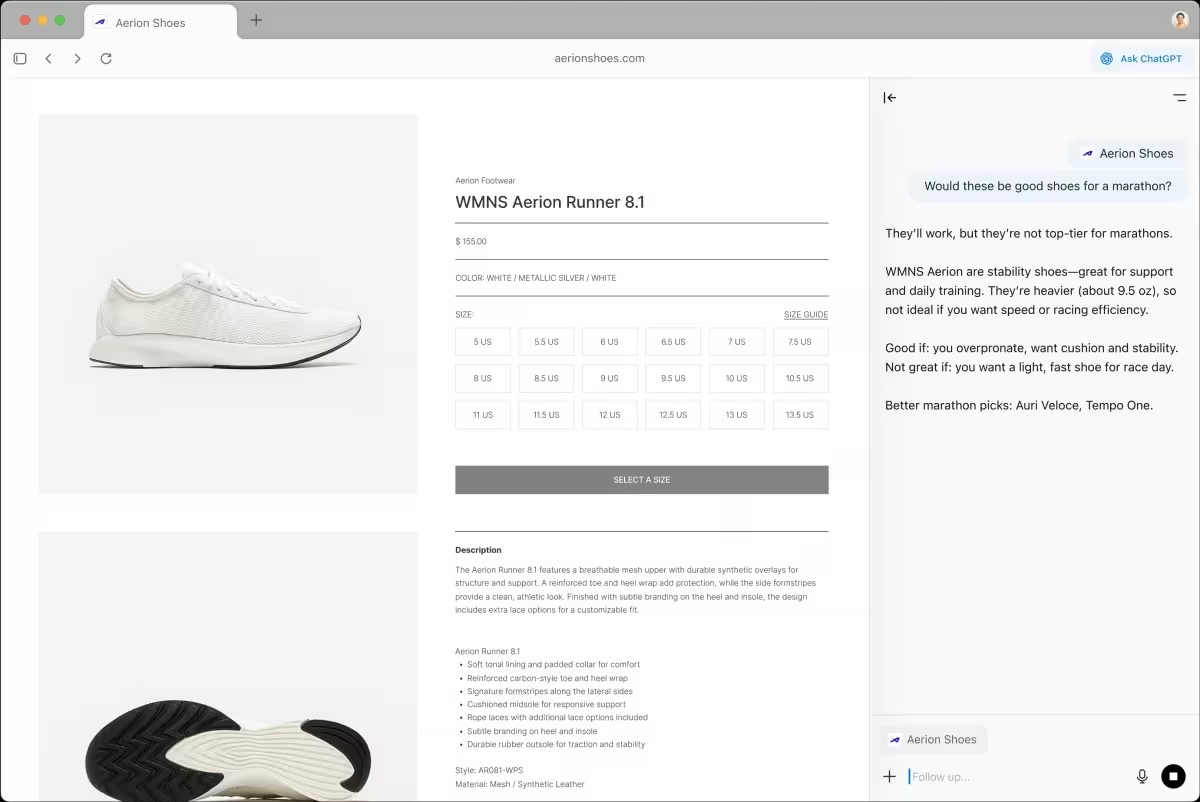
Atlas places ChatGPT directly into the browsing workflow. A sidebar gives instant access to the chatbot, letting you ask context-aware questions about the page you're on, request concise summaries, or have the AI perform searches on your behalf. Imagine researching an article and asking the browser to extract key points, find sources, or fill out follow-up queries — all without copying links between tabs.
Built on Chromium, starting with macOS
Under the hood, Atlas uses Chromium, so it will feel familiar to users of Chrome or other Chromium-based browsers. For now, Atlas is macOS-exclusive, but OpenAI has confirmed plans to roll out versions for Windows, iOS, and Android. The browser supports syncing data from other browsers to make migration easier.
Search, memory and task automation
Atlas expands on ChatGPT Search by actively surfing the web and performing searches for you. It offers:
- Context-specific answers and summaries based on the current page.
- A memory feature that recalls previous ChatGPT conversations, tab groups, and even files you had open so you can pick up where you left off.
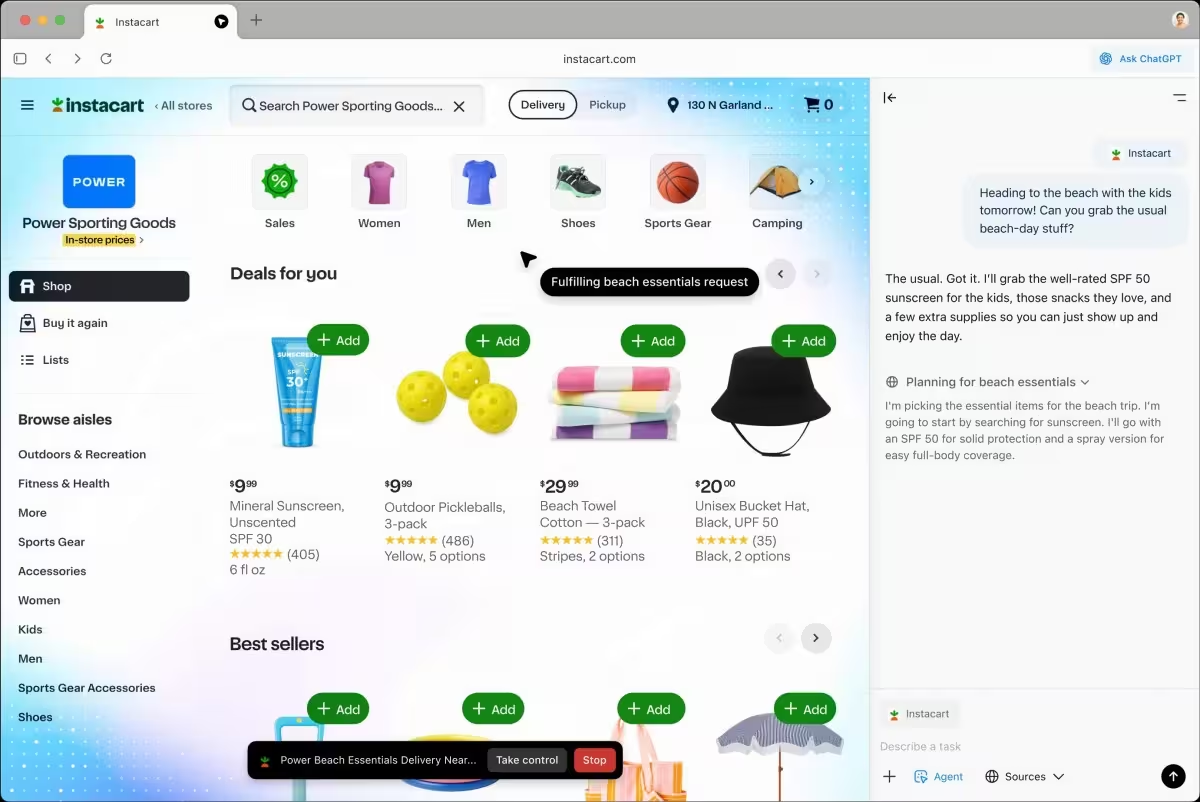
- Agent functionality that can complete multi-step tasks automatically — ideal for research, scheduling, or repetitive workflows.
Agent mode is currently gated behind paid tiers (ChatGPT Plus, Pro, and Business), while core chat and search features are available more broadly.
Design choices and safety limits
OpenAI has implemented deliberate safeguards in Atlas. The browser cannot download files, run extensions or arbitrary code, or connect to other apps on your computer. Those limits reduce the risk surface for malware or automatic data exfiltration, but they also mean some traditional browser workflows won’t be available inside Atlas.
What this means for everyday users
If you spend a lot of time researching, drafting, or juggling tabs, Atlas promises to streamline those tasks with conversational AI built into the UI. But power users who rely on extensions, local integrations, or custom scripts may find the restrictions limiting — at least in this first release.
Why it matters
Atlas signals OpenAI’s ambition to shape how people interact with the web. By embedding a capable assistant directly into browsing, OpenAI is betting many tasks can be made faster and more intuitive through natural language. Whether Atlas becomes a mainstream browser depends on cross-platform rollout, feature parity with existing browsers, and how users respond to the trade-offs between convenience and extension-based flexibility.
For now, macOS users can try a Chromium browser reimagined around ChatGPT, while the rest of the world watches for Windows and mobile launches.

“I love exploring gadgets, apps, and trends that redefine how we connect, work, and play in a digital world.”

Discussion
Leave a Comment