
5 Minutes
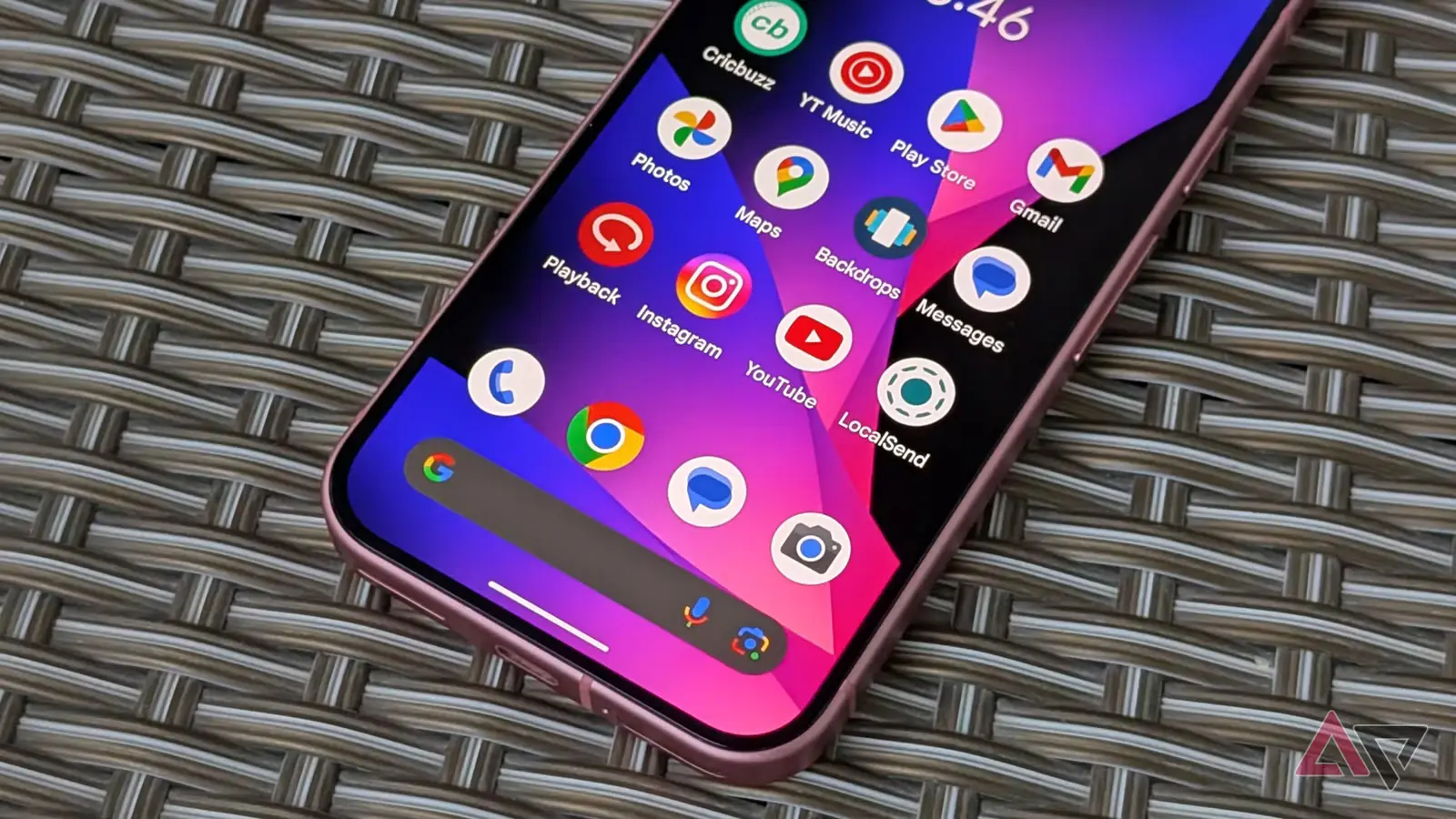
Open an Android phone today, squint at a folder full of Google apps, and the problem shows up instantly. Too many tiny shapes. Too many familiar colors. Too many icons that feel like cousins wearing the same jacket.
Google appears ready to fix that.
As part of the broader visual shift introduced with Material 3 Expressive in Android 16 QPR1, the company is preparing a sizeable redesign of its Google Workspace icons. According to a report from 9to5Google, updated icons are on the way for Meet, Calendar, Docs, Sheets, Slides, Chat and other Workspace services. The publication says it obtained the new designs from sources familiar with the refresh, and the early look suggests this is not a light polish job.
It is a reset.
The end of the Google icon blur
For years, Google’s app icons have carried the same visual DNA: red, yellow, green and blue, usually arranged in tidy geometric forms. That consistency helped reinforce the Google brand, but it also created a practical headache. Gmail, Meet, Calendar, Drive, Docs and Sheets could feel oddly interchangeable at a glance, especially when squeezed into a launcher grid, notification tray or tablet taskbar.
The new Workspace icons seem designed to break that sameness without abandoning Google’s identity entirely. They lean into gradients, glow effects and softer dimensional details, a visual language Google already uses in newer icons for Gemini, Maps and Google Photos. More importantly, the icons no longer appear trapped inside the same rigid color formula.
That matters. Recognition is not just about looking pretty. It is about speed. When someone is jumping between a video call, a spreadsheet and a shared document during a busy workday, the icon should do its job before the label does.
The leaked designs give each app a stronger silhouette, with different shapes, proportions and color priorities. Google Meet, in particular, looks almost reborn. Instead of leaning on the familiar camera mark in the usual Google palette, the new version reportedly shifts yellow into the lead role, making it stand out far more clearly from the rest of the Workspace family. Google Chat gets a similar rethink, moving toward green as its dominant color.
Sheets and Slides may get one of the most sensible changes of the bunch: a horizontal orientation. It sounds small, but it fits the way people mentally picture spreadsheets and presentations. A spreadsheet is wide. A slide is wide. The icon finally looks like the thing it represents.
Gmail, meanwhile, appears to be staying close to its current look. Good. Some icons do not need a reinvention. The Gmail envelope is one of the most recognizable symbols in Google’s entire productivity suite, and changing it too aggressively would risk solving a problem that does not exist.
The timing also makes sense. Android is no longer just a phone operating system. Foldables, tablets, desktop-style modes and large-screen productivity setups have pushed Google to think harder about how interface elements scale. An icon that works on a 6-inch phone screen may not feel as sharp on an 11-inch tablet or a foldable display with multiple apps open side by side.
Material 3 Expressive is Google’s answer to that broader challenge. It brings more personality, more motion and more visual hierarchy into Android, moving the system away from the flatter, more restrained look that defined earlier Material Design eras. Workspace icons that feel brighter, more dimensional and easier to distinguish are a natural extension of that philosophy.
There is also a business angle hiding in plain sight. Google Workspace is no longer just a collection of office tools. It is a daily command center for remote work, hybrid teams, classrooms, startups and large enterprises. As Google continues weaving AI features into Gmail, Docs, Meet and Calendar, the product family needs to feel modern, coherent and instantly usable. Icons are a small piece of that puzzle, but they are the piece users see dozens of times a day.
Google has not officially confirmed when the redesigned Workspace icons will roll out. Still, with Google I/O 2026 only weeks away, the company has an obvious stage if it wants to present the refresh alongside Android 16 updates, Material 3 Expressive changes and its latest productivity features.
If the leaked icons are accurate, Google is finally admitting that brand consistency should never come at the cost of usability.
And honestly, it is about time. The best app icons do not make you stop and think. They pull your eye exactly where it needs to go.
Source: androidpolice


Comments
Reza
is this even true? leaks look nicer but Google will probably mess spacing or overglow, hope not tho.
datapulse
Wow didnt expect such a big change. The icons finally feel like different apps, not a color soup. Curious if it actually speeds things up..

Leave a Comment