
4 Minutes
The most annoying part of using AI on a computer is not the AI itself. It is the constant detour. You stop mid-task, jump into a chatbot, explain what is on your screen, copy the answer, then return to the work you were doing. Google DeepMind now wants to cut out that friction with a simple idea that feels surprisingly radical: make the cursor intelligent.
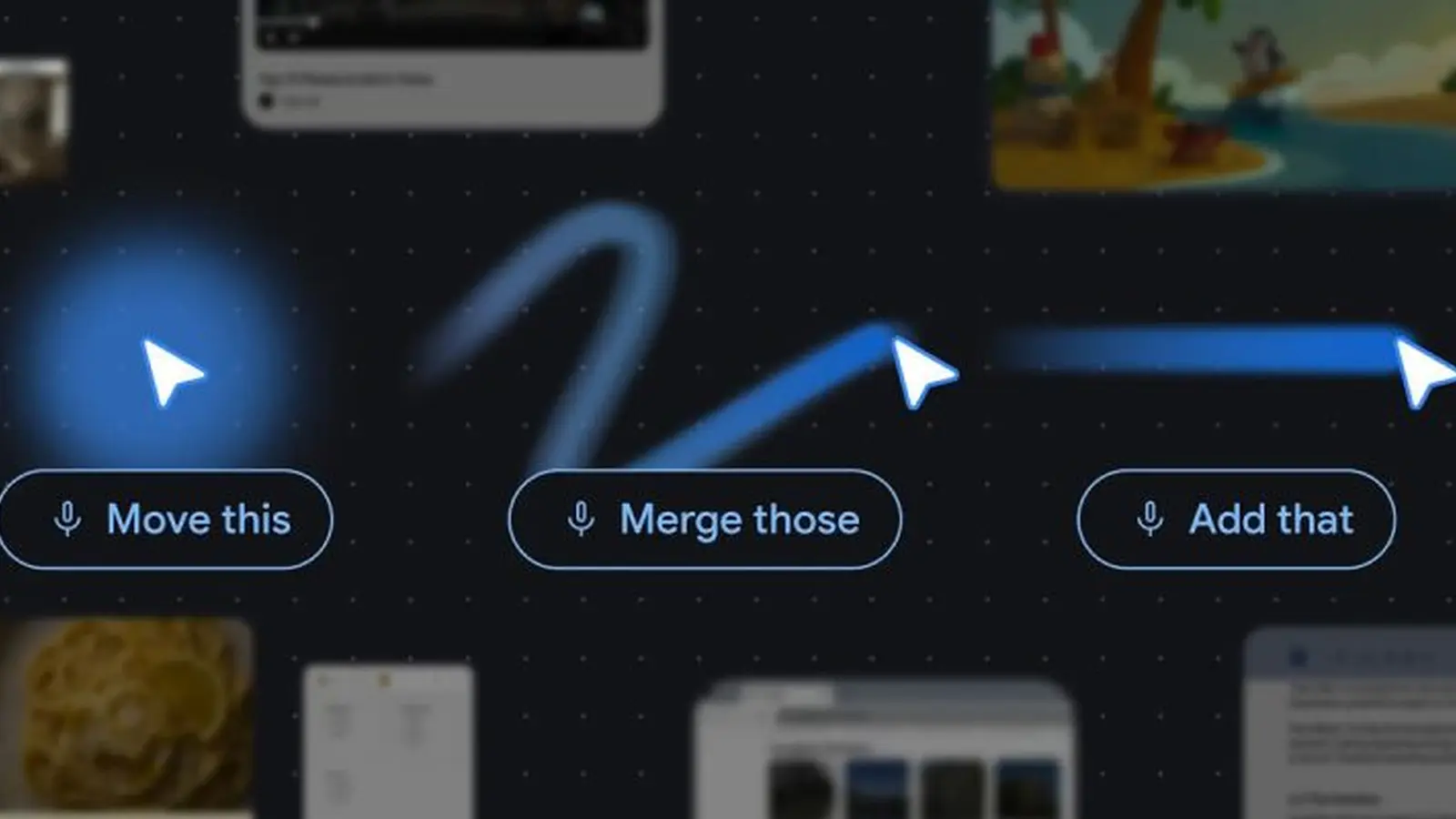
In a new set of demos and research previews, DeepMind shows how a Gemini-powered pointer could understand both where you are aiming and what sits underneath it. That changes the interaction completely. Instead of writing a long prompt, you point at something and ask for the result you want. The system reads the surrounding visual and semantic context on its own.
That shift may sound small. It is not. It turns the mouse pointer from a passive navigation tool into an active layer of AI assistance, one that lives exactly where your attention already is.
Imagine hovering over a data table and asking for a pie chart. Or pointing at a recipe and saying, “double these ingredients.” A PDF could be turned into neat bullet points ready for an email. Pause a travel video on a restaurant shot and the system could pull up a booking link. In each case, the promise is the same: less explaining, less switching between apps, less manual cleanup.
DeepMind describes this as a move toward “natural shorthand.” That phrase matters. For years, AI tools have demanded that users become skilled prompt writers. This approach flips the burden. The computer does more of the interpretive work, and the user simply gestures and asks.
The cursor stops being just a cursor
This is not sitting entirely in the lab. Google already has two live experiments in AI Studio, focused on image editing and map search, offering an early glimpse of how this interaction model could work in the real world. The broader plan reaches further.
Google says the technology is on its way to Chrome, where users will be able to highlight or point at content on a webpage and ask Gemini about it without typing a full explanation into a separate window. That is a natural extension of the AI features Google has already been threading into its browser. Auto Browse, for example, can already let Gemini handle multi-step tasks on the web.
There is also an operating system angle. A version called Magic Pointer is set to arrive on Googlebook, the company’s newly announced Gemini-focused laptop line. If that rollout happens as presented, the concept will move beyond browser tabs and into the wider desktop experience.
That is where this starts to look bigger than a neat demo. Side panels and chatbot boxes still ask users to leave the flow of what they are doing. An AI pointer does the opposite. It keeps assistance embedded in the exact spot where the question appears.
The computer mouse has barely changed in any meaningful way for more than half a century. It still clicks, drags, selects, and points much as it always has. DeepMind’s idea is compelling because it does not try to replace that familiar behavior. It layers understanding on top of it.
Whether this becomes a standard feature across modern computing will depend on execution. Context-aware AI sounds powerful, but it also raises familiar questions about accuracy, privacy, and how much users will trust a system that is constantly interpreting what is on screen. Even so, the direction is hard to ignore. If chatbots were the first big interface for generative AI, the pointer may be the next one that actually feels native to the computer itself.


Comments
DaNix
Feels like a neat UI trick but is it robust? accuracy slips, wrong context, gestures misread... if that happens it's worse than a chatbot. still curious tho
atomwave
wait what, this could actually save sooo much time. Hover, ask, done? if it reads my tabs tho… privacy alarm. hopeful but wary, Google needs to nail permissions

Leave a Comment