
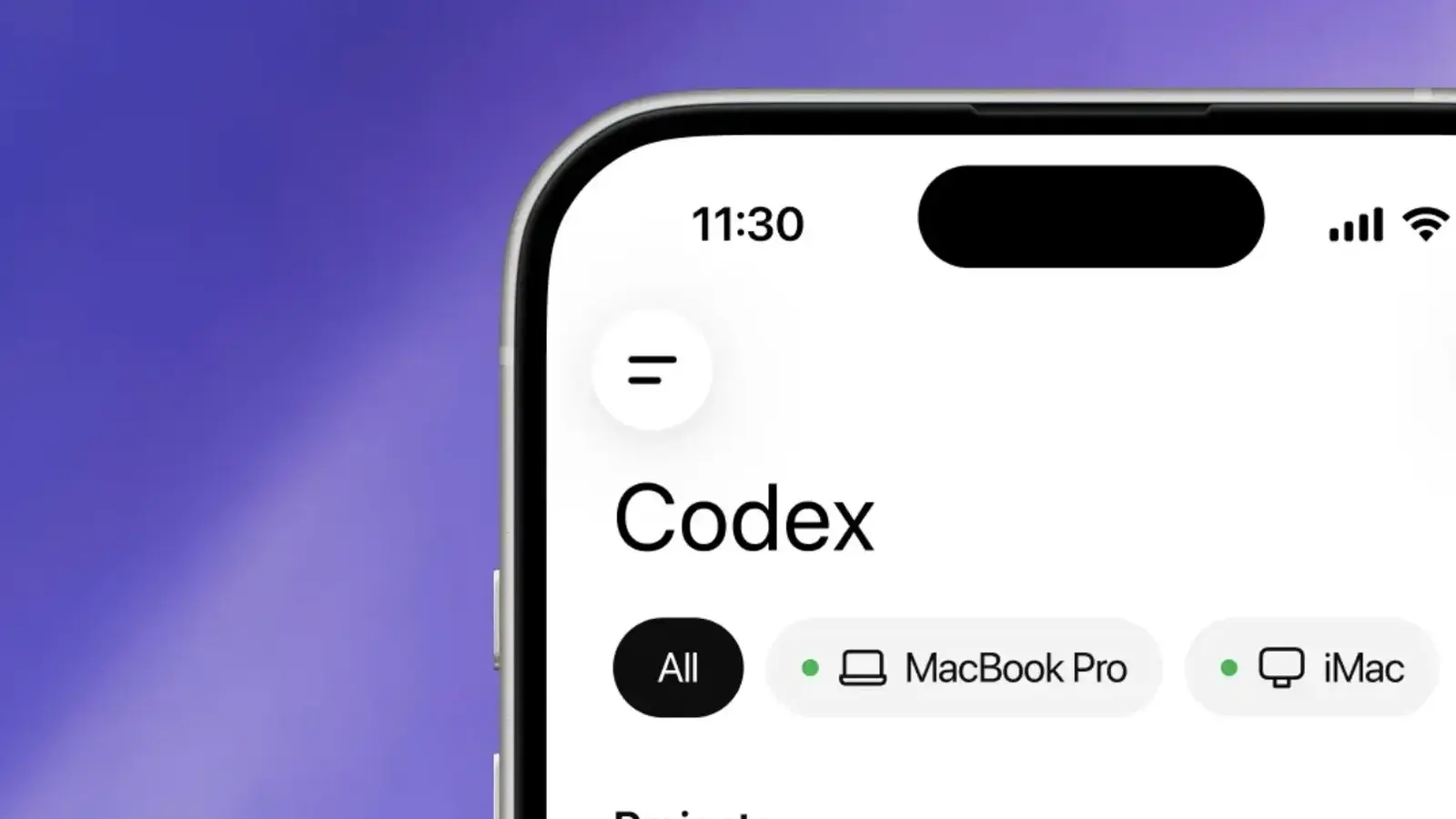
For developers who live half their day away from a desk, this is the kind of update that actually changes habits. OpenAI has started rolling out Codex inside the ChatGPT mobile app on both iPhone and Android, giving users a way to keep coding tasks moving even when their laptop is shut or sitting across the room.
The idea is simple, but the impact is bigger than it sounds. Codex has already climbed past 4 million weekly users, and OpenAI clearly wants to turn it from a desktop-bound coding assistant into something that travels with the developer. With the new mobile experience, users can connect their phone to a machine where Codex is already running, whether that is a laptop, a Mac mini, or a managed remote development environment.
Once connected, the ChatGPT app pulls in the live state of that setup. That means active threads, project context, approvals, plugins, and the current progress of a task are all visible from the phone. This is not just a passive dashboard either. Developers can review outputs, approve commands, switch models, launch new work, and keep an eye on execution as it happens.
In practical terms, it means someone could leave Codex working through a coding job at their desk, step out for coffee, and still check test results, inspect diffs, read terminal output, or approve the next step from their mobile device. If needed, Codex can also send screenshots and approval requests back to the app, making the whole flow feel less like remote access and more like continuous collaboration.
The real work still happens elsewhere
That detail matters. Codex is not running locally on the phone itself. The heavy lifting remains inside the existing machine or remote environment, so access to files, credentials, permissions, and local configurations stays exactly where it already lives. OpenAI says it built a secure relay layer to connect the mobile experience with the Codex desktop app without exposing that desktop environment directly to the public internet.
That security model will likely matter just as much as convenience, especially for teams working with sensitive codebases or tightly controlled infrastructure. OpenAI is also widening Codex support for enterprise users, and the mobile rollout lands alongside several upgrades aimed squarely at professional development workflows.
Remote SSH is now generally available, which means Codex can connect to managed remote machines that already include approved dependencies, security policies, credentials, and compute resources. The Codex desktop app can detect hosts from a user's SSH configuration and run projects directly inside those remote systems.
OpenAI has also introduced programmatic access tokens for CI pipelines, release workflows, and internal automation. On top of that, Hooks are now generally available, giving teams a way to scan prompts for secrets, run validators, log conversations, create memory layers, or tailor Codex behavior for specific repositories and directories. For engineering teams trying to fit AI coding tools into existing workflows without chaos, those controls could end up being the real headline.
There are a few limits, at least for now. Codex in the ChatGPT mobile app is arriving in preview on iOS and Android across all plans, including Free and Go, in supported regions. But mobile support currently connects only to the Codex desktop app running on macOS. Windows support is on the way, though OpenAI has not pinned down a launch date yet.
Remote SSH and Hooks are available across all ChatGPT plans, while programmatic access tokens are reserved for Business and Enterprise tiers. OpenAI also says HIPAA-compliant use is available for eligible ChatGPT Enterprise workspaces when Codex runs in local environments.
Put it all together, and OpenAI is pushing Codex beyond the role of a clever coding assistant. It is trying to make it part of the everyday development stack, available on the desk, in the cloud, and now in a pocket. For developers, that could mean fewer stalled tasks, faster approvals, and one less reason to sprint back to a laptop.

“I cover emerging technologies, digital innovation, and the intersection of tech and everyday life. My goal is to make complex trends accessible and inspiring.”

Discussion
Leave a Comment