
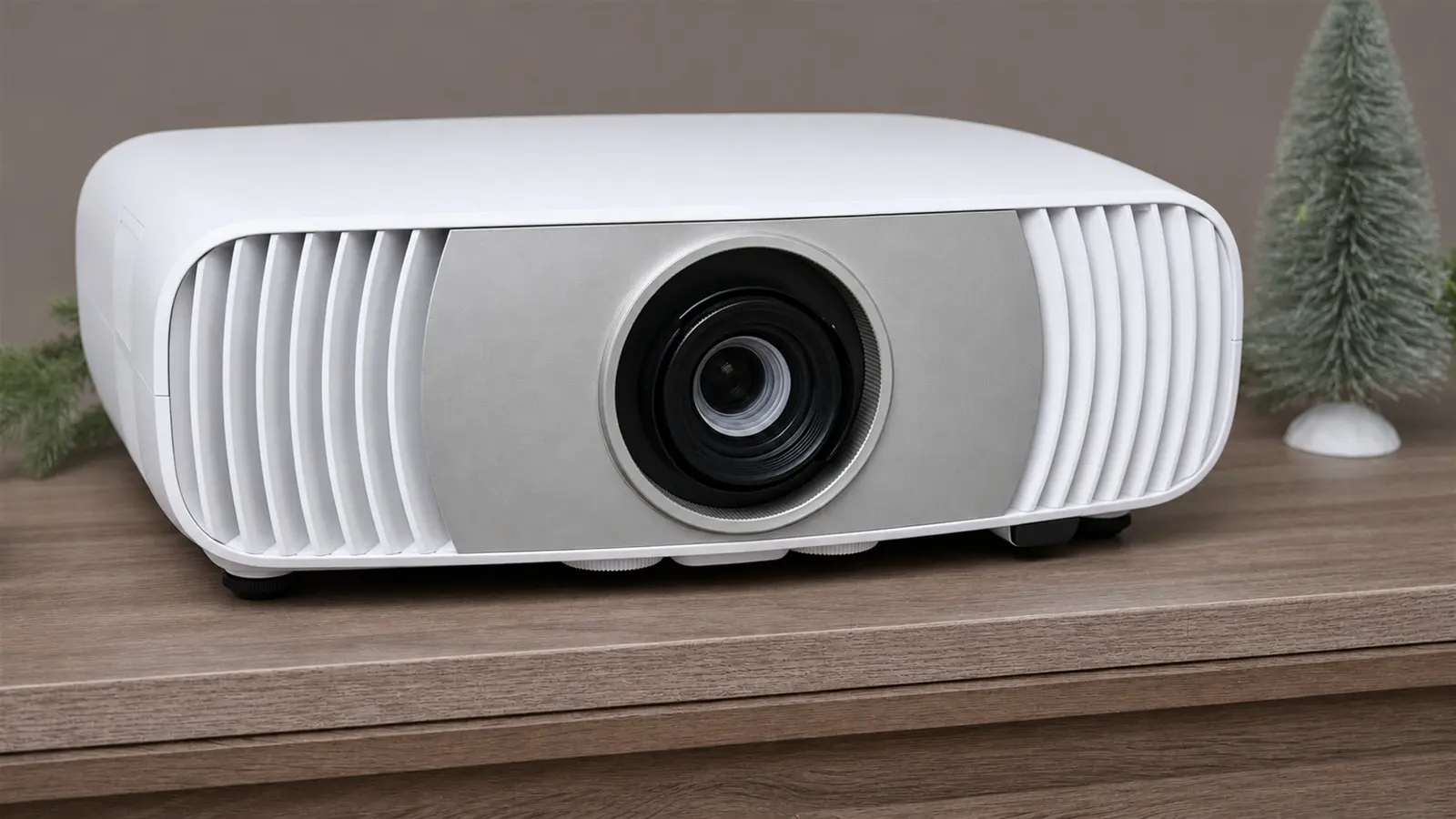
Stepping into the world of home projectors after years of living with modern displays and smart TVs is an exciting—and occasionally frustrating—experience. Over the past two or three years, this market has been turned upside down. Newer challengers like Hisense and XGIMI have worked hard to transform the projector from a heavy, complicated office box into a sleek, smart, ready-to-use lifestyle gadget. Against that backdrop, Epson—one of the oldest and most respected names in projection—unveiled a fresh lineup of 4K laser projectors in Europe in September 2026. Priced under €2,000, the EH-LS6000 is designed to bridge the gap between entry-level models and high-end home cinema gear. The good news for European buyers is that retail street prices have already settled well below MSRP in many stores, hovering around €1,700 or even less. In the United States, the exact same hardware is sold under the name Home Cinema LS6000 for $2,199.99.
I have had this projector set up in my home for the past few days, testing it far away from light-controlled labs and expensive projection screens. Instead, I put it through its paces in a normal apartment living room—dealing with the realities of physical setup and hooking up a laptop for 4K movies, watching daytime football with ambient light, settling in for late-night movie sessions, and testing its gaming credentials. Living with the EH-LS6000 reveals a machine full of striking contradictions: the moment its image hits the wall, it takes your breath away, yet the second you look at its chassis, pick up the remote, or bump into its missing modern conveniences, you get the distinct feeling that Epson’s engineers in 2026 are still designing with a decade-old mindset.
Epson EH-LS6000 Key Specifications (European Version)
| Feature | Specification |
| Display Technology | 3LCD with three 0.62-inch panels and laser phosphor light source |
| On-Screen Resolution | 4K (3840 × 2160) via Pixel Shifting technology |
| Rated Brightness | 3,400 lumens white and color brightness (1,700 lumens in Eco mode) |
| Rated Dynamic Contrast | Over 3,000,000:1 in European specs (800,000:1 in US specs) |
| HDR Support | HDR10 and HLG |
| Lens & Optics | 1.62x manual optical zoom, 1.32–2.15 throw ratio, manual lens shift up to ±59% vertical and ±21% horizontal |
| Screen Size | 40 to 500 inches (rated up to 300 inches in the US) |
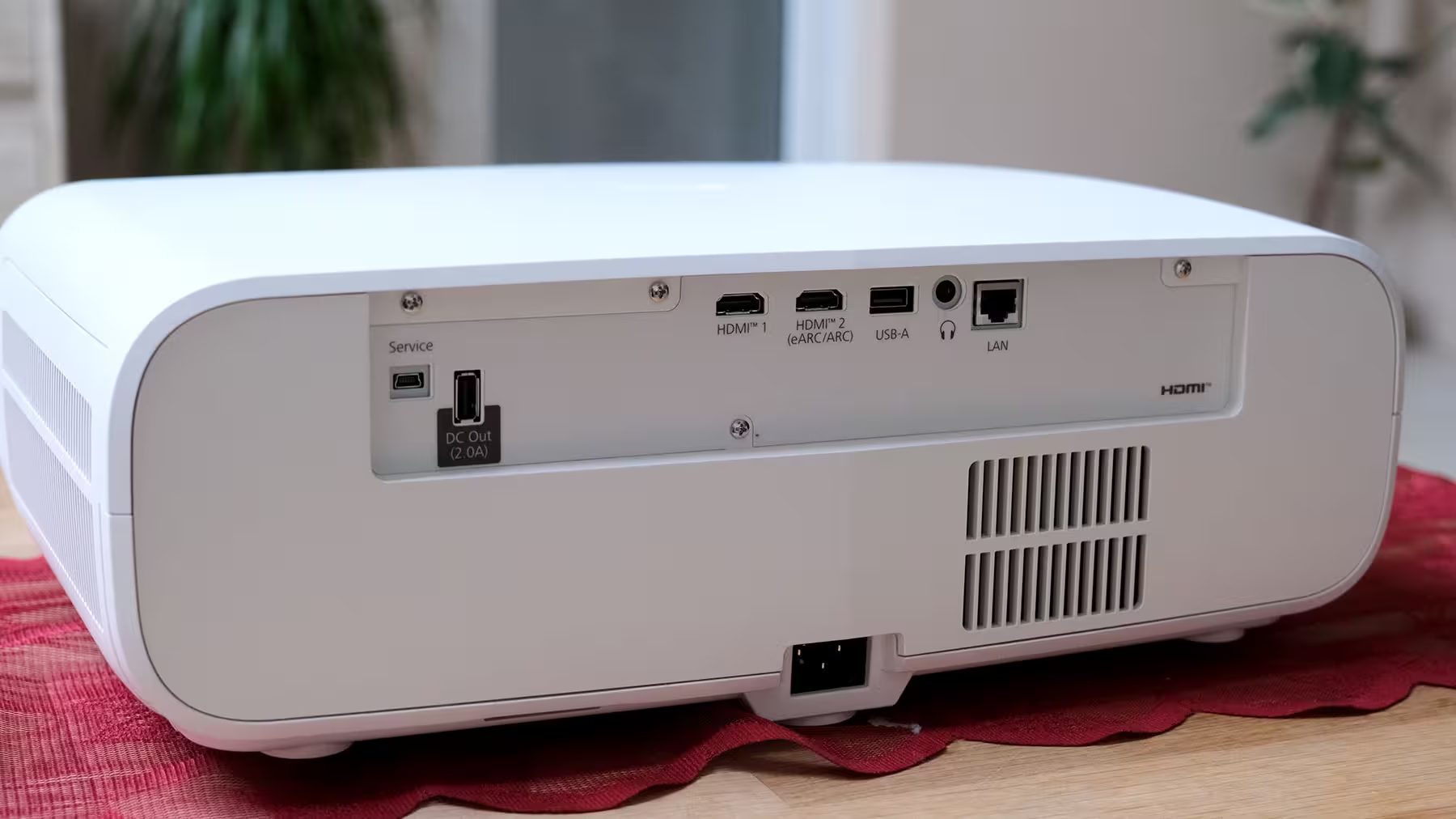
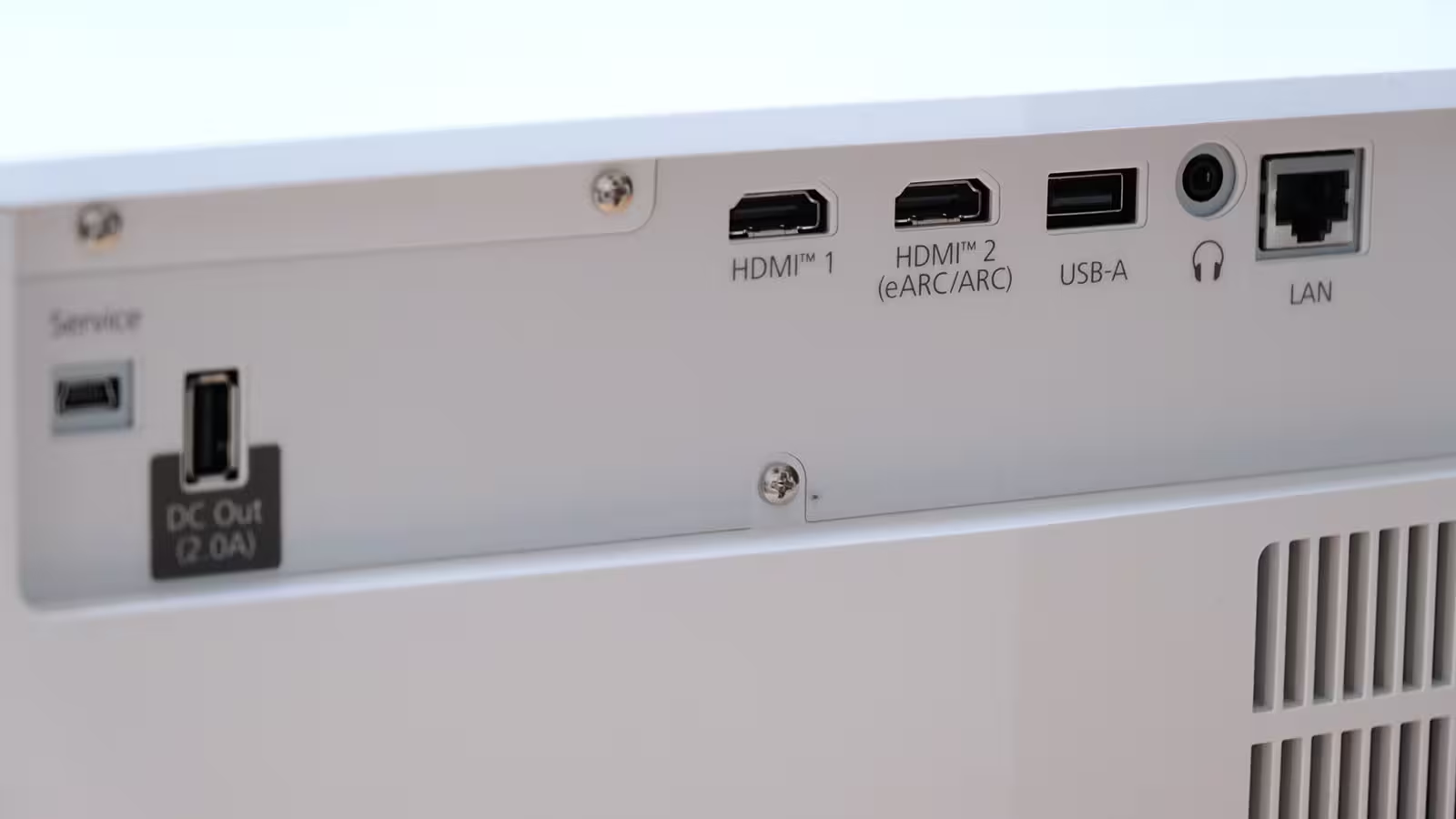
| Connectivity | 2× HDMI supporting 4K/120Hz (one with eARC), 2× USB-A, Ethernet, Wi-Fi 6E, Bluetooth 6.0, 3.5mm audio out |
| Input Lag | Under 20 ms at 4K/60Hz with ALLM (per Epson) |
| Image Processor | MediaTek MT9681 with AISR and AIPQ |
| Light Source Life | 20,000 hours |
| Fan Noise | 25 dB (Normal) / 22 dB (Eco) |
| Power Consumption | 195 W (Normal) |
| Dimensions & Weight | 44 × 31.5 × 16 cm (17.3 × 12.4 × 6.3 in), 8 kg (17.6 lbs) |
Design, Build Quality, and a Remote Stuck in the Past
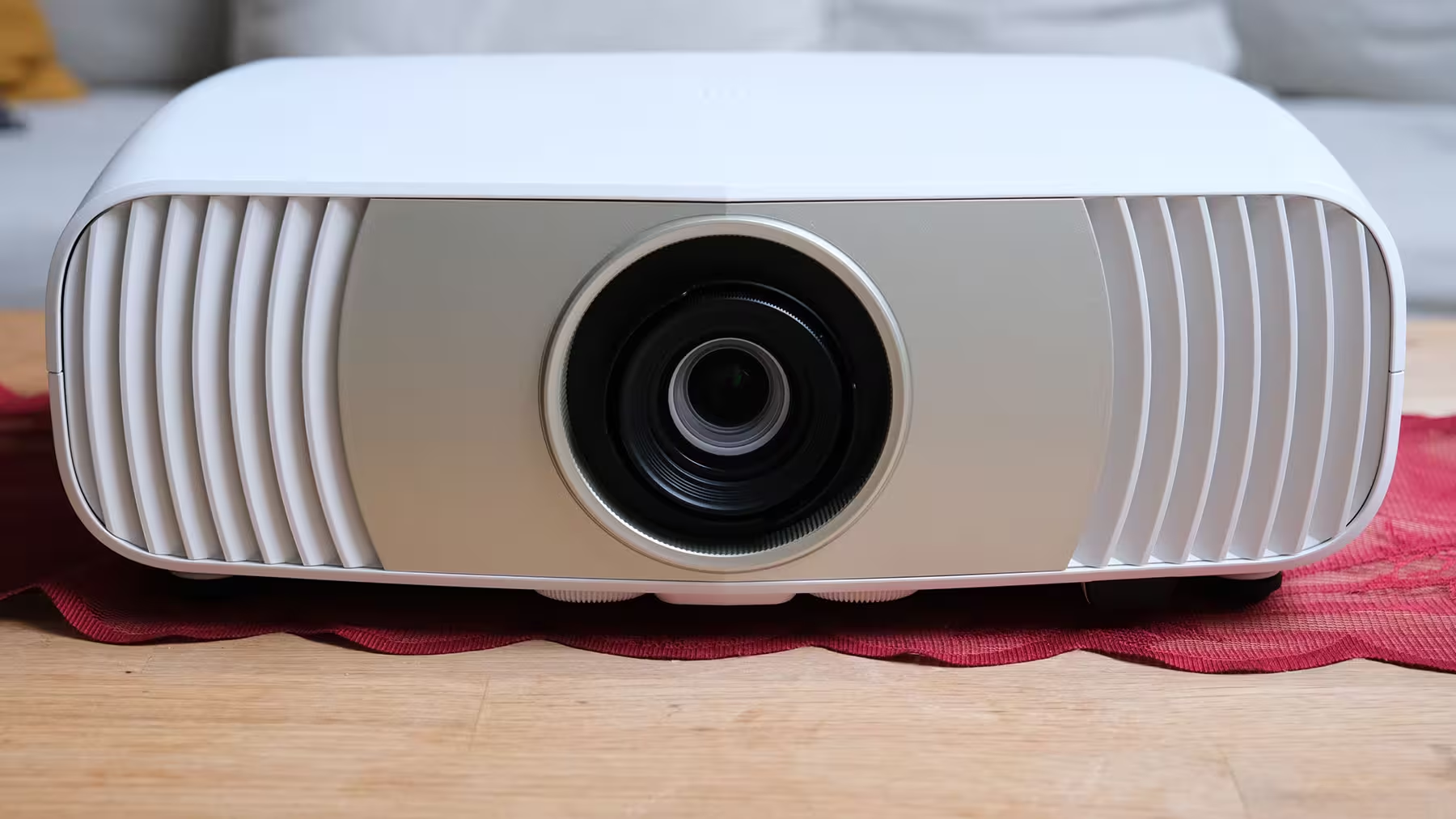
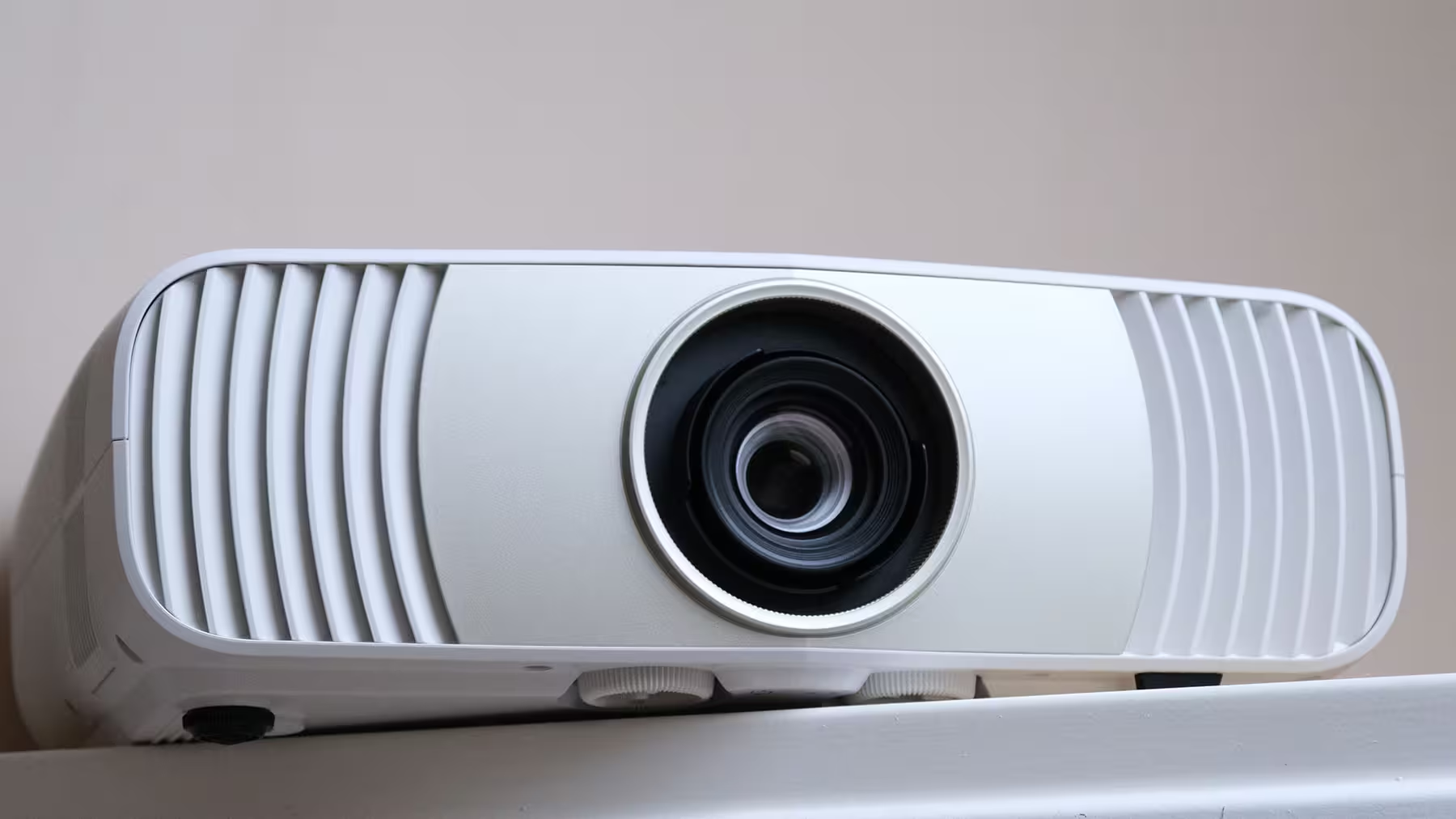
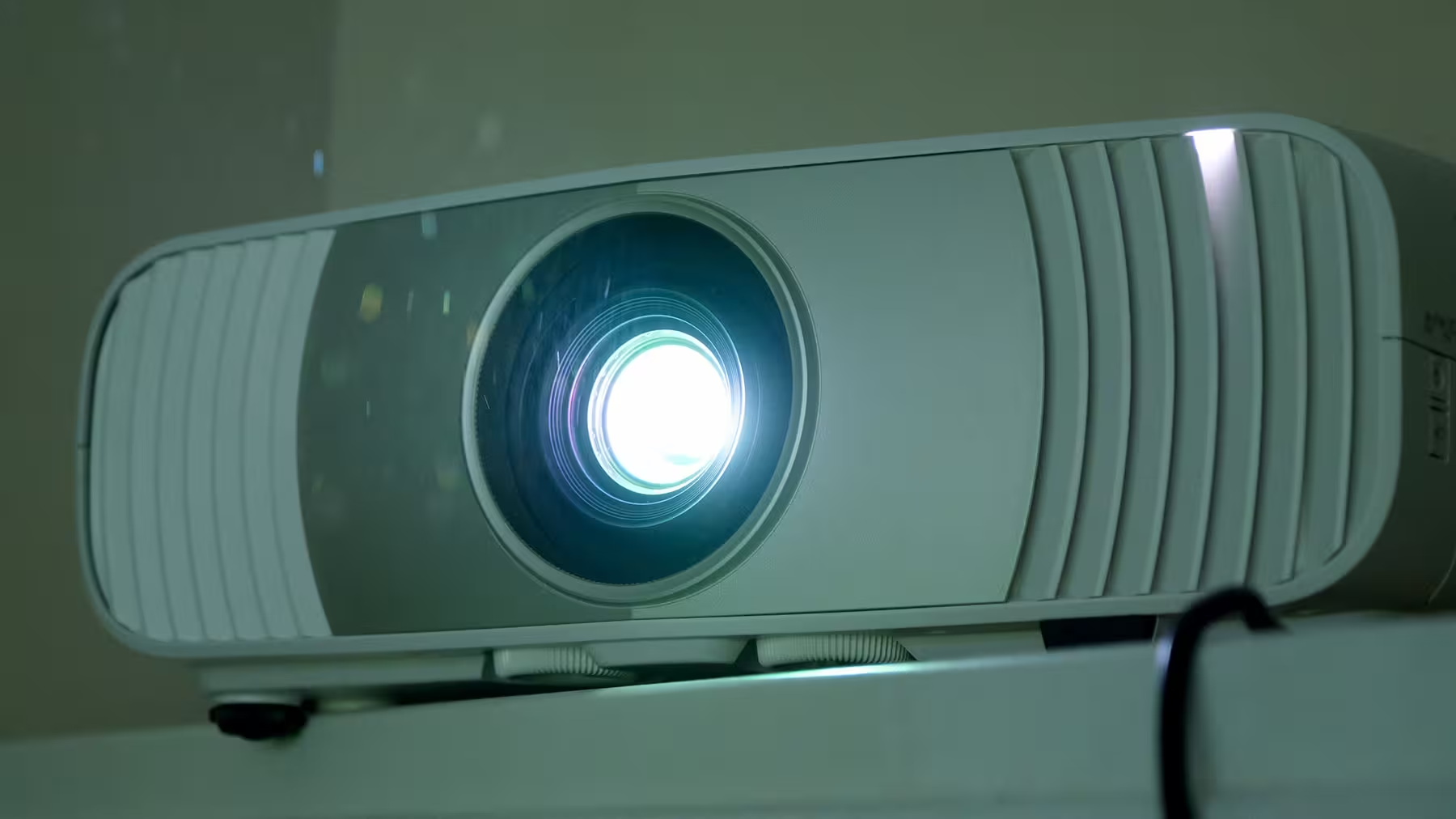
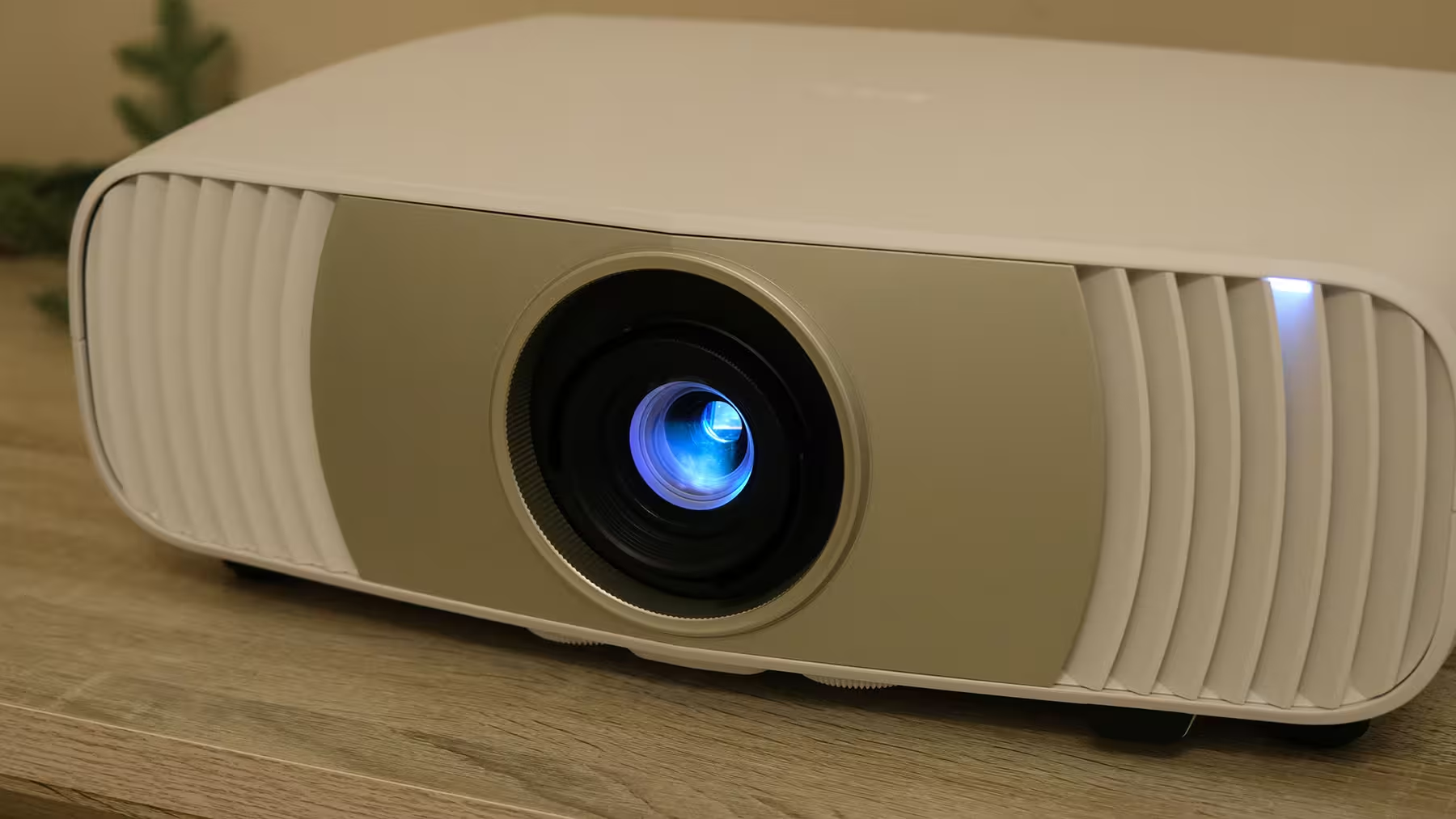
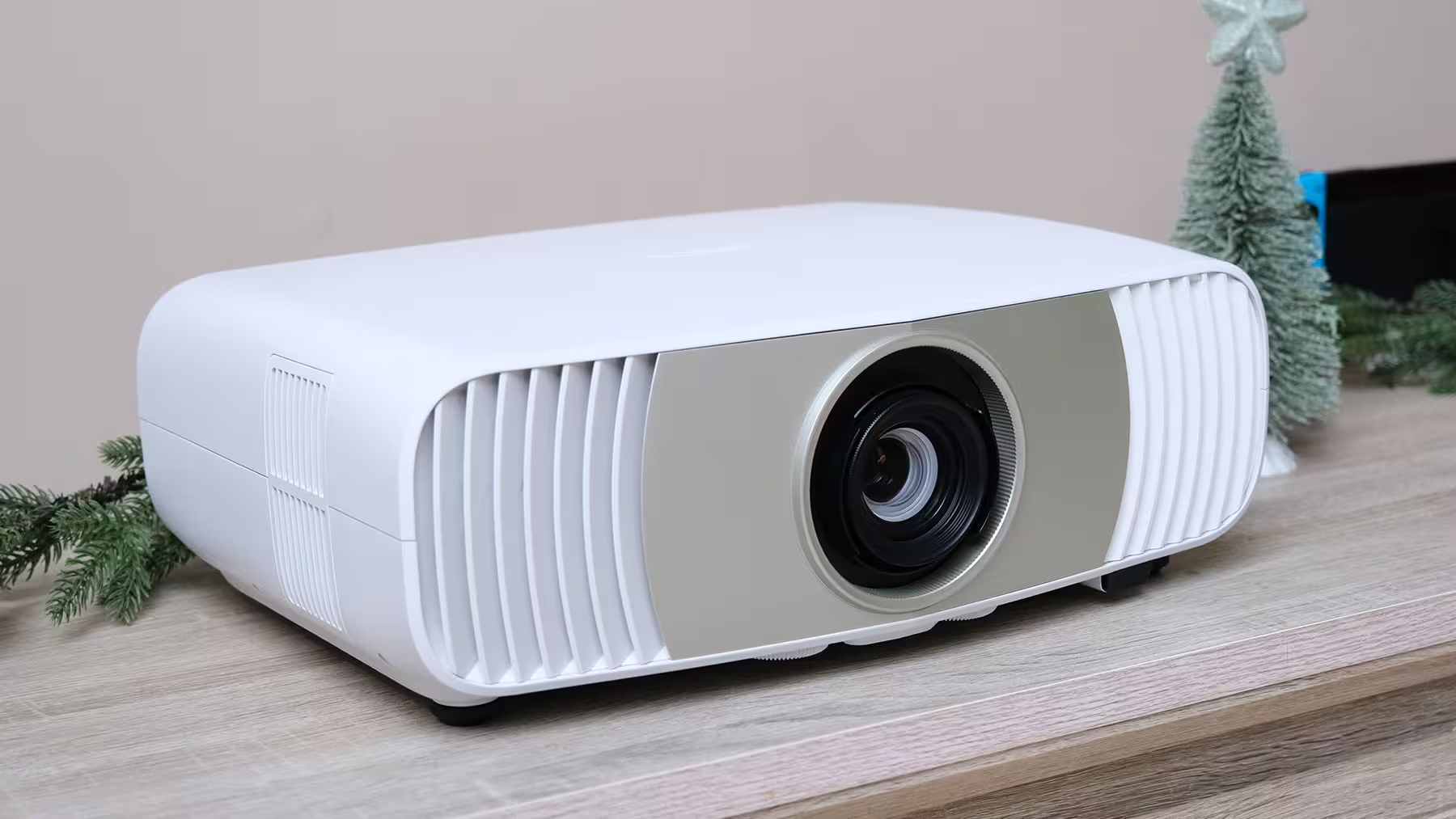
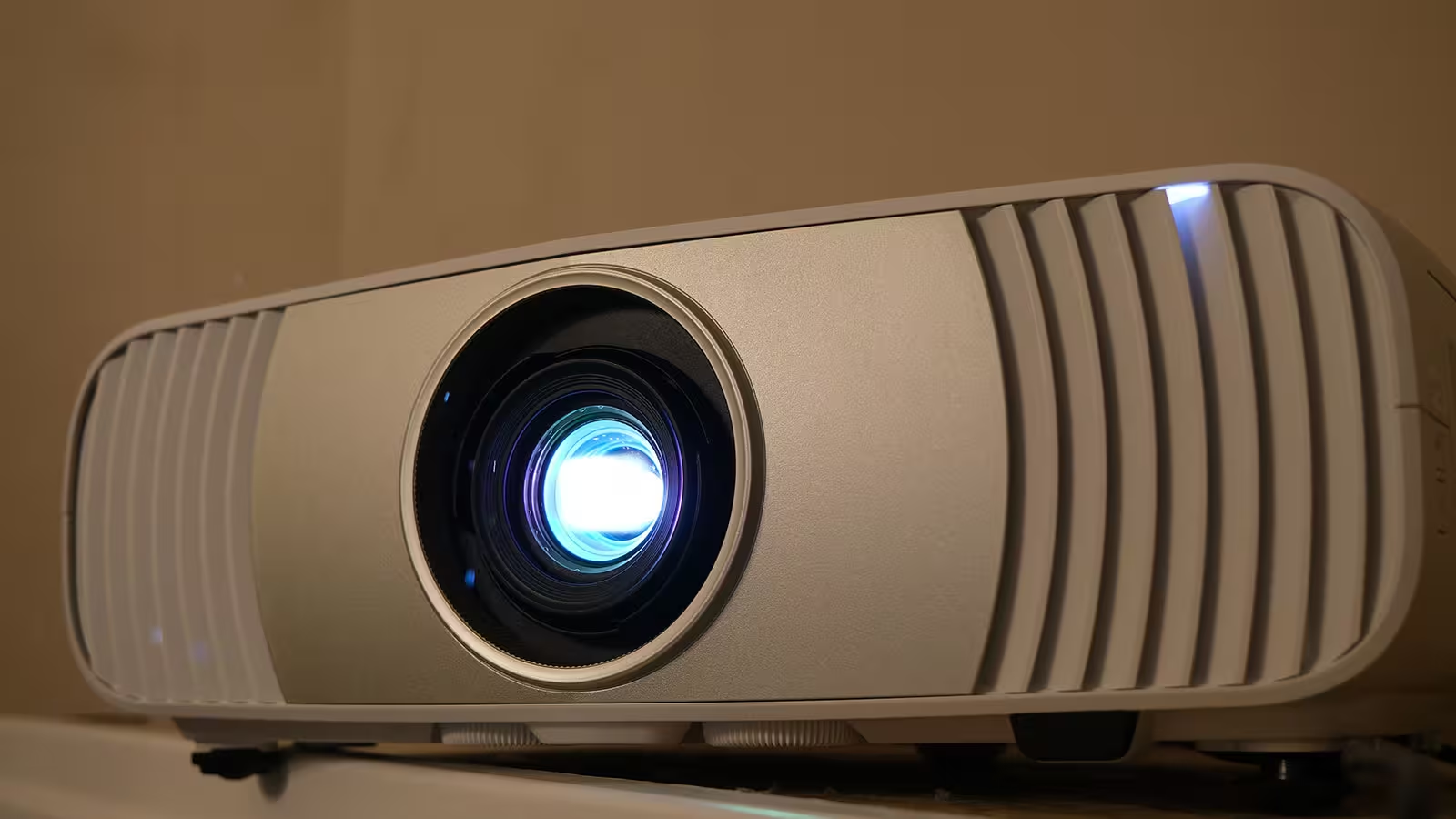
Pull the Epson EH-LS6000 out of the box and the first things that strike you are its sheer footprint and deeply conservative styling: a 44-centimeter-wide box tipping the scales at 8 kilograms. If you have glanced at recent projectors from rivals like Hisense—especially the C1 and C2 series—at trade shows or retail stores, you know where the industry’s design language has gone. Competitors are embracing compact, minimalist enclosures and modern gimbal stands that blend into your living room decor even when switched off. Epson, however, sticks stubbornly to its own path, giving the LS6000 an unremarkable, utilitarian look that resembles the classic projector boxes of several years ago.
 | 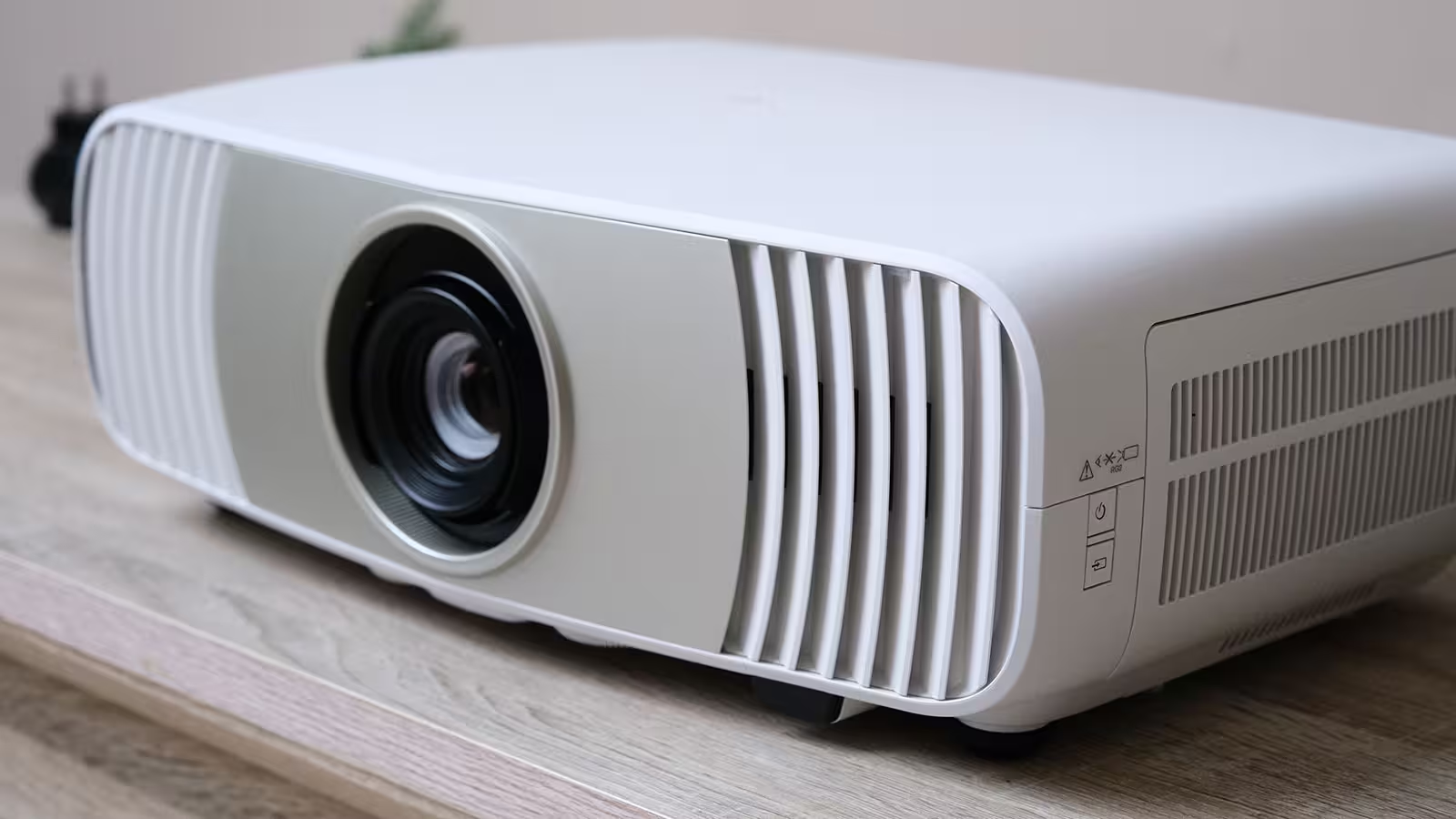 |
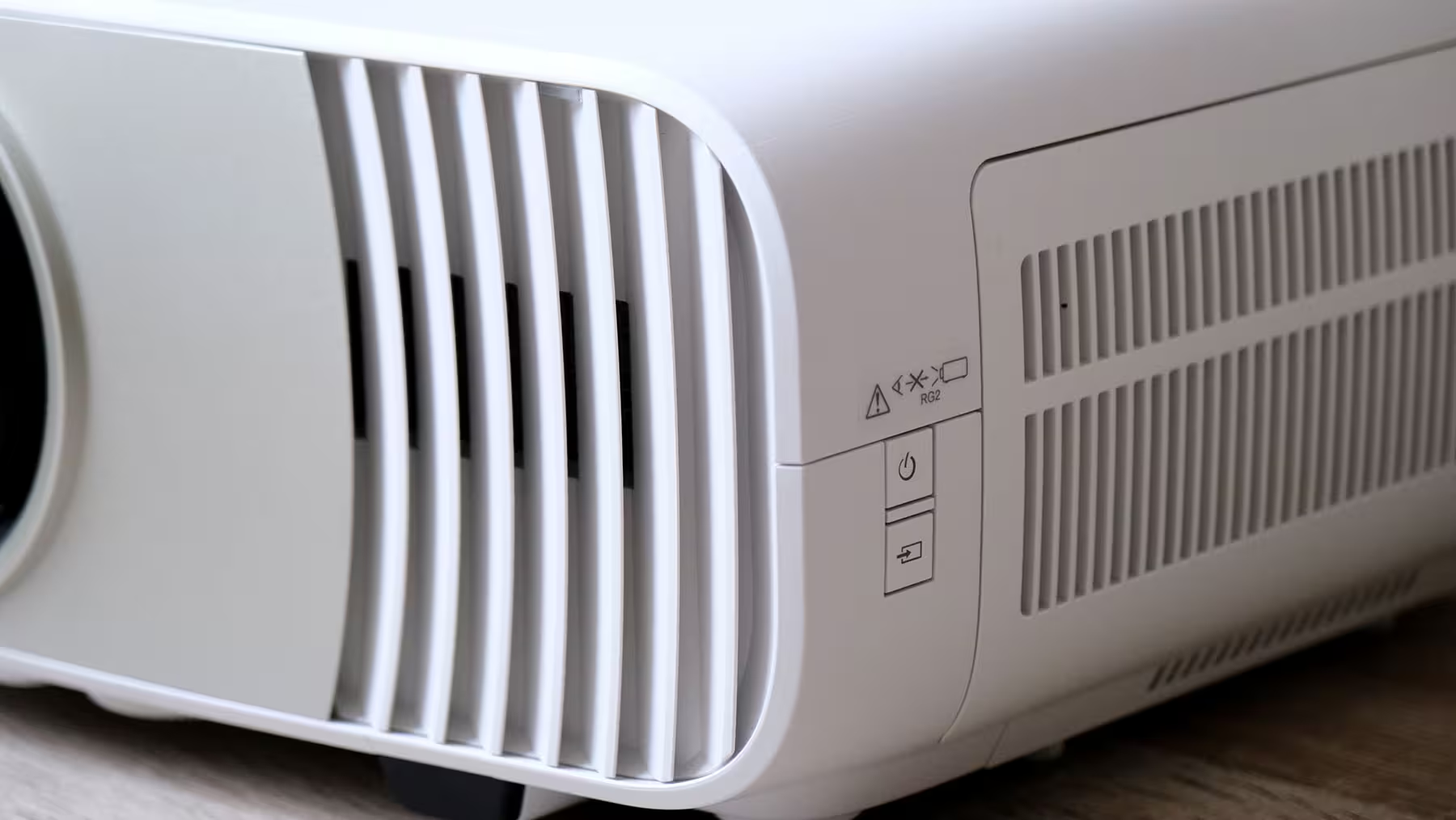
Still, it is hard to fault the solid build quality, and the chassis does include one genuinely smart engineering touch: front-facing air exhaust. That seemingly minor detail makes a big difference in day-to-day placement. Unlike projectors that blast hot air out the back, you do not need to leave half a meter of breathing room behind the unit, meaning you can comfortably tuck it close to a back wall or place it inside an open shelf.
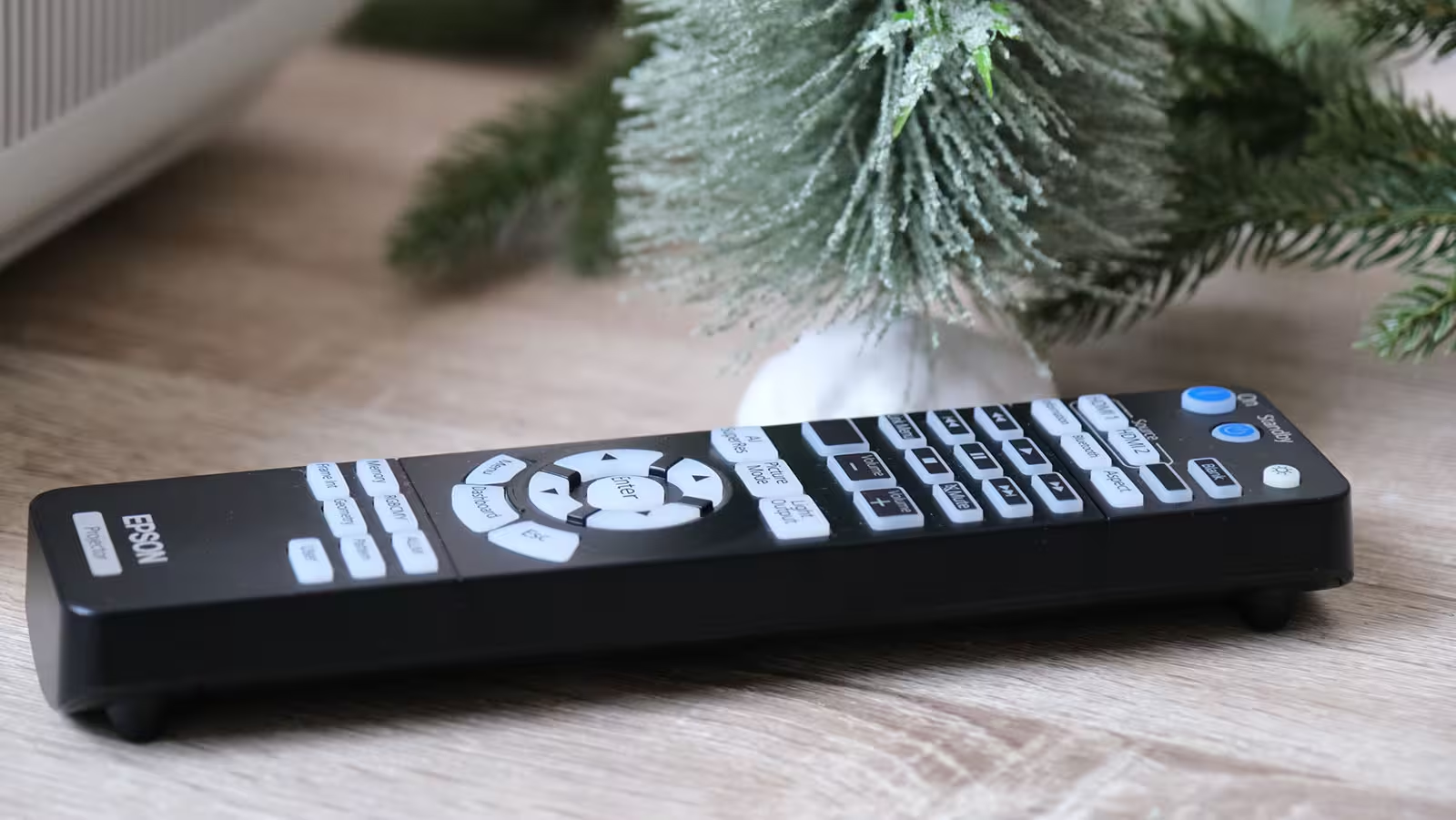
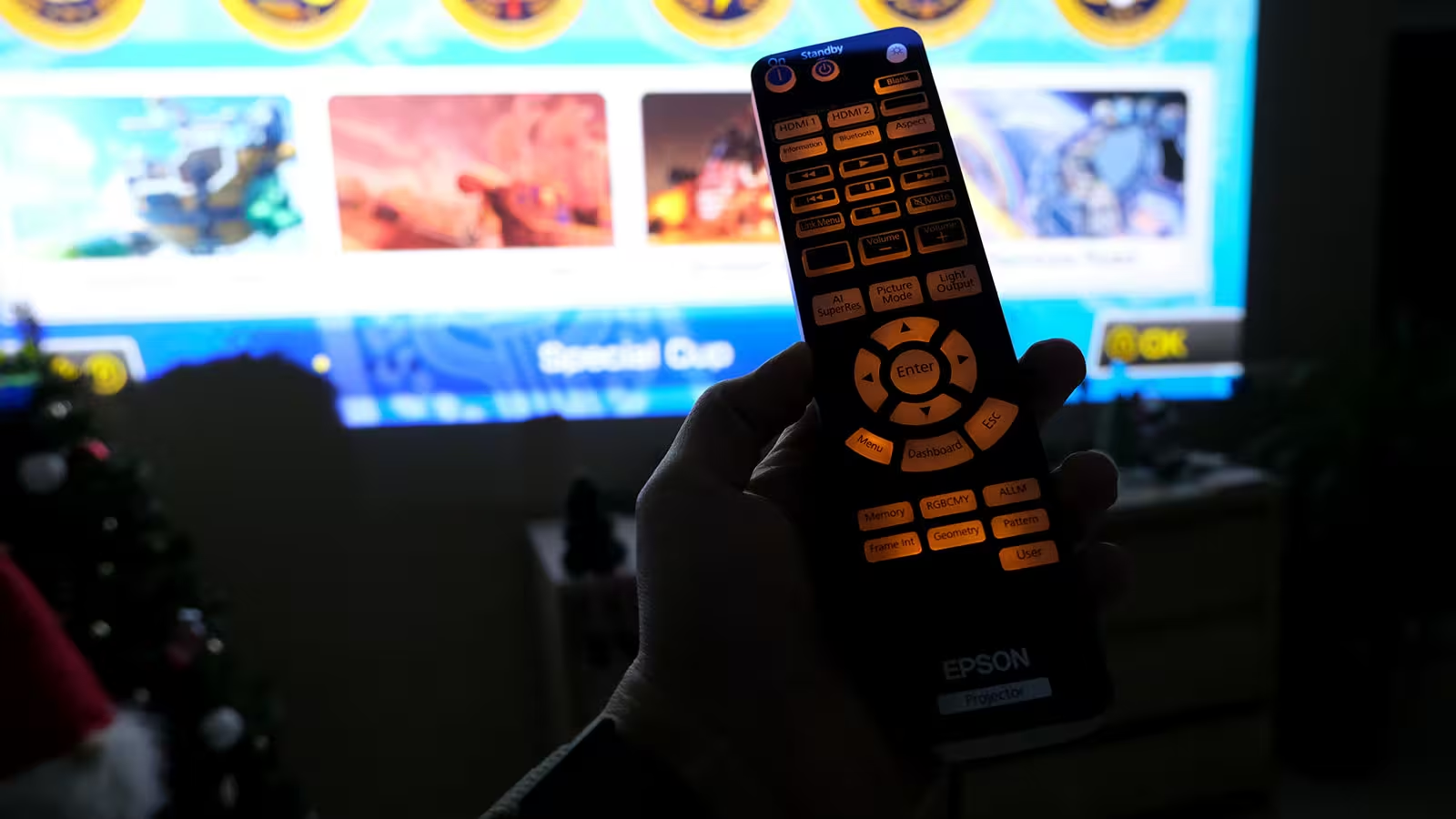
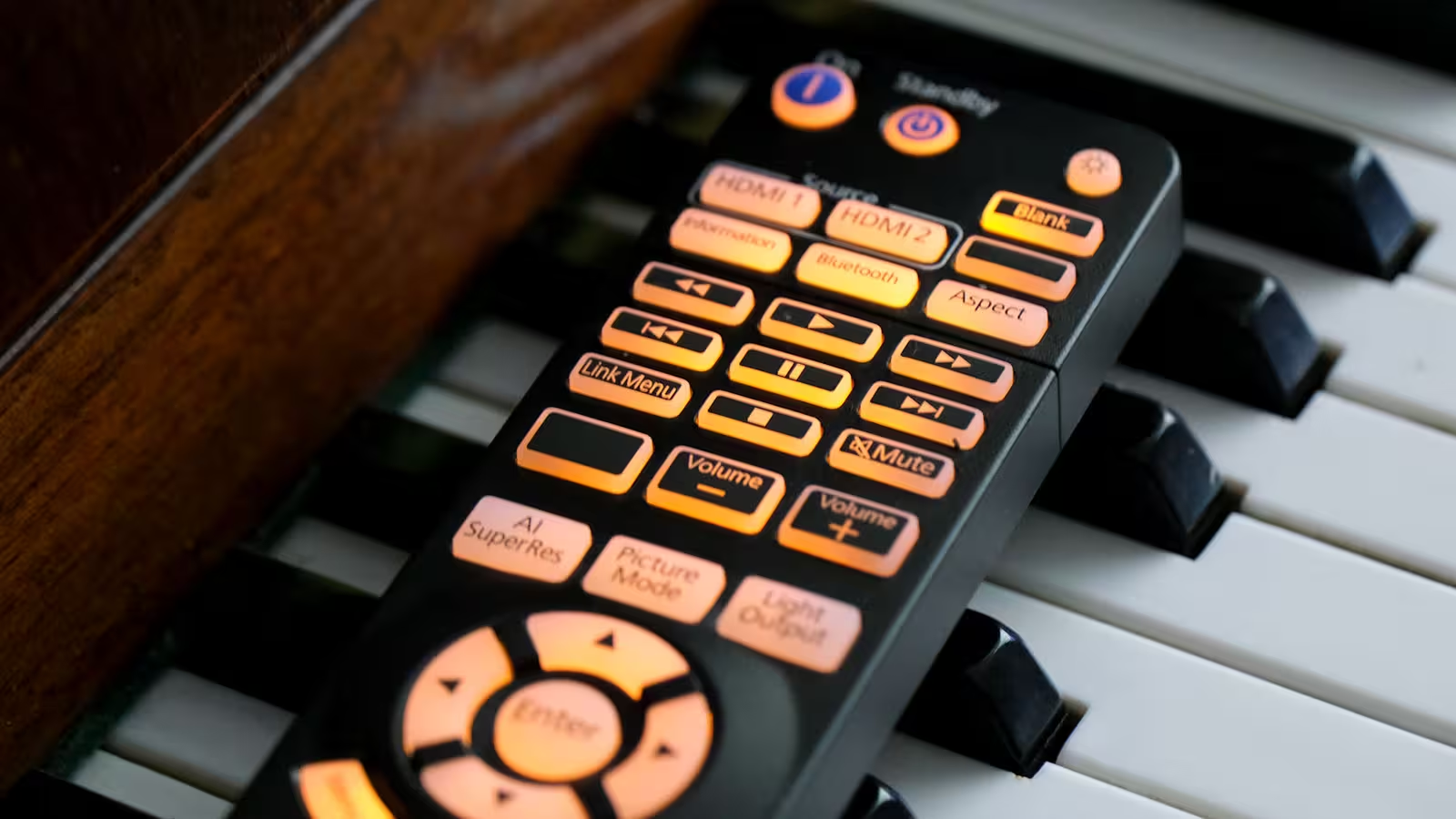
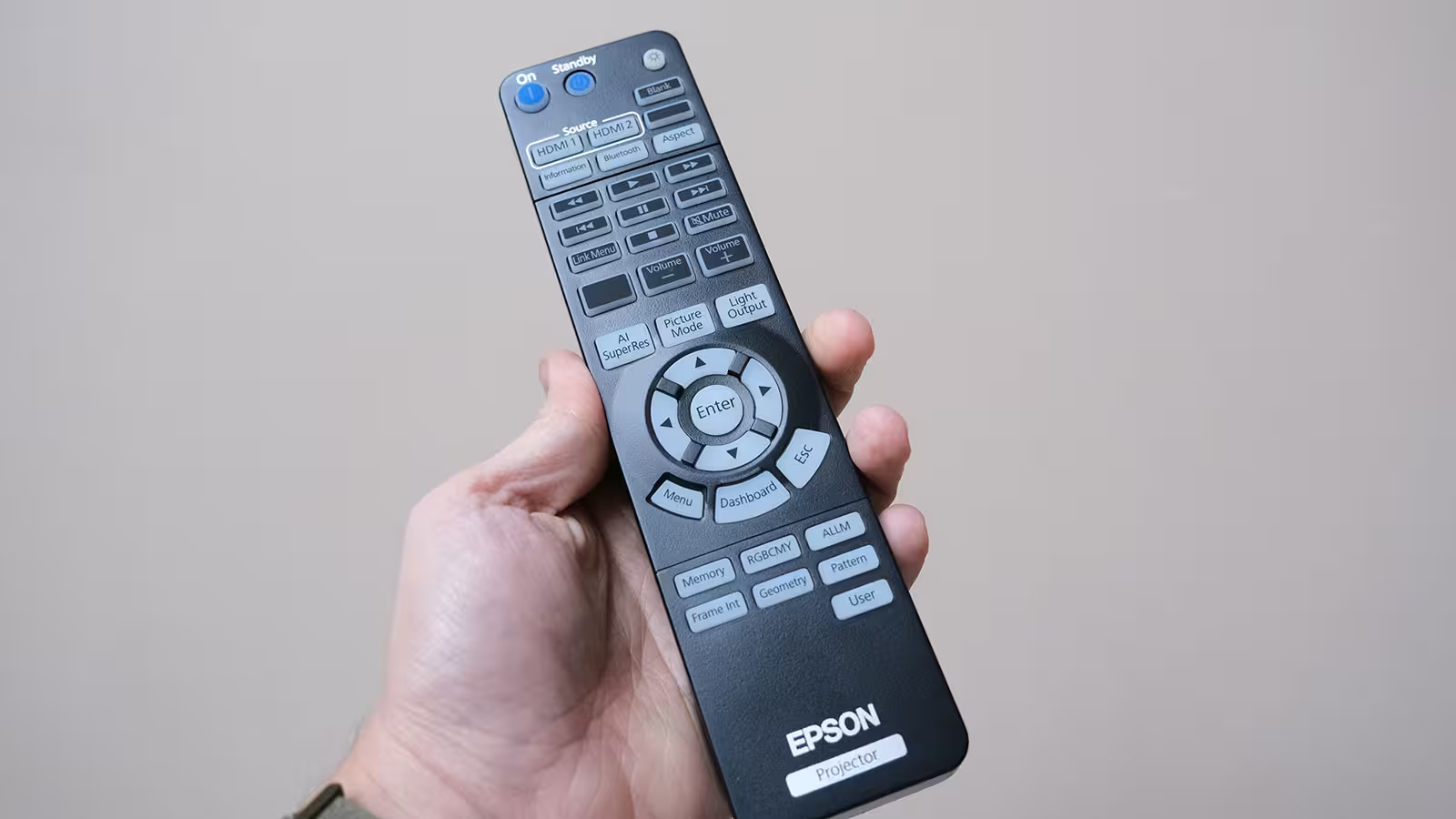
The real design shock hits when you pick up the remote control. To be fair, some enthusiasts will appreciate the orange backlight and dedicated shortcut keys—if you constantly bounce between picture modes, HDMI inputs, and color tweaks, having direct buttons is undeniably handy. In everyday living-room use, though, this remote is frustratingly bulky, heavy, and cluttered, showing none of the sleek ergonomics expected from modern hardware. Dozens of buttons of varying sizes crowd the face, many of which you will rarely touch day to day, while others act as redundant shortcuts. Holding this remote in 2026 feels far more like operating a vintage DVD player than a €1,700 modern home theater.
 |  |  |
Setup and Installation: Optical Freedom Meets Manual Frustration
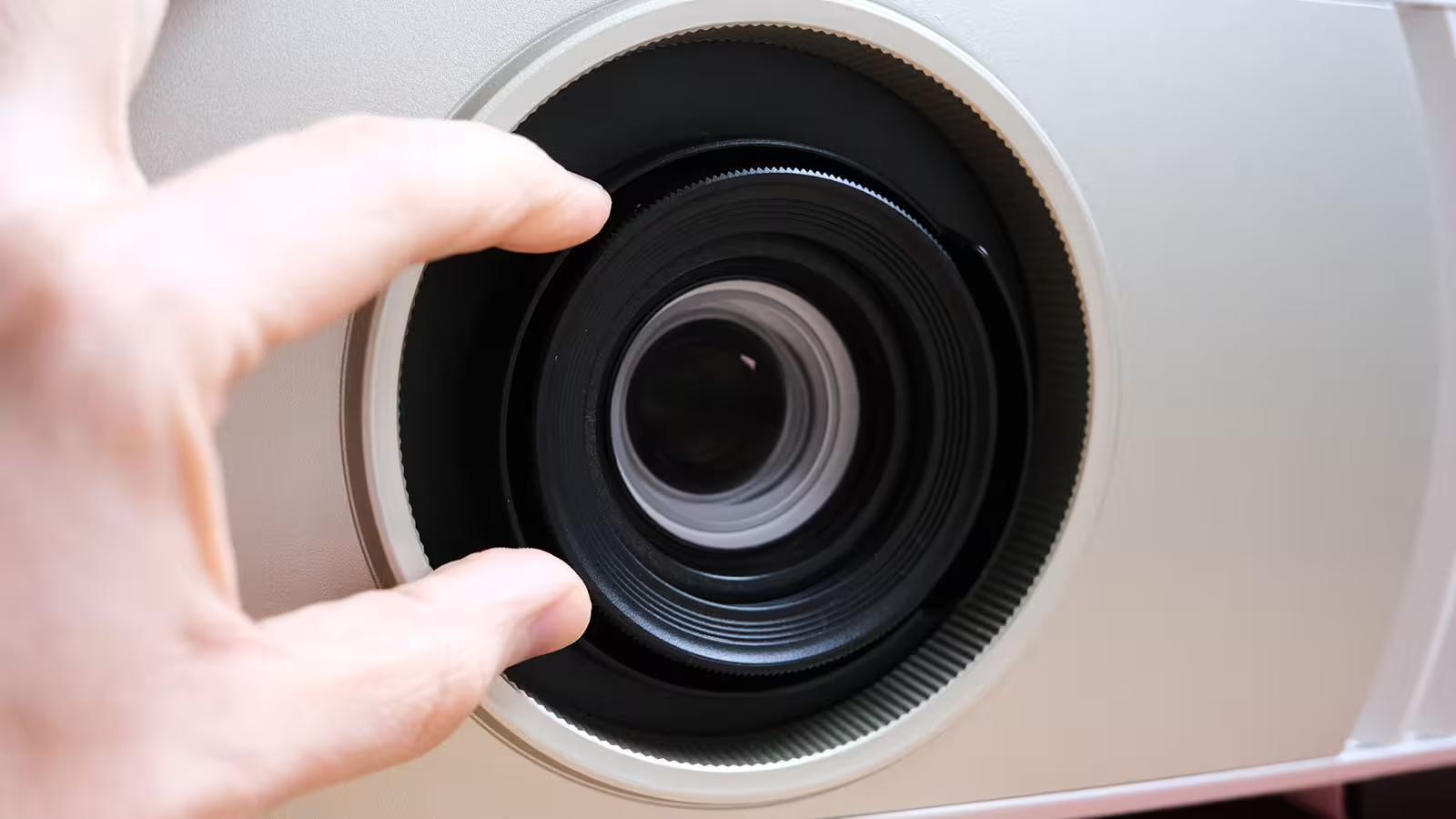
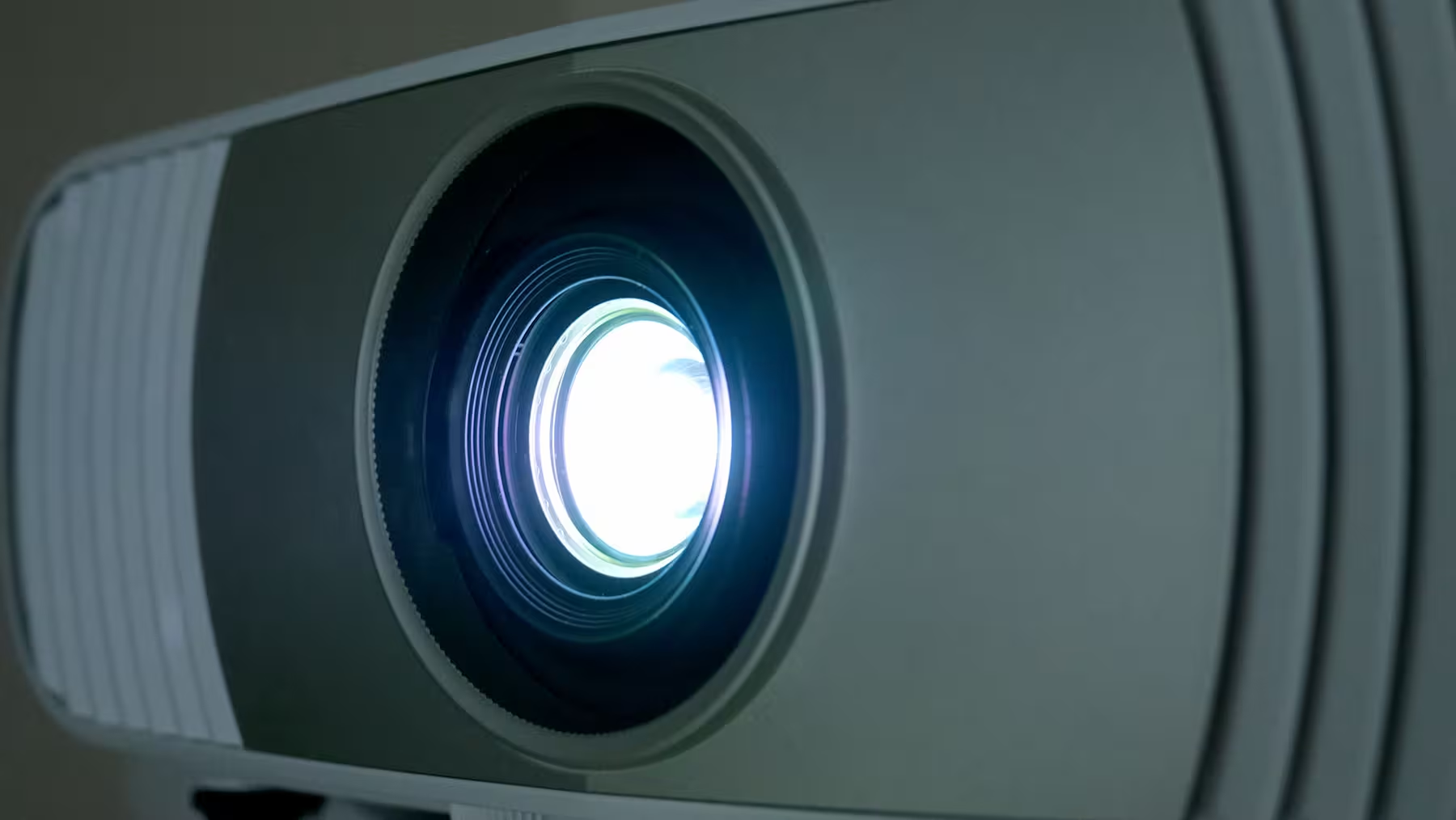
One major reason Epson maintains such a loyal following in home cinema is the caliber of its lenses and optical placement flexibility. The EH-LS6000 features a multi-element Epson Cinema lens with a 1.62x optical zoom and physical optical Lens Shift. This allows you to shift the projected image up to 59 percent vertically and 21 percent horizontally—bearing in mind that reaching the maximum shift on one axis requires the other axis to remain centered, so you cannot max out both at the same time.
Why does this matter so much? On cheaper projectors, placing the unit even slightly off-center forces you to rely on digital keystone correction, which throws away usable resolution and visibly softens the edges of the image. Here, optical lens shift lets you align and square up the picture cleanly with zero loss in image quality. The quality glass also pays dividends across large surfaces, maintaining consistent sharpness from the dead center all the way out to the corners.
On paper, Epson’s European spec sheet advertises image sizes ranging from 40 to 500 inches (the US version caps its official rating at 300 inches). In the real world, however, the sweet spot for balancing sharpness, brightness, and HDR punch sits squarely between 100 and 120 inches. Thanks to the flexible 1.32–2.15 throw ratio, you can project a 100-inch picture from roughly 2.9 to 4.7 meters away (9.5 to 15.4 feet), and a 120-inch screen from about 3.5 to 5.7 meters (11.5 to 18.7 feet)—a range that fits easily into most standard apartment living rooms.
The glaring catch is how you control all of this optical hardware. Focus, zoom, and lens shift are entirely manual, with no motors anywhere in sight. If the projector sits on a coffee table right in front of your couch, twisting a few dials is only a minor inconvenience. Yet the LS6000 is fundamentally built for permanent installation; plenty of buyers will ceiling-mount it or place it on a high rear shelf. In that scenario, every tiny millimeter of framing adjustment or fine focus tweak means dragging out a chair or ladder and wrestling with mechanical wheels on the body. Leaving out motorized lens controls and lens memory at this price point is genuinely irritating and takes away much of the convenience of a fixed setup.
Fortunately, once you get past the physical setup and power the unit on, the software side flips the script. Epson’s on-screen menus are refreshingly simple, clear, and logical. Even if this is your very first serious home theater projector, you will understand the settings layout within minutes and dial in the image without getting lost in labyrinthine submenus. Built-in Matter support is another welcome modern touch, allowing you to connect the projector via Wi-Fi or Ethernet to ecosystems like Google Home, Samsung SmartThings, and Home Assistant—making it easy to build movie-night automations that power on the projector, draw the blinds, and dim the lights all at once.
Two Major Omissions: Sacrificing Standalone Convenience
If I have to deliver my most candid critique of living with the EH-LS6000 day to day, it comes down to two glaring absences: there is no built-in smart operating system, and there are no internal speakers.
Epson chose to ship this projector without Android TV, Google TV, or even a bare-bones internal media player. The standard defense for this approach is that built-in smart TV platforms inevitably grow sluggish and outdated within two or three years, whereas the laser light source is rated for 20,000 hours—more than a decade of use even if you watch four to five hours every single day. By that logic, plugging in an affordable external streamer like an Apple TV, Google TV, Fire TV, or Roku and upgrading it every few years makes more sense.
On paper, that reasoning holds up; in practice, I personally dislike this policy. Stripping away an operating system leaves the projector completely dependent from day one. What makes it feel even more ironic is that Epson packed both Wi-Fi 6E and an Ethernet port into the chassis, yet those network connections are strictly limited to Matter integration and remote network control. You cannot plug an external hard drive into the rear USB ports to play a 4K movie, nor can you browse movies stored on a home media server or NAS over your local network. Every single viewing session requires an external source device—whether a laptop, game console, or streaming box. I genuinely wish Epson had included at least a lightweight local media player for USB playback so users are not completely stranded when a dongle or laptop is not on hand.
Audio tells a very similar story. The LS6000 omits built-in speakers altogether, leaving you with three audio routing options: the second HDMI port with eARC support for connecting a soundbar or AV receiver, a 3.5mm analog audio jack, or wireless playback over Bluetooth 6.0. While I still miss having even a modest internal speaker for quick, casual setups in another room or out in the backyard, credit where it is due: Bluetooth performance is stellar. Pairing wireless speakers—and especially headphones—is remarkably fast, stable, and effortless. For households where one person wants to watch late-night football or a movie while everyone else is sleeping or studying, reliable wireless headphone audio is a massive practical perk.
Picture Quality: The After-Dark Magic of 3LCD
All of those hardware gripes and missing conveniences only weigh on your mind until you switch off the lights and play a crisp 4K video. The moment the image blooms across the wall, it becomes immediately obvious where Epson poured its engineering budget.
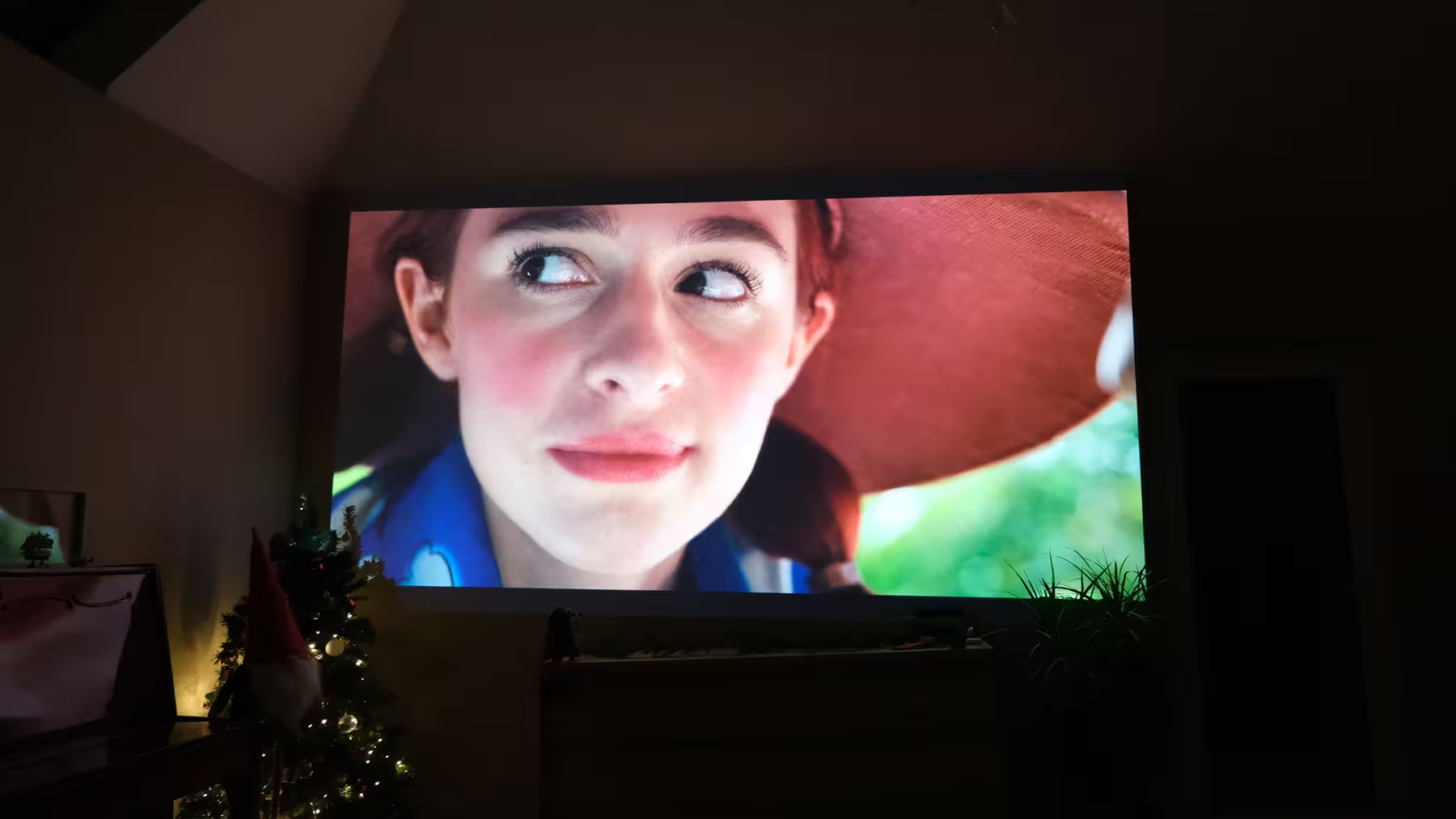
At the heart of the LS6000 is a laser phosphor light engine paired with a three-chip 3LCD imaging system. Unlike single-chip DLP projectors—which cycle primary colors sequentially at high speed and can trigger distracting rainbow artifacts for sensitive viewers—3LCD combines red, green, and blue simultaneously on screen. The result is a calm, cohesive picture completely free of rainbow effects and devoid of the shimmery laser speckle that occasionally plagues RGB laser projectors. Going laser also eliminates warm-up waits and replacement lamp anxiety: hit the power button, and a bright image is ready in just a few seconds.
To be completely transparent about resolution, the internal panels are not native 4K; Epson relies on pixel-shifting technology to put roughly 8.3 million pixels—the full 4K count—on screen. That distinction matters when comparing spec sheets, yet sitting at a normal viewing distance in front of a 100- or 120-inch picture, the clarity is so sharp, clean, and refined that it is genuinely hard to tell the difference. The MediaTek MT9681 image processor, backed by AI Super Resolution (AISR) and AI Picture Quality (AIPQ), also does an impressive job cleaning up lower-resolution feeds such as live sports broadcasts. At night, the presentation is nothing short of stunning: facial textures, fabric weaves, fine text, and sweeping landscapes pop with a crispness that feels astonishingly close to a colossal television.
Brightness, Color Accuracy, and Picture Modes
Epson rates the LS6000 at an equal 3,400 lumens for both white and color brightness. How much of that translates to real-world viewing? While I did not run lab photometer measurements myself, the light output—even in color-accurate modes—feels remarkably strong. In my day-to-day testing, as long as direct sunlight was not hitting the wall and the curtains were half-drawn, watching daytime football matches or regular TV shows remained punchy, vivid, and completely comfortable.
When it comes to color accuracy, Natural mode is easily the best place to start and stay. Among the other presets, Cinema shifts slightly away from strict neutrality while remaining pleasant to watch, whereas Vivid and Dynamic push overall brightness significantly higher when you need extra punch against ambient light.
The Achilles’ Heel: Black Levels and HDR Limitations
To offer a fair, balanced verdict, the LS6000’s biggest visual weakness shows up in very dark scenes and deep black levels. On its European spec sheet, Epson touts a dynamic contrast ratio of over 3,000,000:1 (the exact same hardware is marketed at 800,000:1 in the US). That lofty number is achieved by dynamically throttling laser output up and down between bright and dark scenes, and it should never be confused with native panel contrast. Epson itself places the native contrast of the LS5000 and LS6000 at roughly 600:1—and that is under ideal conditions.
What does that actually look like on your wall? Throughout most movies, TV shows, sports, and games, high brightness and smart image processing deliver a lively, engaging image with far more perceived punch than the raw numbers suggest. The second a film plunges into brooding darkness, however—such as shadowy night sequences in The Lord of the Rings—you quickly notice that true ink-black turns into a very dark shade of gray.
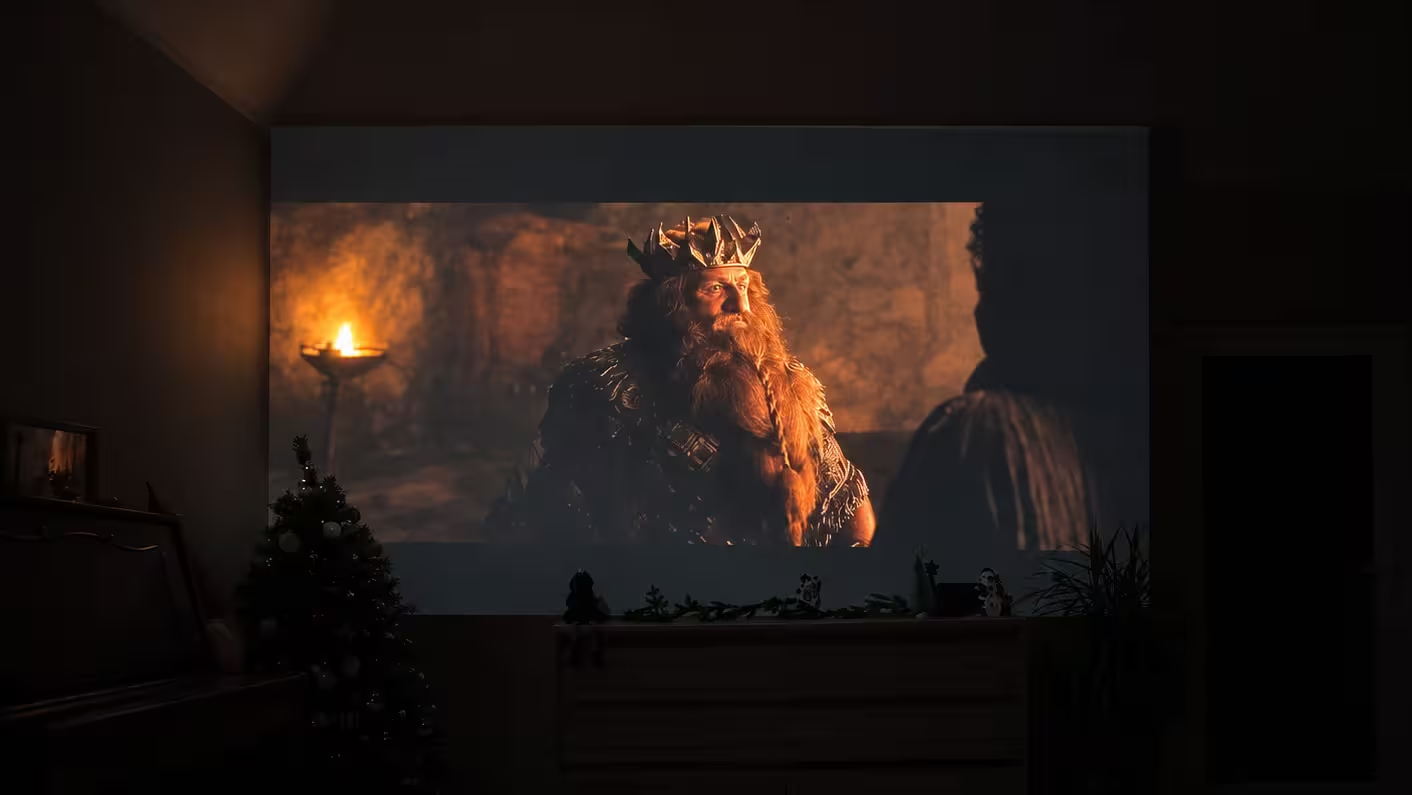
HDR format support is also capped at HDR10 and HLG, with no HDR10+ or Dolby Vision on board. Because of that, the LS6000’s true calling cards are sharpness, brightness, and natural color rendition in SDR content rather than jaw-dropping HDR highlights. Ultimately, if you watch dark, atmospheric movies in a pitch-black room with dark walls and expect OLED-caliber shadow depth, this compromise will stand out right away.
Cinema-Scale Gaming and Unforgettable Quietness
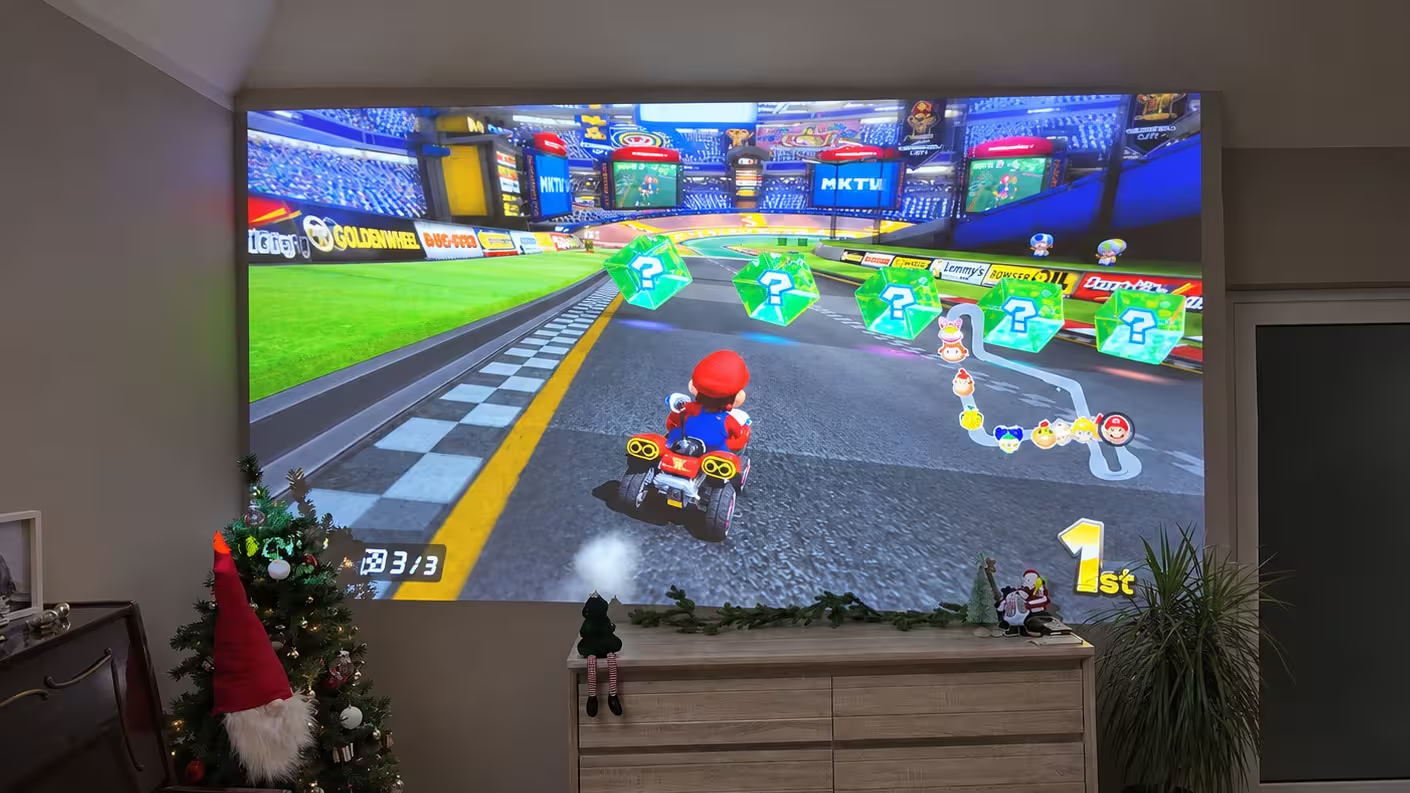
One area where the Epson EH-LS6000 comfortably outpaces many traditional home theater projectors in its class is gaming. Both HDMI inputs accept 4K signals at up to 120Hz, and with Auto Low Latency Mode (ALLM) engaged, Epson quotes input lag below 20 milliseconds at 4K/60Hz (the company has not published an official latency figure for 4K/120Hz).
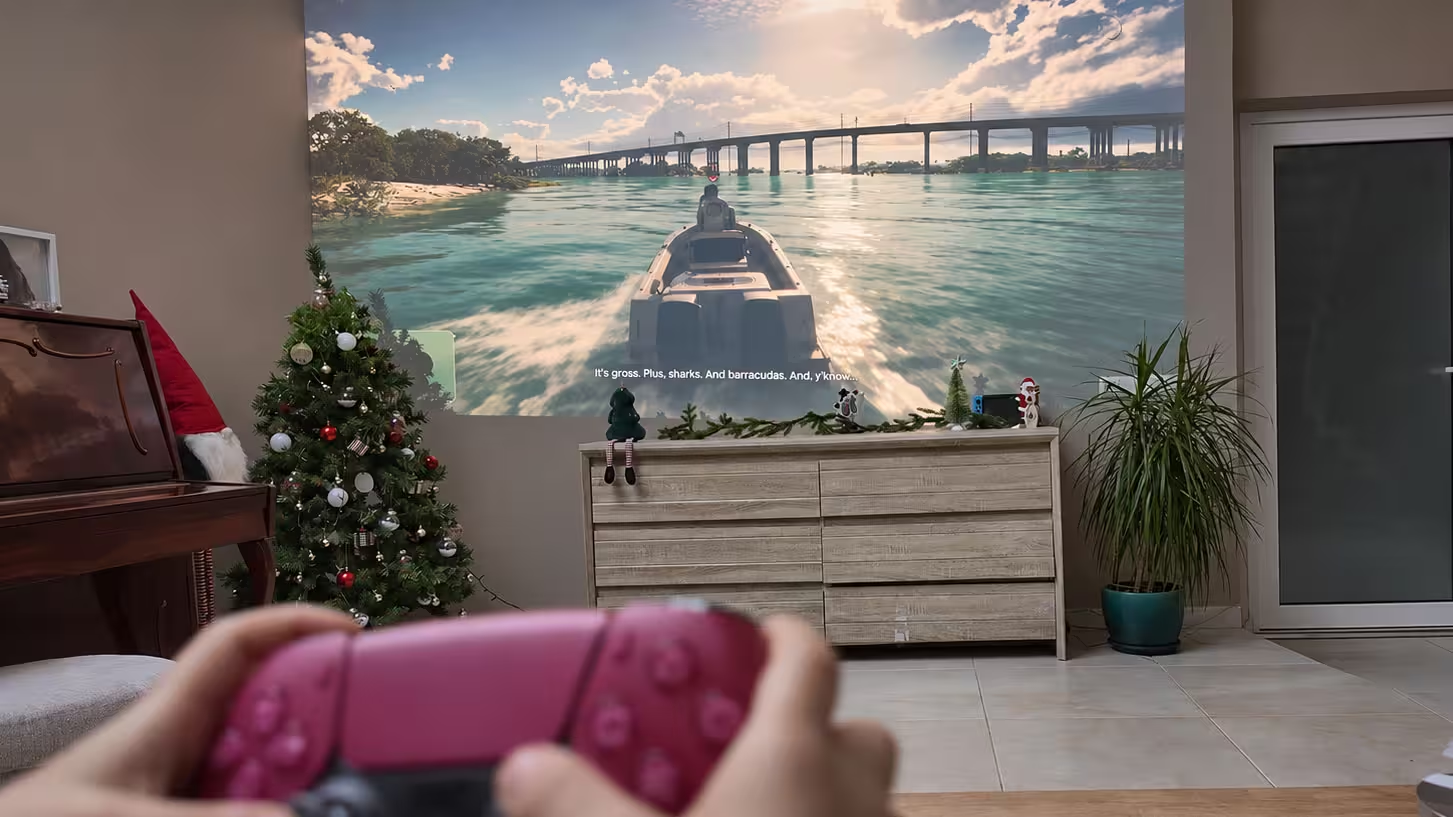
Naturally, this is not going to replace a 1-millisecond esports monitor for hyper-competitive online shooters. Still, hooking up a PlayStation 5, Xbox Series X, or gaming laptop and firing up titles like Gran Turismo or new blockbusters like GTA 6 across a 120-inch canvas with silky-smooth motion delivers an adrenaline rush no 65- or 75-inch television can replicate. In bright, colorful game worlds, the pairing of high brightness and 120Hz smoothness shows this projector at its absolute best.
Another standout surprise across all my movie and gaming sessions was just how quiet the cooling system stays. Plenty of high-brightness projectors spin up like a miniature hairdryer the moment 4K content starts playing, intruding on quiet movie dialogue. Even perched right next to me on a table, the LS6000 stayed noticeably cool and remarkably hushed. Epson rates fan noise at 25 dB in Normal mode and 22 dB in Eco mode—dial down the light output slightly in a darkened room, and the fan practically vanishes into the silence.
The Classic Dilemma: Projector or an 85-Inch QLED / OLED TV?
Let’s be honest: a modern 85-inch OLED or high-end QLED television wins hands down on absolute black levels, genuine HDR brilliance, effortless viewing in direct sunlight, and the plug-and-play ease of built-in smart apps and speakers. Yet no 85-inch television can recreate the sheer immersion and theater-like sense of scale that a 120- to 150-inch image brings to a living room wall—especially when buying and hauling a 98- or 100-inch TV up an apartment stairwell turns into a full-blown logistics project at several times the price. Choosing between the two boils down to a simple trade-off: perfected contrast in a medium footprint, or genuine cinema scale at home.
Verdict: A Stellar Image Engine in a Dated Shell
The Epson EH-LS6000 is not a projector you can sum up with a simple thumbs-up or thumbs-down. From a pure imaging standpoint—combining razor-sharp nighttime clarity, natural 3LCD colors, strong brightness for daytime sports, fluid 120Hz gaming, and whisper-quiet operation—it is a first-rate, reliable machine that makes everyday big-screen entertainment genuinely exciting.
On the flip side, Epson cut too many corners on modern usability and creature comforts. Its plain exterior next to stylish lifestyle rivals, the oversized and cluttered remote, manual lens controls that frustrate permanent mounting, the absence of a built-in OS or speakers, and elevated black levels in very dark movies are all compromises you need to accept with eyes wide open before spending around €1,700 (or $2,199.99 in the US).
If you already own a game console, a streaming box like an Apple TV or Google TV, and a soundbar or Bluetooth headphones—and you want a bright, durable, whisper-quiet projector for 100- to 120-inch movies, sports, and gaming—the EH-LS6000 is easy to fall in love with. If, however, you want a sleek all-in-one gadget with zero extra cables, or you live for dark cinematic thrillers and cannot tolerate grayish blacks, take a serious look at BenQ and Hisense alternatives—or step up to its bigger sibling, the EH-LS7000—before pulling the trigger.
Pros
Exceptionally sharp image and natural color accuracy in Natural mode
High, equal white and color brightness well suited for daytime viewing
Completely free of DLP rainbow artifacts and laser speckle
1.62x optical zoom and wide optical lens shift for flexible placement
Dual HDMI inputs supporting 4K/120Hz and ALLM
Whisper-quiet fan and practical front-facing heat exhaust
Fast, rock-solid Bluetooth 6.0 audio for headphones and speakers
Built-in Matter smart home support
Cons
Elevated black levels and limited shadow depth in very dark scenes
No HDR10+ or Dolby Vision support
Focus, zoom, and lens shift are entirely manual
No built-in smart OS, local media player, or internal speakers
Bulky, heavy, and cluttered remote control
Dated boxy exterior compared with modern lifestyle projectors

“Some times I write about breakthrough startups, digital ecosystems, and how innovation is changing the way we build businesses.”

Discussion
Leave a Comment
Comments (1)
Wow, the image sounds gorgeous... but manual lens wheels in 2026? c'mon Epson. Love the quiet fan tho, that sold me. Still, need motorized zoom for ceiling mount.