
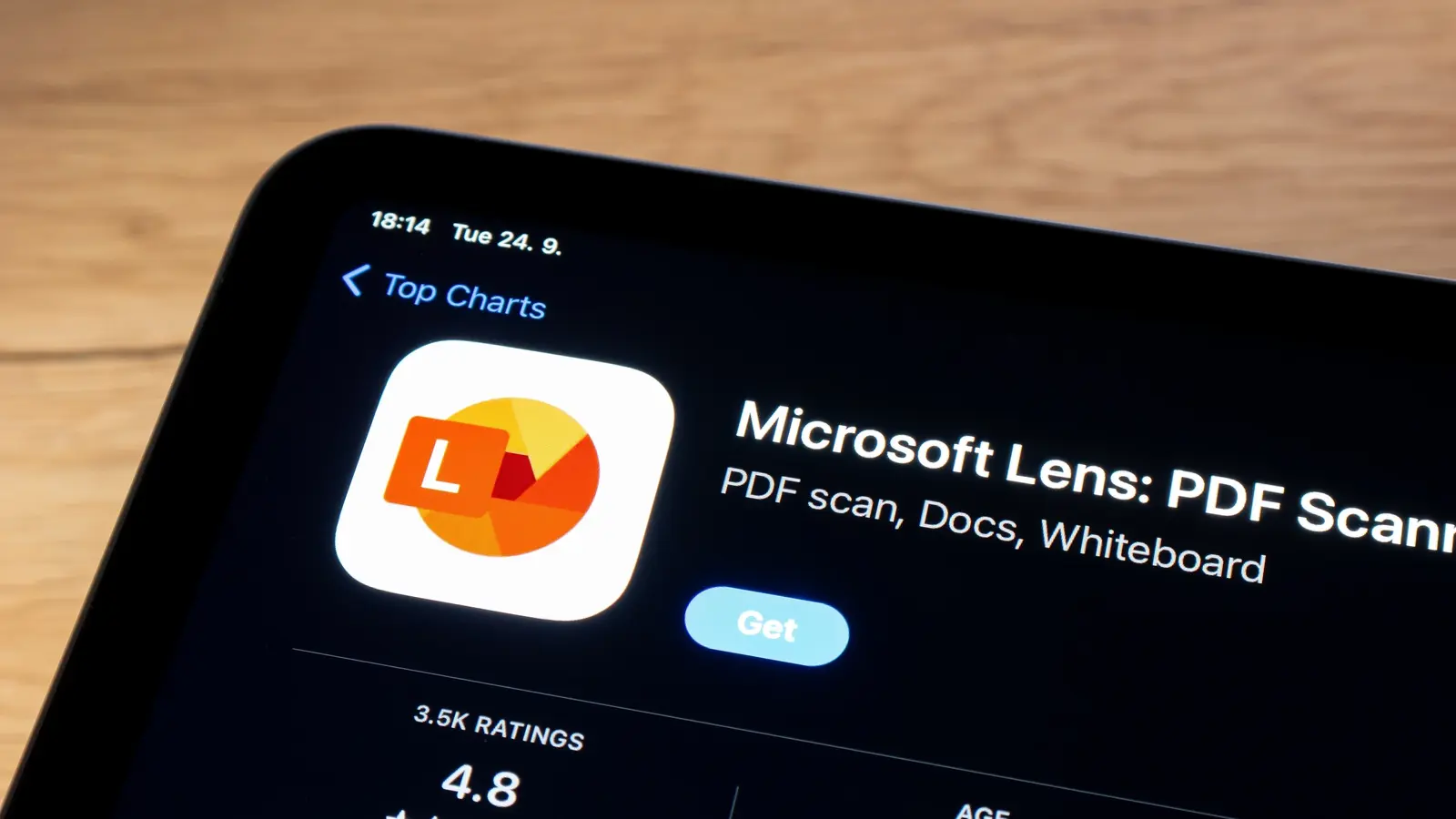
The end of an era for a handy scanner app
Nothing lasts forever in technology. Devices lose support, standards evolve, and apps that once felt indispensable can quietly enter retirement. Microsoft Lens — the small, free mobile scanner that saved many of us from buying a dedicated flatbed — is now headed for shutdown. Microsoft first signaled Lens's end in August and shuffled deadlines a couple of times. The official retirement sequence began Jan. 9, with support continuing through Feb. 9. After that the app will be removed from app stores; and come March 9, creating new scans in the app will no longer be possible. You can still view existing scans as long as Lens remains installed on your device, but it's time to plan a migration.
Why this matters: Lens was a convenient bridge between paper and Microsoft 365. It offered automatic edge detection, OCR that could convert images to editable Word or PowerPoint files, and direct export into OneDrive. For students, small businesses, and anyone who wanted to digitize receipts, notes, or whiteboards, Lens was a reliable free option on both Android and iOS.
The retirement timeline, simply explained
- August: Microsoft announces Lens will retire.
- Jan. 9: Retirement proceedings officially begin.
- Feb. 9: App support window ends; Lens removed from app stores.
- March 9: Creating new scans in Lens is disabled; existing scans remain viewable (if app installed).
This staggered timetable means existing users should install the app now if they want to preserve access to view older scans. More importantly, export and back up anything you rely on — PDFs, Word conversions, or images — before the creation and distribution features stop working.
The best alternatives to Microsoft Lens
There is good news: mobile scanning is a solved problem with plenty of alternatives — some built into phones you already own. Which scanner app is best depends on what you value most: accuracy of OCR, cloud integration, batch scanning, or privacy.
Quick options without installing anything new:

- iPhone Notes app — built-in scanner on iOS (since iOS 11) with edge detection and PDF export.
- Google Drive scanner — Android and iOS users can scan directly to Drive with OCR and automatic upload.
Microsoft-centric option:
- OneDrive’s built-in scanner — integrates with Microsoft cloud storage and keeps files inside the Microsoft ecosystem.
Popular third-party apps (feature highlights):
- Genius Scan — reliable edge detection, multi-page PDFs, and batch processing.
- Adobe Scan — strong OCR, direct conversion to Adobe PDF with searchable text, integration with Adobe Document Cloud.
- Photomyne — great for photo albums and older prints with restoration tools.
Migration checklist
- Export important scans as PDF and upload to OneDrive, Google Drive, or iCloud.
- Use OCR exports (Word or searchable PDF) to preserve editable text.
- Backup copies locally or to an alternate cloud service for redundancy.
- If you use Lens with Microsoft 365 workflows, test OneDrive’s scanner or Microsoft Office Lens replacement pathways.
Tip: If you need advanced features like batch renaming, automatic filing, or higher OCR accuracy for multiple languages, consider the paid tiers of Adobe Scan or Genius Scan. For casual scanning, the Notes or Drive scanners are often enough.
Industry perspective: This retirement fits a broader trend. Large platform vendors frequently consolidate features into fewer apps or fold functionality into cloud services. For Microsoft, keeping scanning features alive inside OneDrive or Office apps makes sense strategically even if the standalone Lens app is being retired.
Conclusion
Microsoft Lens served a useful role: low-friction document scanning that fed directly into Microsoft workflows. With its retirement imminent, the practical advice is straightforward: export and back up your scans now, pick an alternative that fits your workflow (built-in phone scanners for basics, OneDrive for Microsoft users, or Adobe/Genius Scan for power users), and test your new setup before Lens stops letting you create new scans on March 9. Change can be inconvenient, but the scanning ecosystem is mature — you’ll likely discover features you didn’t have before.

“Blockchain and fintech are reshaping finance. I break down market trends, regulations, and innovations for a global audience.”

Discussion
Leave a Comment
Comments (2)
Makes sense tbh. Microsoft folding features into OneDrive is expected, but killing the standalone app and leaving folks scrambling? lame. I'll try Adobe Scan.
wow, didnt see this coming. Had Lens on my phone for years, used it during college. Spent the last hour exporting stuff, what a mess though... anyone tried OneDrive scanner yet?