
iOS 26 users have reported a persistent iMessage issue tied to eSIM activation. Messages marked Not Delivered, chats turning into green SMS bubbles, or texts sending from an email address instead of a phone number have left many iPhone owners frustrated. Apple has now published guidance explaining the root cause and a quick fix.
Why some iMessages fail and appear as green bubbles
Apple traces the problem to how eSIM is handled during the iPhone setup process in iOS 26. If you skip eSIM activation when you first set up the device and decide to configure the eSIM later from Settings, iMessage may not enable properly for your phone number. The result: messages that should travel as iMessage either fail with a Not Delivered notice or fall back to SMS/RCS, showing green bubbles. Some users also see their messages sent from an associated email address rather than their phone number.
- Symptoms: Not Delivered alerts, green message bubbles, messages sent from an email address.
- Likely trigger: Skipping eSIM activation during initial iPhone setup or switching carriers and installing a new eSIM.
- Scope: Apple says the issue affects users who deferred eSIM setup or recently changed their carrier profile.
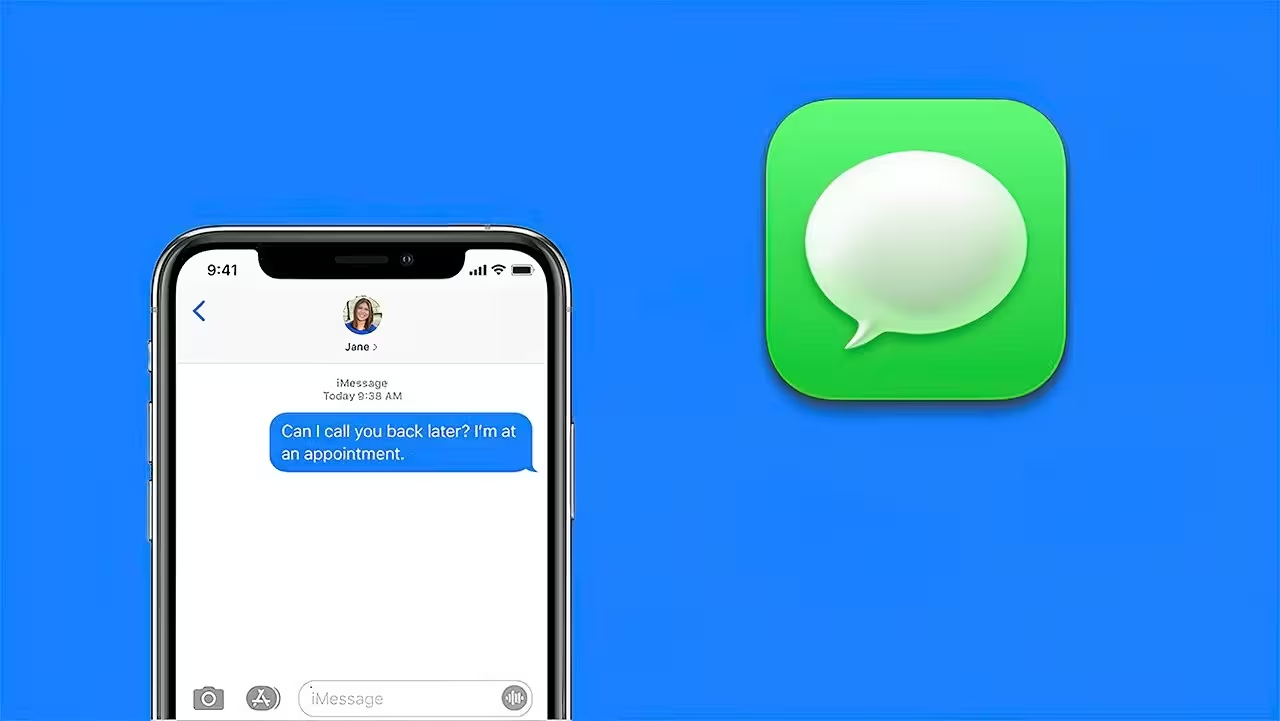
Apple’s step-by-step workaround you can try now
Apple has outlined a simple sequence to restore normal iMessage behavior after activating eSIM. Before doing anything else, make sure your eSIM is fully activated from Settings.
- Open Settings on your iPhone and complete eSIM activation if you haven't already.
- Scroll to Messages (or go to Settings > Messages).
- Toggle iMessage off, wait a few seconds, then toggle iMessage back on.
This toggle forces iMessage to re-register using your newly active eSIM profile and phone number. For many users this step resolves Not Delivered errors and prevents messages from falling back to SMS or appearing from an email address.
Who should follow this guide?
This recommendation is particularly relevant if you intentionally skipped eSIM setup during the initial device setup or if you recently swapped carriers and configured a new eSIM. Apple notes this is a targeted fix for that specific activation flow.
It’s worth noting this is the second iMessage-related bug reported since iOS 26 launched. Apple previously published separate guidance for users having trouble activating iMessage with their phone number. If problems persist after following the steps above, check Apple Support for any new updates or contact your carrier to confirm eSIM provisioning is complete.

“I love exploring gadgets, apps, and trends that redefine how we connect, work, and play in a digital world.”

Discussion
Leave a Comment
Comments
No comments yet. Be the first.