
3 Minutes
Setting up a powerful AI assistant used to feel like assembling a spaceship from spare parts. Not anymore.
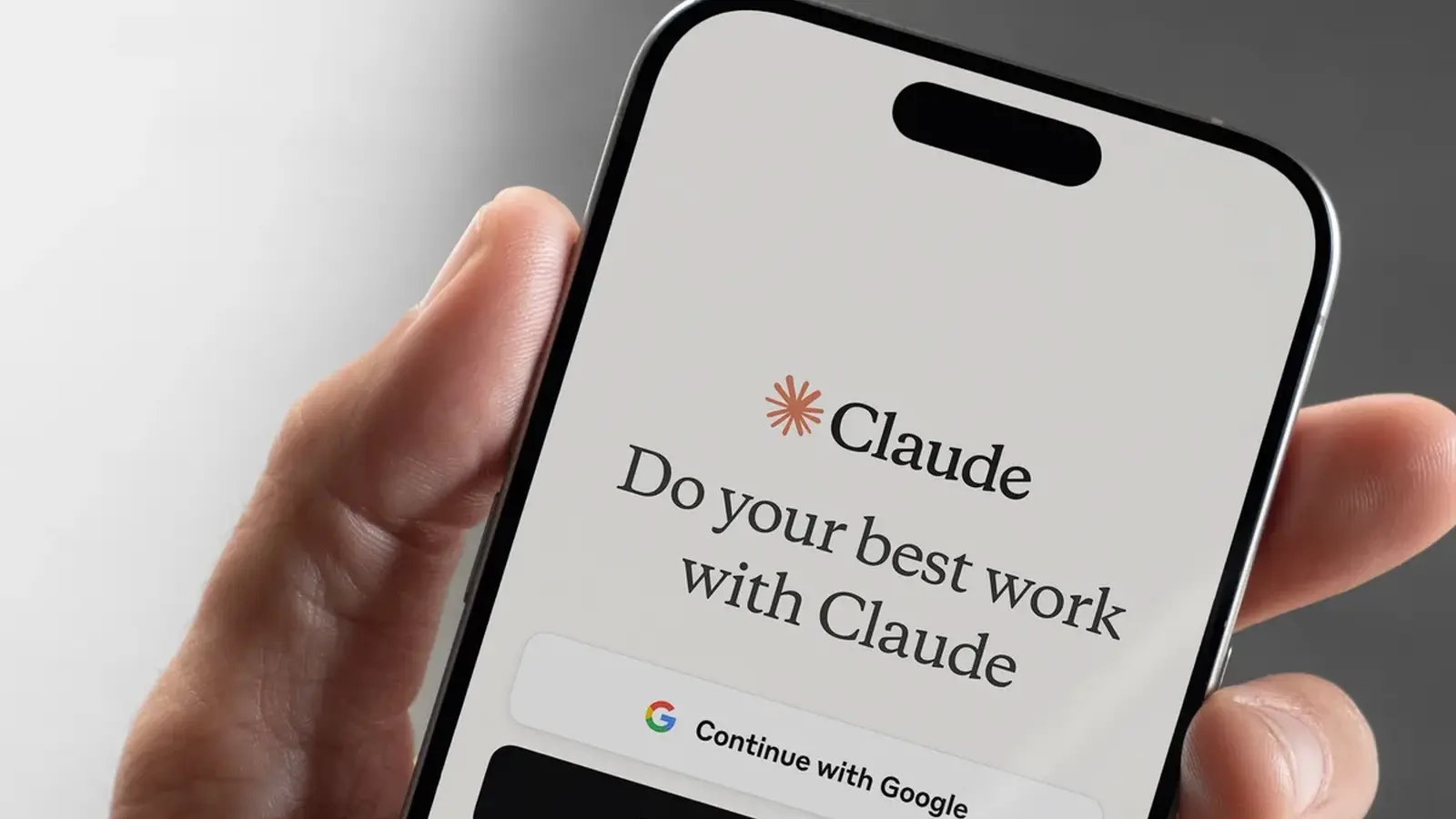
Anthropic has quietly introduced something far more approachable: Claude Cowork, a feature that lets its AI step in and actually use your computer—clicking, browsing, organizing files—without the technical gymnastics that tools like OpenClaw demand.
OpenClaw proved the concept. It showed that an AI could move beyond chat and take real action on a desktop. But it also came with friction—complicated setup, security questions, and a steep learning curve that pushed everyday users away.
Claude Cowork flips that script. It works out of the box on macOS and Windows, currently available as a research preview for Claude Pro and Max users. No elaborate configuration. No deep technical know-how required.

It Doesn’t Just Answer—It Acts
Give Claude access, issue a command, and it gets to work. Open files. Navigate apps. Browse the web. Even run developer tools. The experience feels less like using software and more like delegating to a capable assistant sitting at your desk.
What makes it interesting is how it decides how to act. If there’s a direct integration—say with Gmail, Google Drive, or Slack—it uses that first. Cleaner, faster, safer. But when no shortcut exists, Claude doesn’t stall. It takes control of the interface itself, moving the cursor, typing, clicking, just like a human would.
There’s a safety net, though. It asks before accessing new apps or files, and you can interrupt it at any time. That balance—autonomy with oversight—feels deliberate.

And the use cases? Surprisingly practical. Resize a folder full of images. Rename messy files. Pull together a list of top-rated ice cream spots nearby. Claude handles it without back-and-forth micromanagement.
Then things get more interesting.
With Claude Dispatch, you’re no longer tied to your desk. You can send instructions from your phone and let your computer handle the work while you’re away. Start a task at the office, check it off from your couch later.
It also remembers. Over time, Claude builds context—how you organize things, what you prioritize, how you work. That memory turns repetitive tasks into background noise you no longer have to think about.
For developers, there’s another layer: Claude Channels. Think of it as a bridge between your workflows and the AI. Notifications from Telegram or Discord, monitoring alerts, chat updates—they can all flow directly into your coding session, keeping everything in sync without constant tab-switching.
And yes, it schedules itself too. Morning email summaries. Weekly reports. Ongoing industry tracking. Set it once, and Claude quietly delivers, pinging you when it’s done.

This is where AI starts to feel less like a tool—and more like a teammate.
There are still open questions around control, privacy, and how far automation should go. Those concerns aren’t going away. But what Claude Cowork gets right is usability. It lowers the barrier to something that once felt experimental and makes it genuinely useful in day-to-day work.
The gap between “assistant” and “operator” just got a lot smaller.
Source: digitaltrends


Comments
labcore
Is it safe to let an AI control apps? Sounds cool, but does it leak data or just make weird clicks? curious how permissions work
atomvex
Wow, actual AI clicking around my desktop? wild. if it really remembers prefs and saves time, sign me up. but privacy tho…

Leave a Comment