
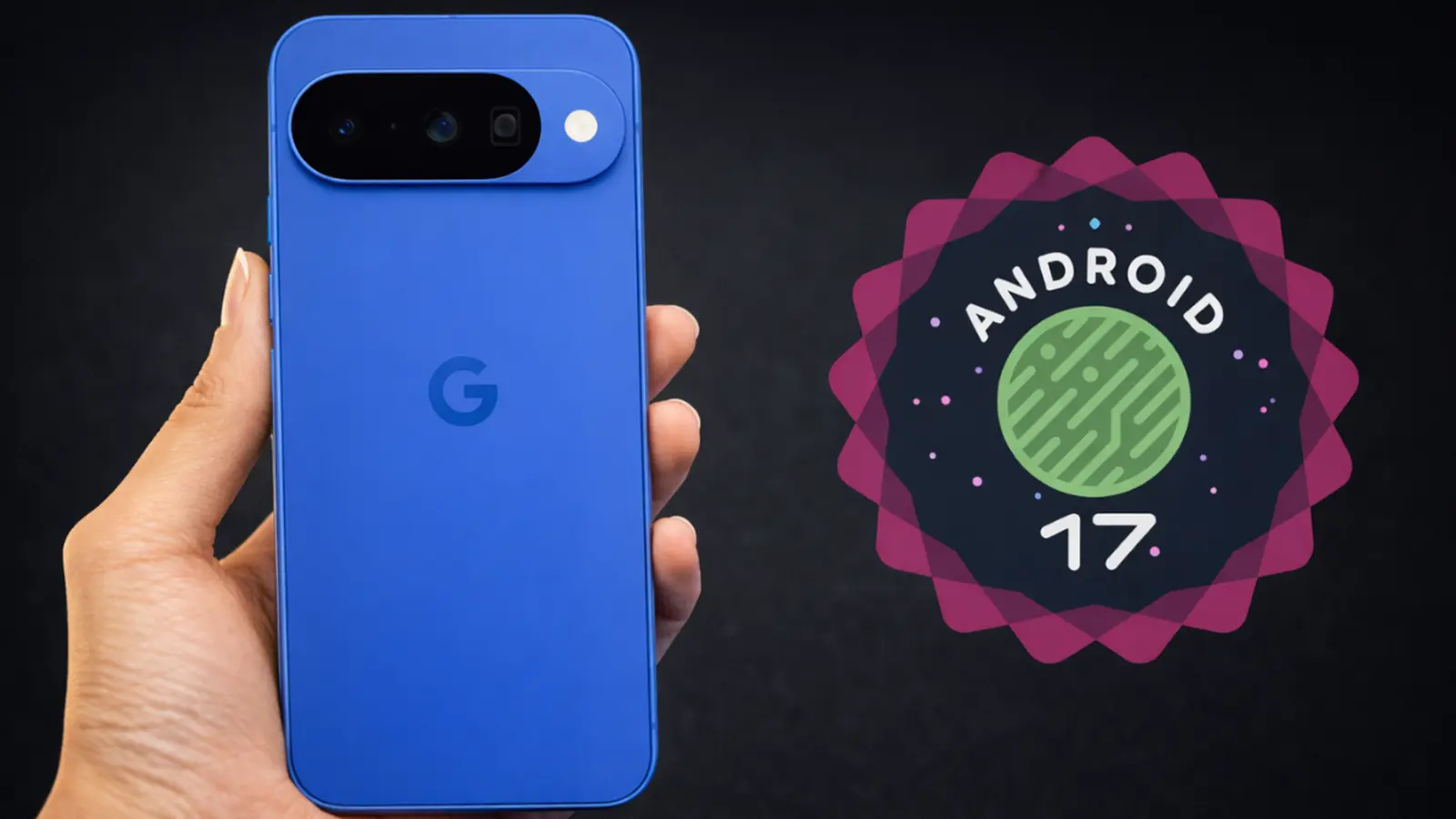
If your Pixel suddenly feels sharper, faster, or a little more clever, that is not your imagination. Google has begun pushing the stable Android 17 build to eligible Pixel devices, pairing the operating system release with the June 2026 Pixel Feature Drop. The rollout started on June 16, 2026 after a months-long beta cycle.
The public beta run included several preview milestones: Beta 1 in mid February, two follow-ups in late February and March, a larger fourth beta in April, a small maintenance build in early June, then the final stable release. That steady cadence helped move big features through testing so more users get a polished experience on day one.
Which Pixel phones get Android 17
Good news if you own a relatively recent Pixel: the update reaches devices back to the Pixel 6 family. Google tends to push updates broadly for eligible models, though region and carrier timing can cause a small delay. To check right now, open Settings, select System, then System Update.

- Pixel 10
- Pixel 10 Pro
- Pixel 10 Pro XL
- Pixel 10 Pro Fold
- Pixel 10a
- Pixel 9
- Pixel 9 Pro
- Pixel 9 Pro XL
- Pixel 9 Pro Fold
- Pixel 9a
- Pixel 8
- Pixel 8 Pro
- Pixel 8a
- Pixel Tablet
- Pixel Fold
- Pixel 7
- Pixel 7 Pro
- Pixel 7a
- Pixel 6
- Pixel 6 Pro
- Pixel 6a
Non-beta users should expect an update file that is several gigabytes. If you enrolled in the beta program, the package is much smaller since your phone already has most of the incremental changes from earlier builds.
So what actually changes with Android 17? Short answer: a heavier dose of AI features, meaningful multitasking improvements for foldables and tablets, and a few privacy and usability niceties that show Google focusing on device continuity and creator workflows.
Highlights you’ll notice

AI is front and center. Lyria 3 arrives on Pixels to generate original music from text or image prompts. Want a quick soundtrack for a video? Ask for a vibe, tempo, and instruments. Gemini Omni adds the ability to turn prompts into short video clips, though that functionality requires a Gemini Pro subscription for full access.
Voice Translate is expanding to the Pixel 10a. Manual Call Screen is now more widely available in India. Quick Share gains improved AirDrop-style compatibility for the Pixel 9a and Pixel 8a, and the Pixel 10 family picks up a new Magic Cue feature that nudges the phone to anticipate useful shortcuts.
Another headline: Bubbles has finally grown up. Once a messenger-only quirk, bubbles now work with virtually any app. Convert an app into a floating bubble by long-pressing its icon and choosing the Bubble option. On tablets and foldables you get a Bubble Bar in the lower-right corner to corral those floating apps and keep multitasking tidy.
Content creators get some neat tools. Screen Reactions lets you record the front camera while capturing the screen simultaneously, which is great for tutorials, reaction clips, or gameplay commentary without needing green-screen rigs. That will shave time off the editing process.
Gamers with foldables are getting a dedicated mode that splits the display in half: game on the top, a dynamic gamepad on the bottom. Controller remapping comes to external controllers as a native option, making it easier to adjust layouts for comfort or competitive play.
Switching work between devices is smoother too. Continue On lets you pick up an app from your phone and open it on a tablet exactly where you left off. A suggestion for the most recently used mobile app shows up in the tablet taskbar; tap it and the session resumes with state preserved.
Privacy features get practical upgrades. Apps can be granted temporary access to precise location rather than permanent permission. A new Mark as lost option in Find Hub locks a missing phone behind biometric verification, preventing unauthorized access even if the passcode is known. You can also give apps temporary access to specific contacts so they cannot monitor future edits to those entries.
Not everything lands for every device simultaneously. Regional rollout windows and carrier approvals still matter, so expect a short, uneven spread across territories. But for most Pixel owners, Android 17 brings noticeable changes right away.
If your Pixel is eligible, check System Update to download Android 17 and explore the new AI tools, multitasking enhancements, and privacy tweaks.

“I cover emerging technologies, digital innovation, and the intersection of tech and everyday life. My goal is to make complex trends accessible and inspiring.”

Discussion
Leave a Comment
Comments (2)
is this even real? Bubbles for any app sounds cool but could get cluttered. Continue On seems neat, if that actually...
Wow Lyria 3 making music from prompts? wild. My Pixel 8a feels snappier after the drop, AI features kinda fun but curious about privacy…