
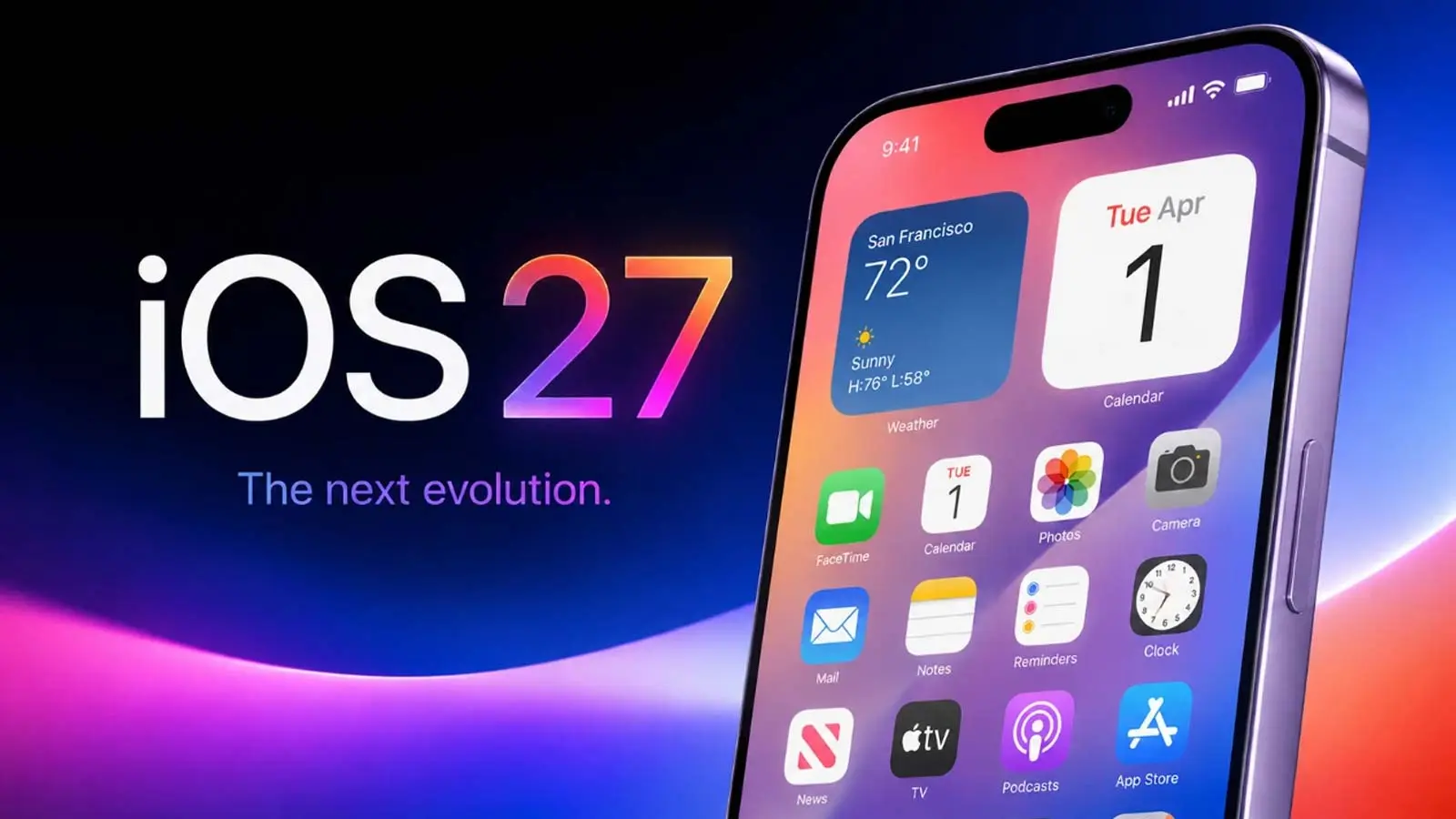
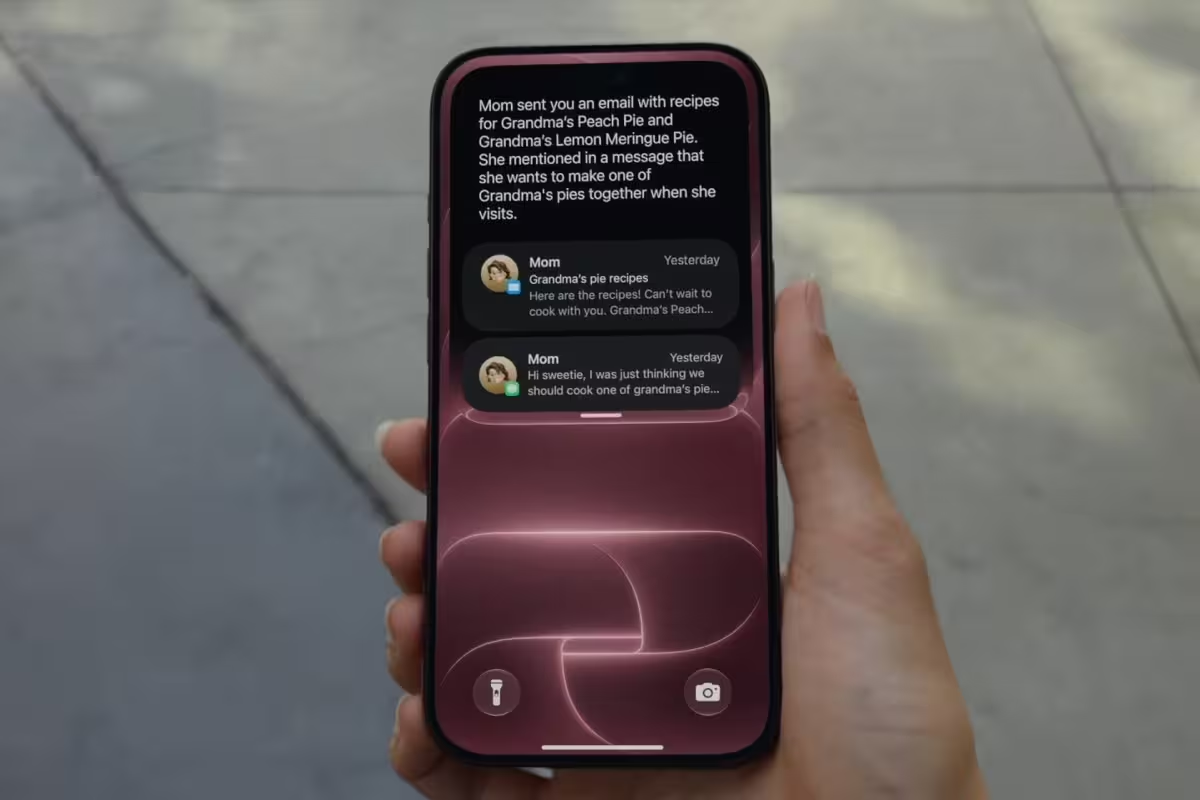
Siri AI is rolling out in Beta with English-only support and will not be available initially in the EU, Apple confirmed as it began seeding iOS 27 to users.
Apple says iOS 27 goes live today with refinements to Liquid Glass, app load times up to 30 percent faster, and revamped Spotlight, Photos, and Mail search. The company also described a revamped Siri AI, which it will release in Beta with English-only support at launch; Apple says support for French, Japanese, Korean, Portuguese, and Spanish will follow in October.
The iOS 27 rollout began at 10AM PT/1PM ET/5PM UTC, delivered simultaneously to millions of devices, and Apple is also now seeding iPadOS 27, macOS 27, watchOS 27, and visionOS 27 to compatible hardware.
Supported iPhones
Apple iPhone 18 Pro, Apple iPhone 18 Pro Max, Apple iPhone Duo, Apple iPhone 17, Apple iPhone Air, Apple iPhone 17e, Apple iPhone 17 Pro, Apple iPhone 17 Pro Max, Apple iPhone 16, Apple iPhone 16 Plus, Apple iPhone 16e, Apple iPhone 16 Pro, Apple iPhone 16 Pro Max, Apple iPhone 15, Apple iPhone 15 Plus, Apple iPhone 15 Pro, Apple iPhone 15 Pro Max, Apple iPhone 14, Apple iPhone 14 Plus, Apple iPhone 14 Pro, Apple iPhone 14 Pro Max, Apple iPhone 13, Apple iPhone 13 mini, Apple iPhone 13 Pro, Apple iPhone 13 Pro Max, Apple iPhone 12, Apple iPhone 12 mini, Apple iPhone 12 Pro, Apple iPhone 12 Pro Max, Apple iPhone 11, Apple iPhone 11 Pro, Apple iPhone 11 Pro Max, Apple iPhone SE (2020), Apple iPhone SE (2022).
Apple notes that iOS 27 supports the exact same set of devices as iOS 26, meaning the update is available for iPhones going back to 2019, covering the iPhone 11 series and newer. As with past iOS releases, the update may take some time to appear on individual devices while it is being seeded globally.
For more details that Apple announced at WWDC 2026, see our announcement coverage from WWDC 2026. To check for the update on your iPhone, go to Settings -> General -> Software Update.

“I love exploring gadgets, apps, and trends that redefine how we connect, work, and play in a digital world.”

Discussion
Leave a Comment
Comments
No comments yet. Be the first.