
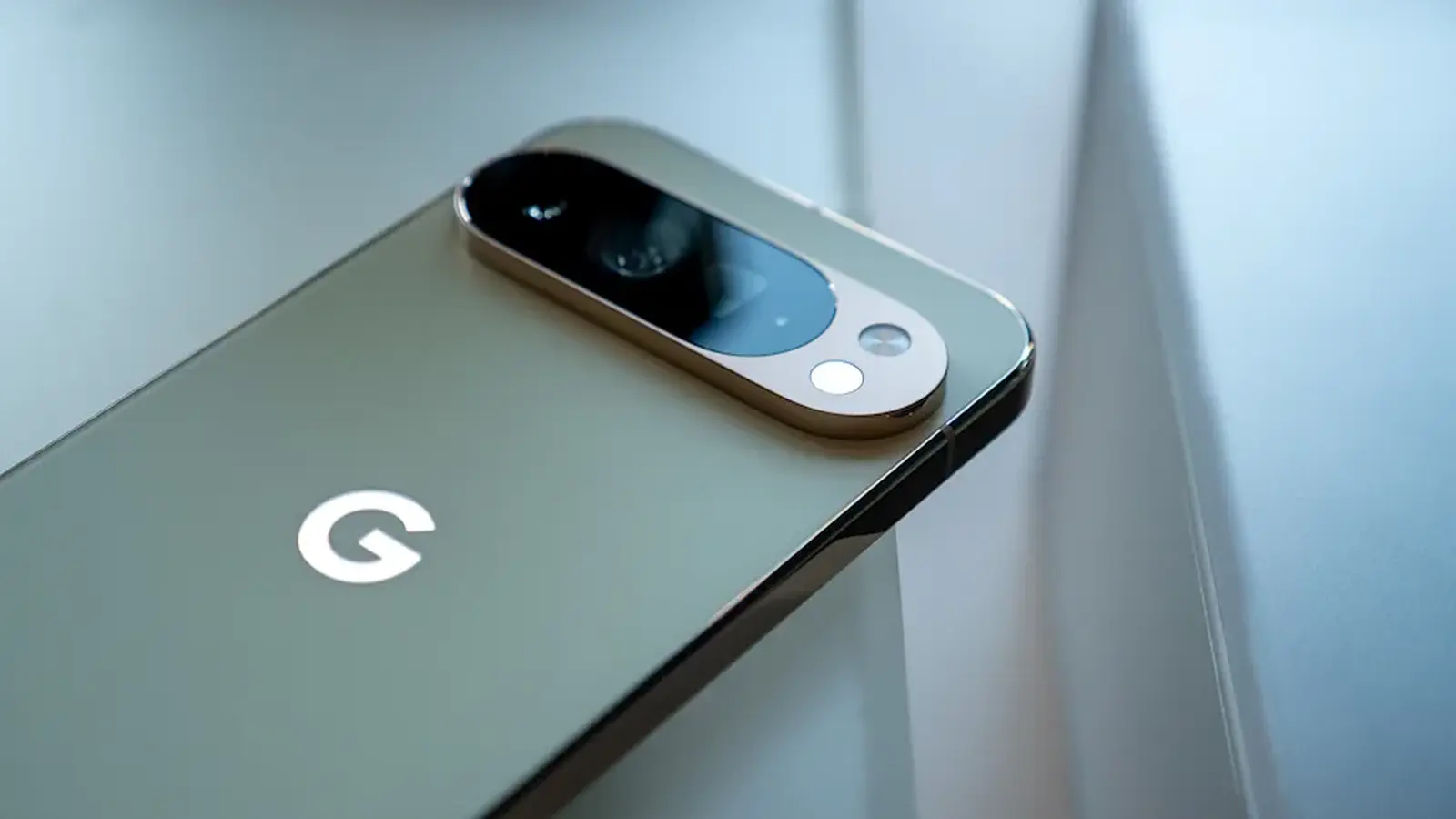
You swipe, nothing happens. Or worse: a gesture that used to scroll up now drags the page down. That is the experience many Pixel owners woke up to after Google began rolling out Android 17 in mid June 2026.
When the glass goes quiet
Complaints poured onto Reddit, X, and Pixel community forums within hours. The most common reports center on unresponsive touchscreens and a weird phenomenon some call gesture inversion, where familiar swipes behave in reverse. It is showing up across the Pixel lineup, with the Pixel 10 series taking the brunt of the noise, followed by Pixel 9, 8, and even some 7 models. Pixel 6 owners appear less affected so far, though the situation is still evolving.
Hardware looks unlikely to be the culprit. That points the finger at a software regression introduced by the update. A handful of users have found short-term relief by toggling the Smooth Display setting off and on, but that is a bandage, not a cure. Google has acknowledged reports from users, but has not issued a patch yet.

Signals lost, quick fixes and what to try
Touch problems are not the only headache. A sizable group of owners, particularly those on Pixel 9 Pro, 9 Pro XL, 8 Pro, 8a and some 6a handsets, report their phones dropping from 5G down to LTE or losing cellular signal entirely after updating. Others say eSIM profiles vanish after a reboot, and Wi Fi networks refuse to reconnect automatically. Even core Google apps like Google app, YouTube, Gmail, Play Store, Google Keep and Google Photos have failed to load or behave normally when devices are on Wi Fi.

There are a few troubleshooting steps that have helped some people regain connectivity:
- Reset mobile network settings: Settings > System > Reset options > Reset mobile network settings. This clears Wi Fi, Bluetooth and mobile data configurations but keeps apps and personal files.
- Toggle Smooth Display off and on for touch anomalies.
- Reboot after any change, and check the Pixel community for firmware-specific notes.
If you are affected, file feedback through Settings or post in the official Pixel forums; Google moves faster when problems are visible and well documented.
Historically, Google has pushed monthly patches that squash widespread Pixel bugs, so a software update is the most likely remedy. For now, the safest path is to back up important data, follow community troubleshooting threads, and report any new symptoms through the device feedback tool.


“I cover emerging technologies, digital innovation, and the intersection of tech and everyday life. My goal is to make complex trends accessible and inspiring.”

Discussion
Leave a Comment
Comments
No comments yet. Be the first.