
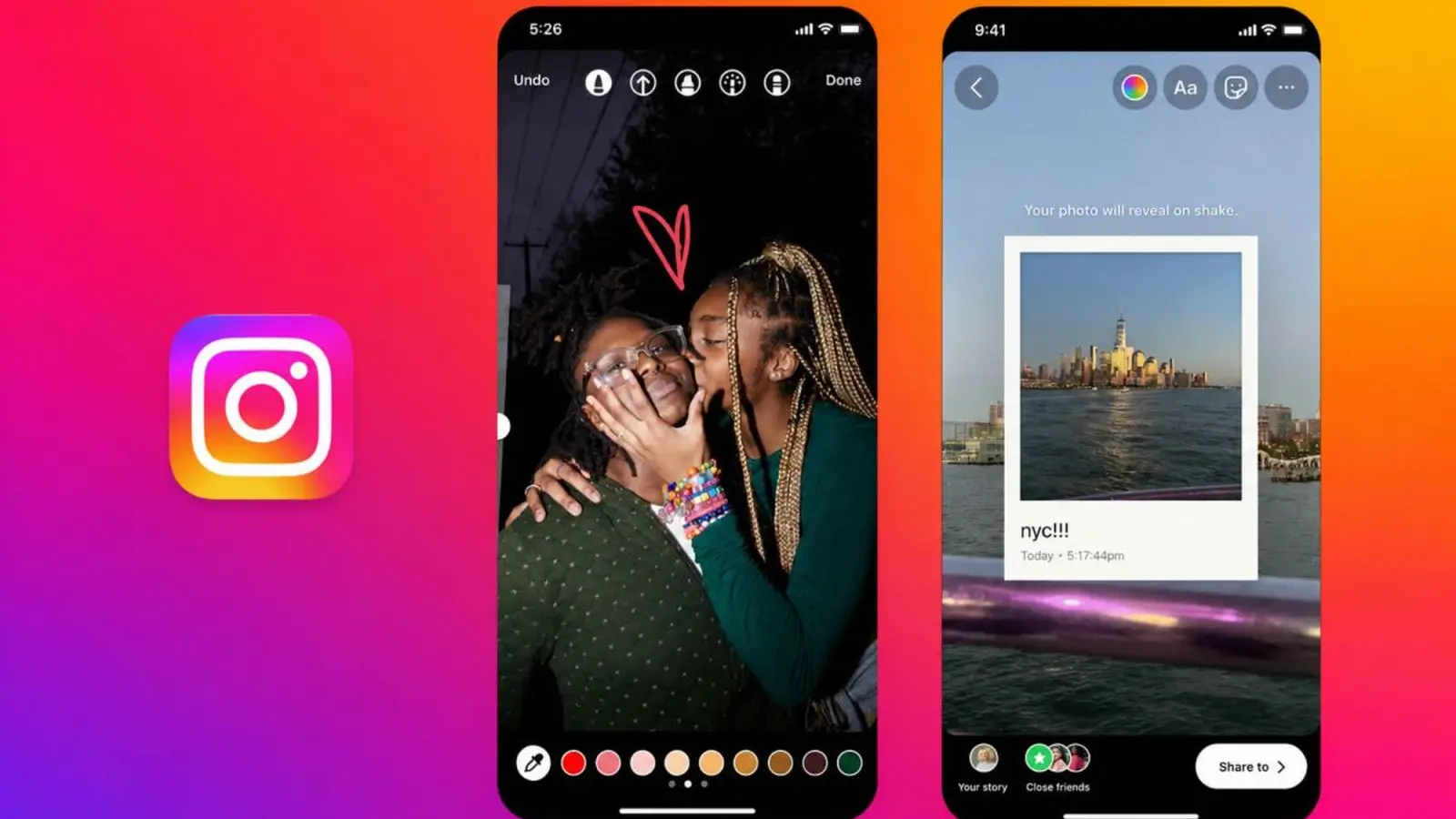
Instagram has added the ability to edit Stories after posting, allowing users to correct text, music, stickers or drawings without deleting and reposting, Instagram head Adam Mosseri wrote in an Instagram post.
How to edit a Story
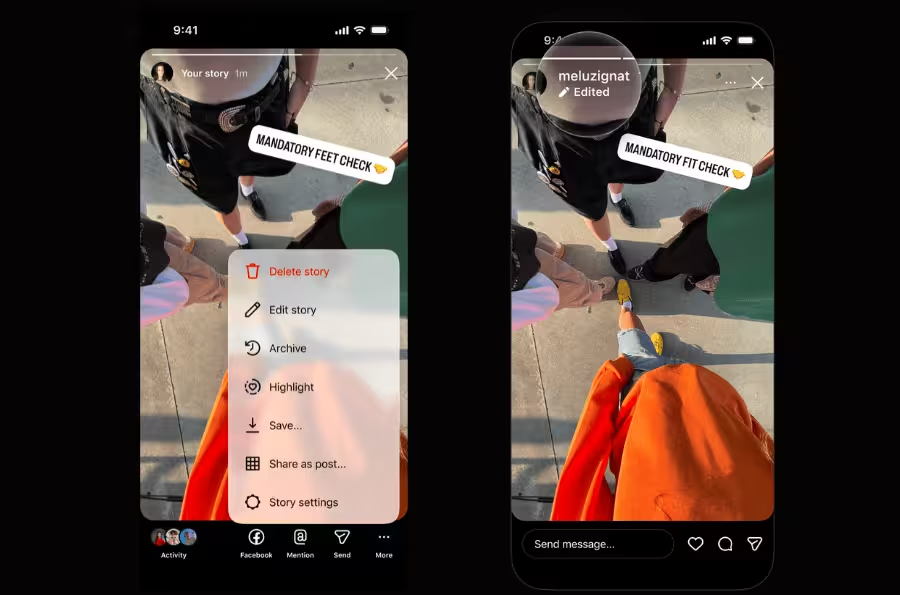
Mosseri said users can edit a Story after it goes live to change text, music, stickers and drawings. To make edits, tap the "More" button in the bottom-right of the Story you want to change, tap "Edit story," make the desired changes and save.
Limits on editing
The company cautioned that edits can only be made for up to 15 minutes after posting; after that window users cannot modify the Story. The change removes the previous need to delete and repost content to correct minor errors within that time frame.
Other Story updates
- New sticker designs
- Backgrounds that work with any photo size
- An easier way to select multiple photos

“I love exploring gadgets, apps, and trends that redefine how we connect, work, and play in a digital world.”

Discussion
Leave a Comment
Comments
No comments yet. Be the first.