
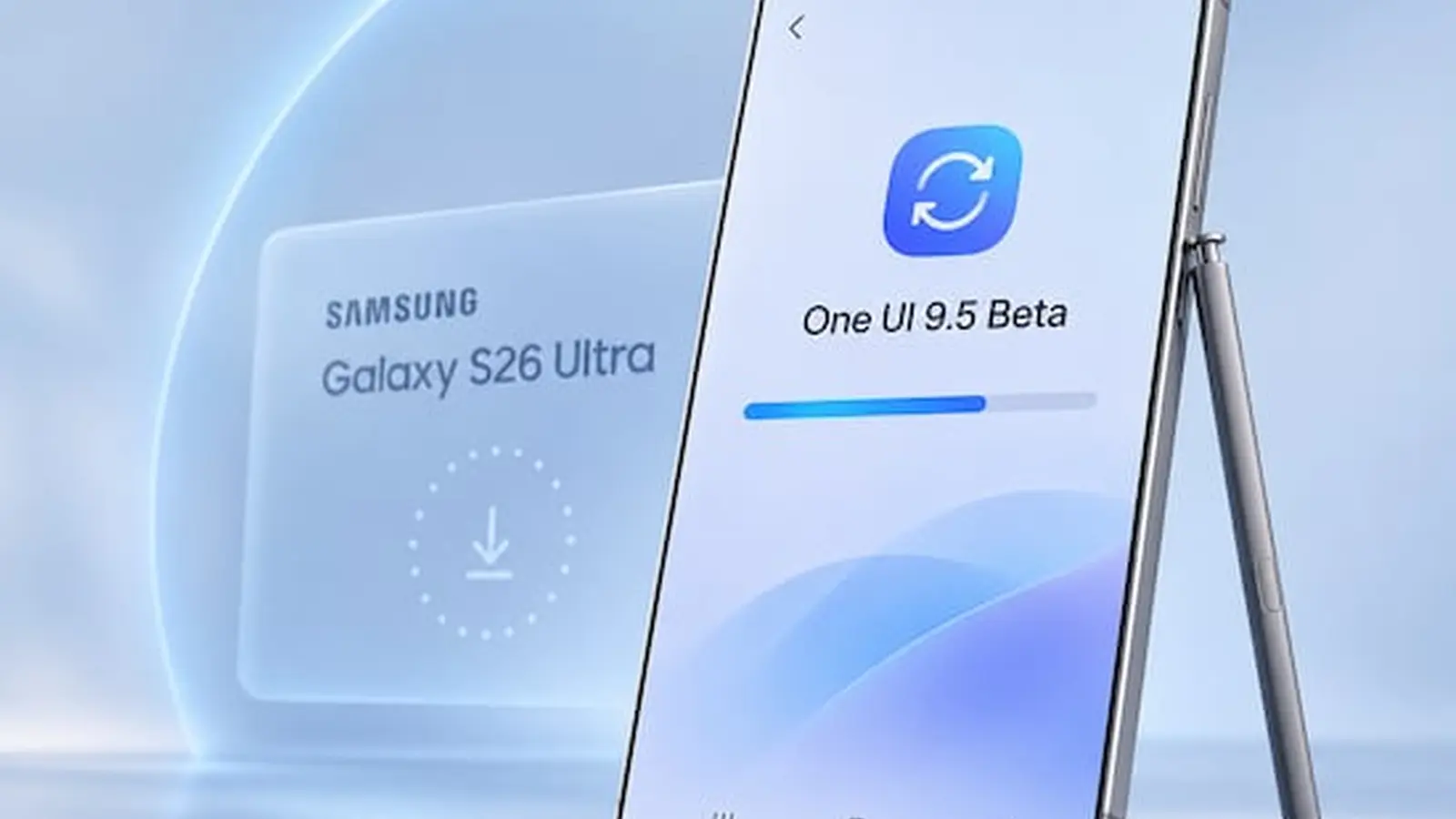
Samsung began rolling out the One UI 9.5 beta on November 18, delivering an Android 17-based update to the Galaxy S26 line that introduces Mindful notes, enhanced camera controls, Live effect for wallpaper and a long-requested app lock feature.
The first devices to receive the beta are the Galaxy S26, Galaxy S26 Plus and Galaxy S26 Ultra. The release is based on Android 17 and bundles several interface and system updates; Mindful notes appears as a new notes option focused on mindfulness, Live effect for wallpaper applies dynamic visual effects to home and lock screen wallpaper, and the camera gains expanded controls. Samsung also says it has integrated an app lock capability into the system.
The One UI 9.5 beta is limited to Galaxy S26 models and users in India, Germany, Korea, Poland, the UK and the US.
Notably, the Galaxy Z Fold 8 and Galaxy Z Fold 8 Ultra are not included in the initial list. Samsung says those devices will receive the beta when the company opens the program to more models, but there is no official timeline yet, though it will likely happen early next year.
The beta program itself is restricted to specific regions. Samsung has opened One UI 9.5 beta only to users in India, Germany, Korea, Poland, the United Kingdom and the United States. The company released the update in all eligible regions on the same day; Samsung’s regional rollout has sometimes staggered deliveries in the past, with India and Poland typically receiving updates one to two weeks later, but that gap is absent for this release.
How to install the One UI 9.5 beta
You must sign up for the beta program through the Samsung Members app on your Galaxy device. Open Samsung Members, scroll until you see the One UI Beta banner and tap it. Select One UI 9.5 Beta and tap Join, then confirm the enrollment. After joining, go to Settings, then Software updates, and tap Download and install. Download the update and install it; your device should reboot itself to apply the required changes.
Because this is a beta build, the software is not expected to be fully polished and may include bugs or broken features. You can revert to a stable release if needed, but Samsung notes that returning to a stable build may require a factory reset.

“I cover emerging technologies, digital innovation, and the intersection of tech and everyday life. My goal is to make complex trends accessible and inspiring.”

Discussion
Leave a Comment
Comments
No comments yet. Be the first.