
Your phone acts up at the worst possible moment. Frozen app, flaky Wi-Fi, or battery that drains faster than coffee disappears on Monday morning. Now, instead of hunting forums or rebooting three times, a conversational assistant may guide you through the fix.
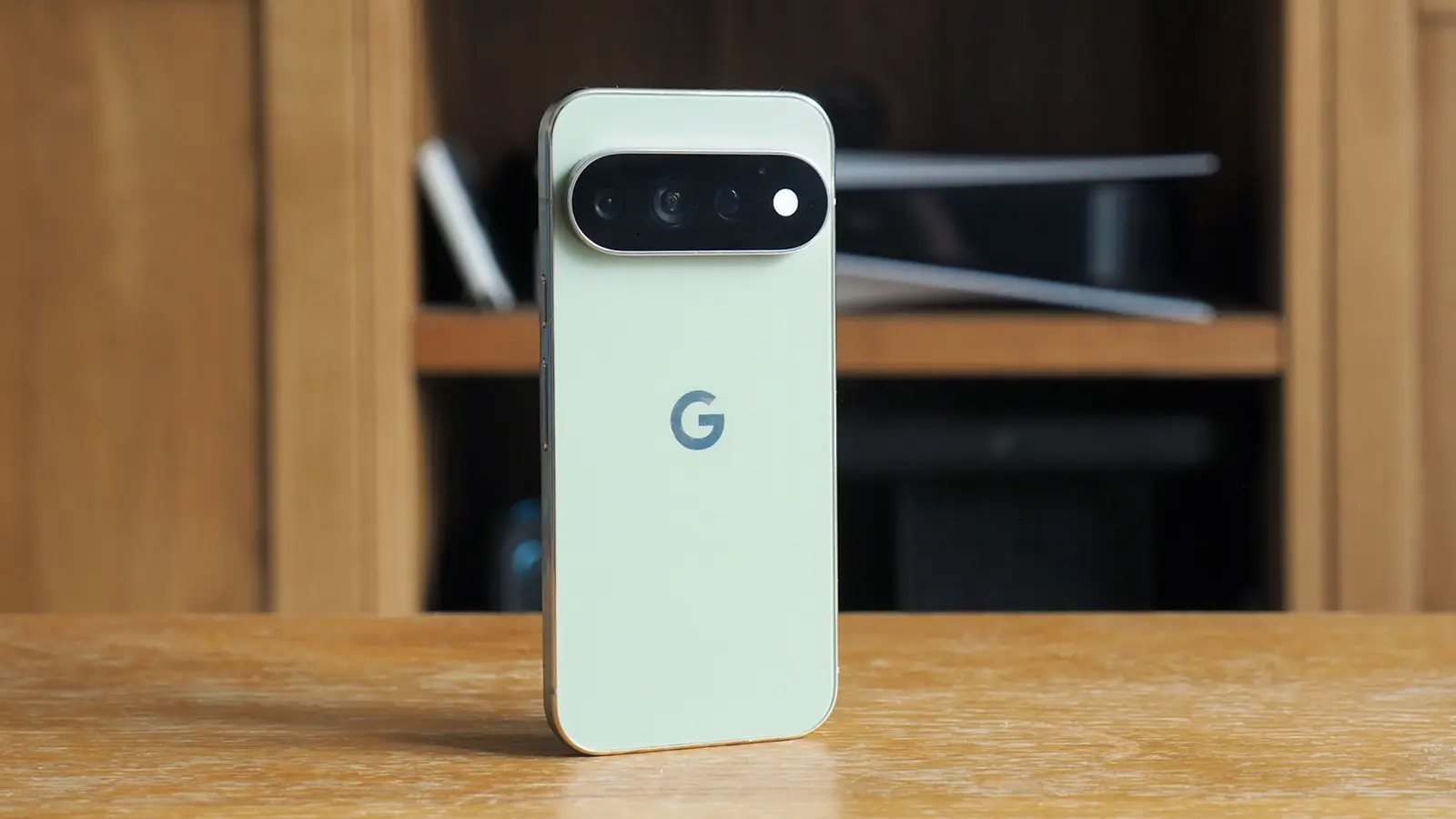
Google has tucked a new Device help tool into Gemini for Pixel 11 users. You can find it under the plus menu in Gemini, sitting near the bottom of the list just above Personal Intelligence. It turned up in the latest beta of the Google app, build 17.52, and it carries a Labs badge—an explicit nod that this is still experimental.
How it behaves when your Pixel misbehaves
Think of Device help like a tech-savvy friend who knows your phone. Ask about a flaky Bluetooth connection and the assistant can walk you through toggling radios, forgetting and re-pairing devices, or checking for conflicting permissions. Battery running low? Gemini can suggest power settings, identify hungry apps, and recommend targeted tweaks to stretch a charge.
Troubleshooting covers common headaches: connectivity hiccups, unexpected battery drain, audio quirks, and sluggish apps. It can also audit storage usage and suggest files or apps to remove, review app permissions, manage notifications, and set app timers. Camera gestures and privacy toggles are also within its remit, with step-by-step guidance when you need it.
 |  |  |  |
This is an experimental feature rolling out slowly, so don’t expect it on every Pixel immediately.
At the moment, availability looks limited. The presence in a beta build suggests Google is still iterating; full-scale distribution could take time. Still, even staggered rollouts matter. Each small test informs the next wave of improvements.
There are subtle advantages to mixing troubleshooting with conversational AI. Rather than a static list of steps, Gemini can adapt instructions to what it detects on your device and to the follow-up questions you ask. That reduces guesswork. It also lowers the barrier for less technical users who might otherwise abandon a fix mid-way.
For Pixel 11 owners who spot it, Device help is worth a try. For everyone else, it’s a sign of where device support is heading: more conversational, more contextual, and less reliant on manual digging.

“I love exploring gadgets, apps, and trends that redefine how we connect, work, and play in a digital world.”

Discussion
Leave a Comment
Comments
No comments yet. Be the first.