
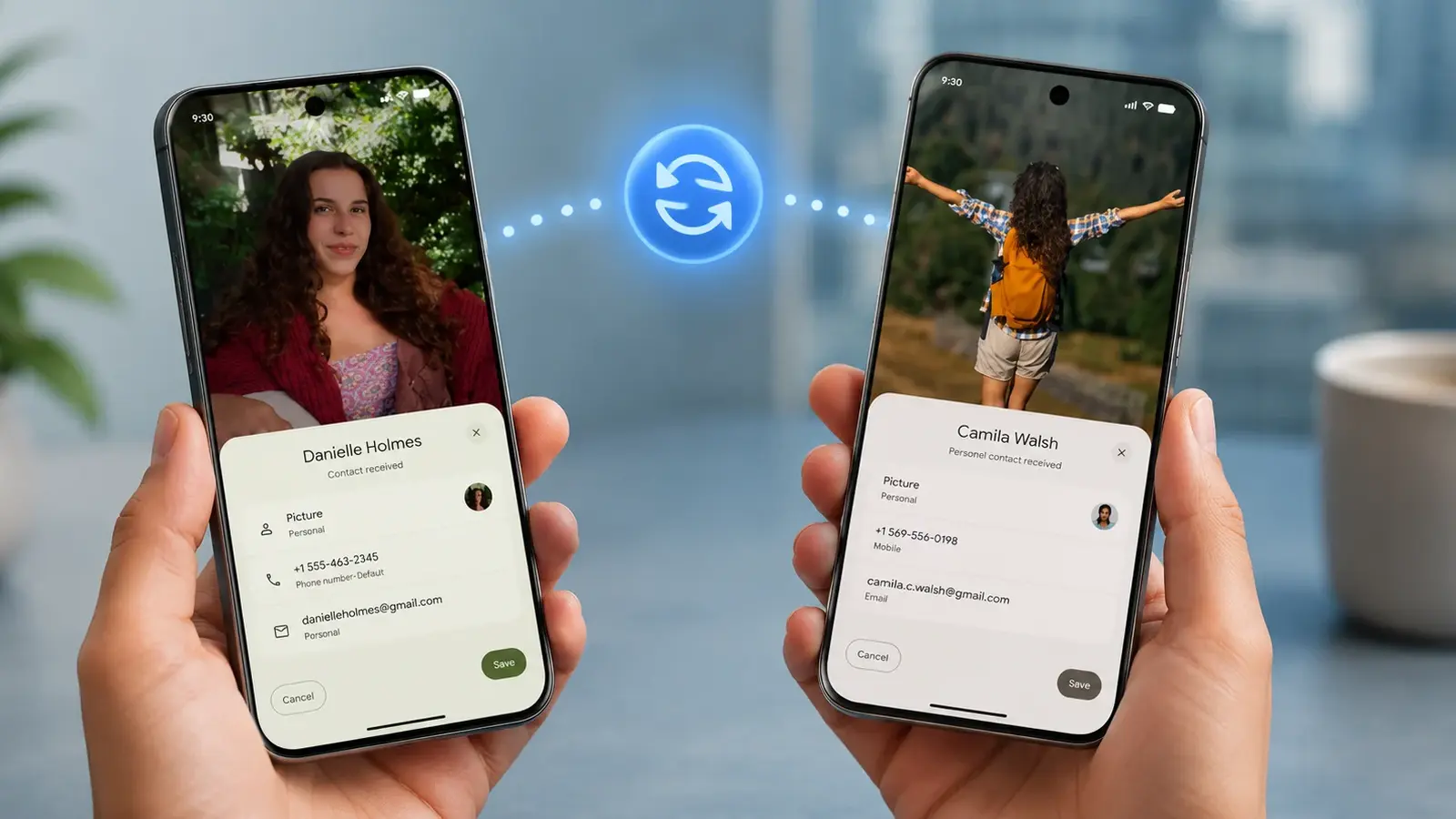
Imagine you're at a café. Two phones touch. A photo jumps from one screen to another in an instant. No fumbling with menus. No waiting. Welcome to Tap to Share.
Google has quietly rolled out this feature for Pixel phones starting with Pixel 6 and for Samsung's newest foldables: Galaxy Z Fold8, Fold8 Ultra, and Flip8. Google says more Android devices will gain support by the end of the year, so expect that device list to expand.
Tap, Share, Done: How it works
Bring two supported devices close together. Tap them. Information transfers. Simple as that. You can swap contact cards, photos, videos, and other shareable items. The system supports instant two-way exchanges so both people walk away with the content.

To trade contact details, make sure you and the other person are on your home screens, then touch the phones together. The exchange is immediate. You choose what leaves your device: pick which contact fields to share, or opt to only receive the other person’s card.
Sharing photos or videos follows a familiar route. Open the app, tap the Share button, select the Share Sheet, and then tap the other phone. The transfer starts without extra menus or pairing codes.
Want to stop it? Go to Settings > Google > Quick Share > Tap to Share and toggle the feature off. That gives you control when you want it and quiet peace when you don't.
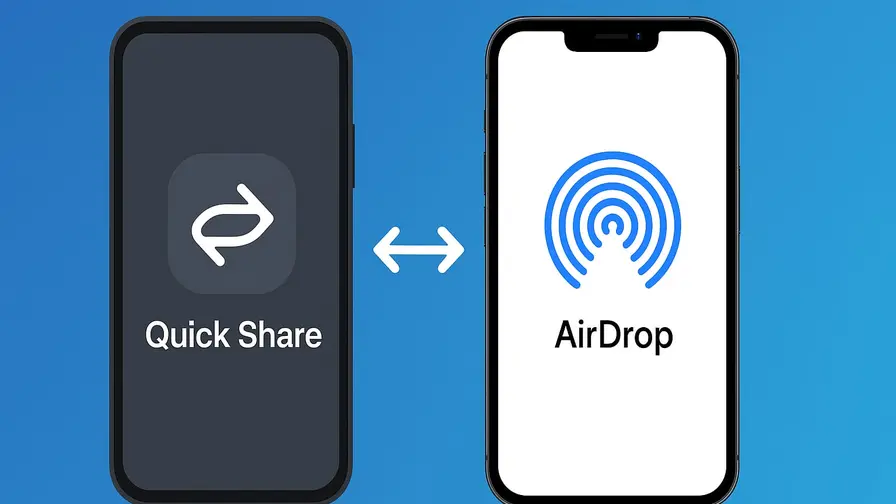
Is this Android's answer to Apple's NameDrop? You could say that. But Tap to Share leans into Android's strengths: flexibility and user choice. It feels fast. It feels natural. And as more devices adopt it, passing files between friends, colleagues, or even strangers will start to feel as ordinary as handing over a business card.

“I love exploring gadgets, apps, and trends that redefine how we connect, work, and play in a digital world.”

Discussion
Leave a Comment
Comments
No comments yet. Be the first.