
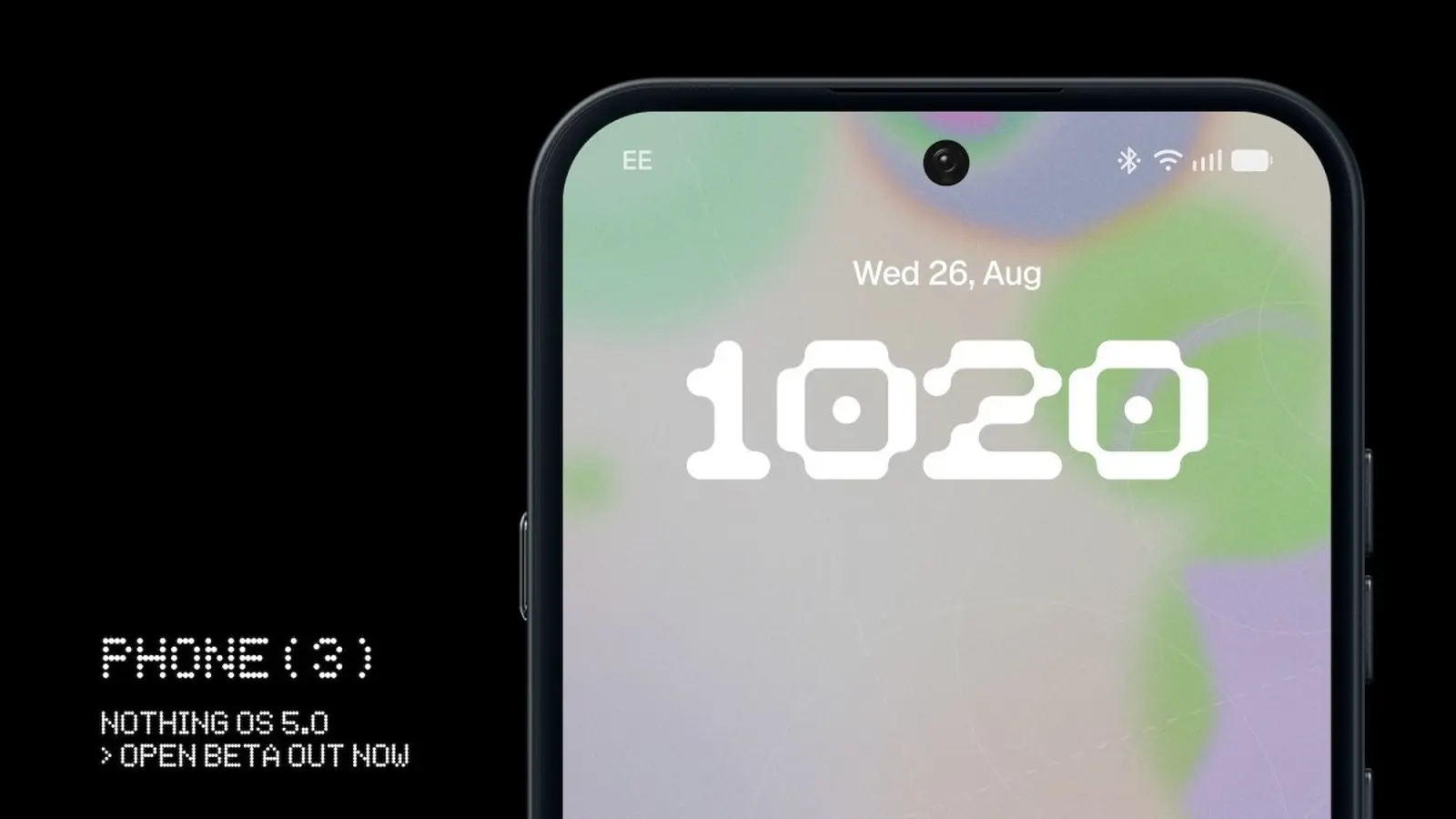
Nothing has rolled out the first open beta of Nothing OS 5.0, built on Android 17, and it landed exactly when the company said it would. If you own a Nothing Phone (3) and you like living on the cutting edge, this is your ticket.
Installation isn’t mysterious. You do not download a firmware file directly. Instead, grab the updated Nothing Beta Hub app — version 2.0 — which acts as the gateway to the beta. Once the app is installed, the update is delivered to your phone as a standard over-the-air package.
How to join the open beta without drama
- Install Nothing Beta Hub 2.0 from the official source.
- Open Settings, go to System, then tap Nothing Beta Hub.
- Tap Check Version, then Join Beta to register.
- Wait for the OTA to arrive, or force a check via Settings > System > System updates.
Expect new features tied to Android 17 and tweaks specific to Nothing’s hardware. Expect bugs too. Beta means experimentation. Phones can crash. Battery life can wobble. Apps may behave oddly. Simple truth: this build is not for your only device. If you enjoy tinkering, proceed. If you rely on this phone for work, hold off.

Back up your data before you install the beta.
If you change your mind and want stability, you can request a rollback from Settings > System > Nothing Beta Hub by tapping Request Rollback. Be aware that rolling back will erase all data on the device, so that backup step matters.
Nothing has published a rollout timetable for all supported devices, but for now the Phone (3) is where the action is. If you join, you’ll be helping the company find and fix problems. If you watch, you’ll know what to expect when the stable release arrives.
Curious testers will find a mix of polish and rough edges. That’s the point. The company wants feedback. Your reports could shape the final release.

“I love exploring gadgets, apps, and trends that redefine how we connect, work, and play in a digital world.”

Discussion
Leave a Comment
Comments
No comments yet. Be the first.