
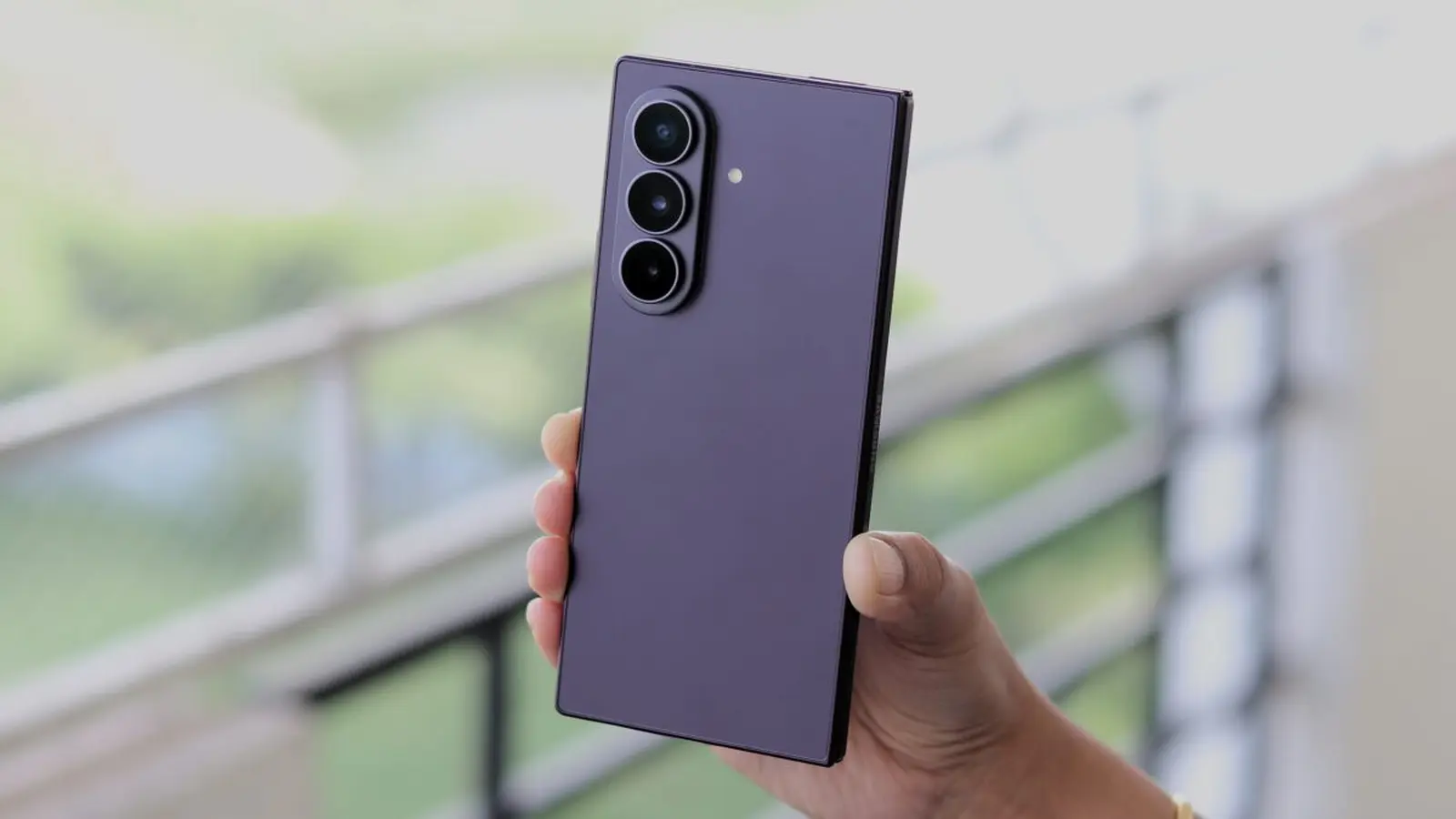
Your Galaxy just received a quiet nudge. No fanfare. No patch notes. Just a small system update that could improve how on-device Google features behave.
Google has deployed version 962568596 of Private Compute Services to Samsung phones and tablets. If that number sounds like a string of digits, the practical takeaway is simple: this is a background system app that supports on-device, privacy-focused processing for features such as voice models and local intelligence features.
Where it hides and how to install
This one does not appear in the usual update feed. You will not find it by opening the Galaxy Store or browsing the Google Play Store updates list. Instead, go to Settings, then Google services, then All services, and open System services. Tap Private Compute Services from that list and the entry will open in the Play Store. Select Update to install.
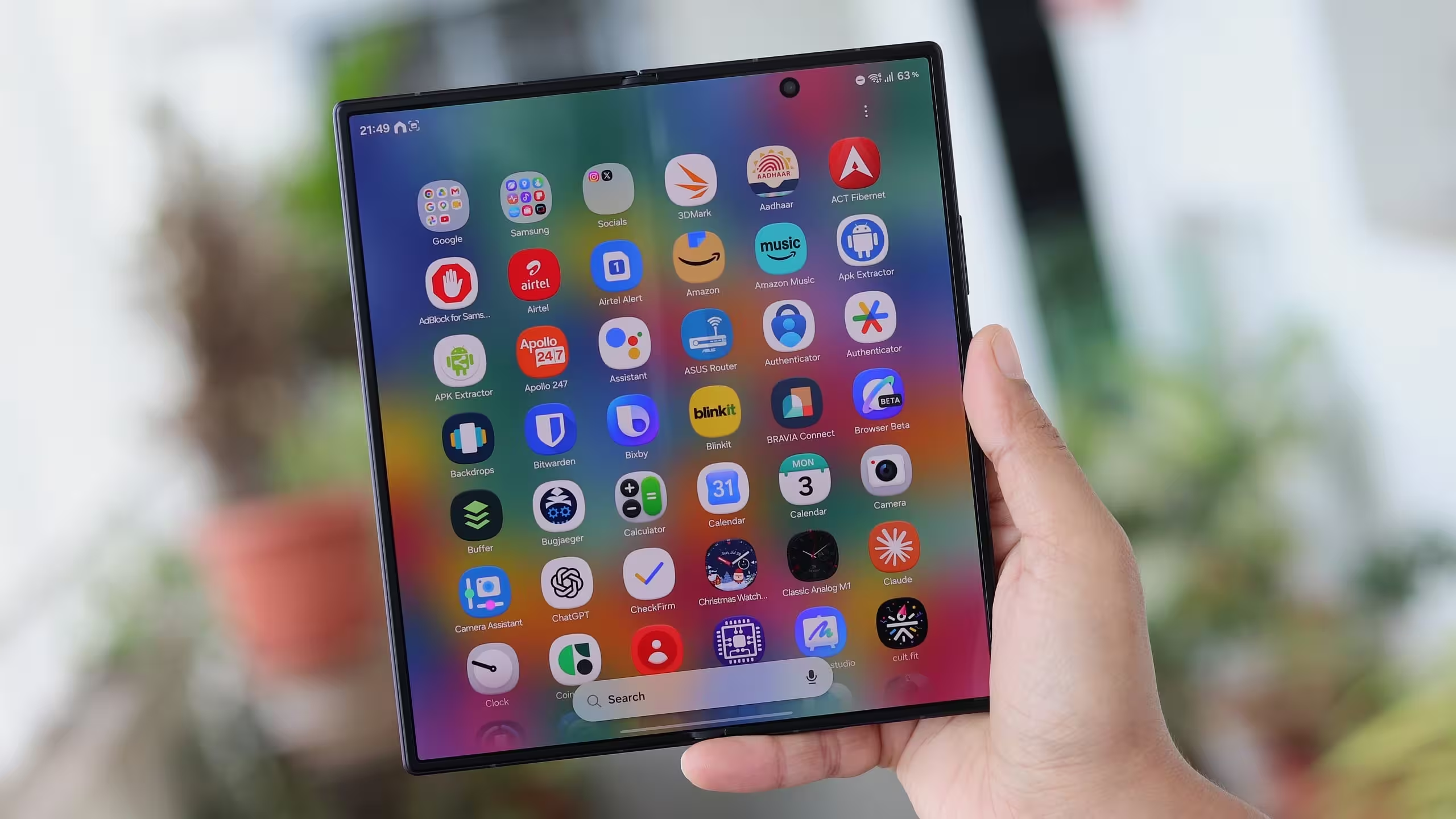
Short and odd. But that pathway is deliberate. System-level components like this are surfaced through Google services rather than the regular app update flow. Expect rollout behavior to be staggered.
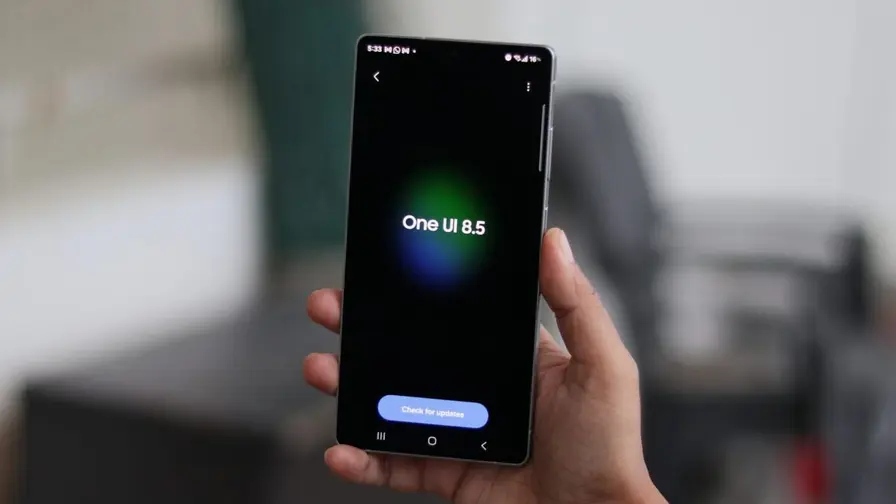
At the moment the rollout targets Galaxy devices running One UI 8.5 (Android 16 QPR2). That does not rule out a wider release; Google often expands distribution to older and newer One UI builds after an initial push.
There is no changelog from Google, so what changed remains unspecified. That is not unusual for system app revisions. If you notice improved voice transcription, quicker on-device suggestions, or changes to features that rely on private compute functions, those could be subtle signs the update landed.
Want to keep tabs? Check the System services list periodically. And if you spot behavior that seems different after the update, a quick feedback report to Samsung or Google helps track whether this version delivers any tangible improvements.

“I love exploring gadgets, apps, and trends that redefine how we connect, work, and play in a digital world.”

Discussion
Leave a Comment
Comments
No comments yet. Be the first.