
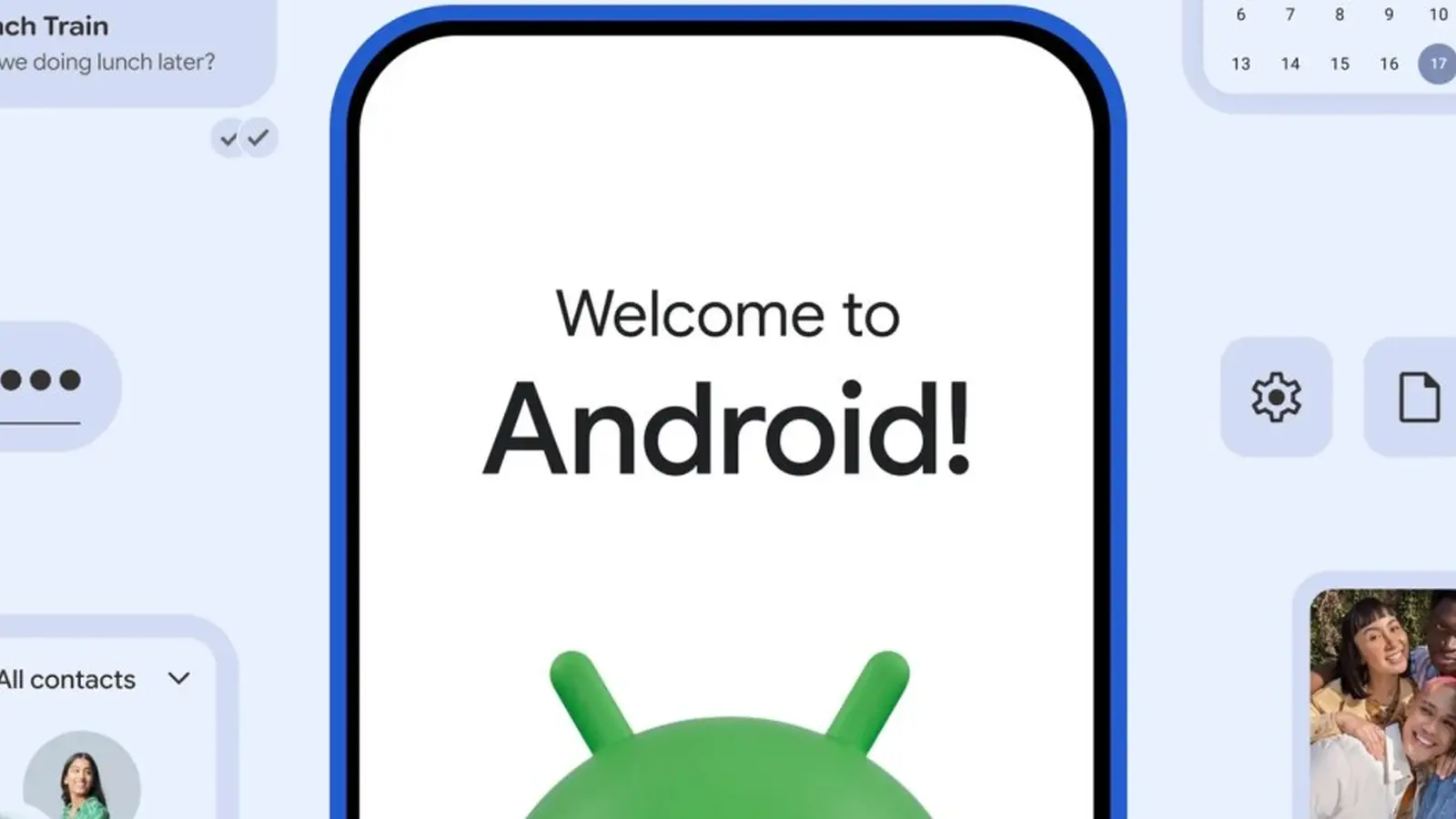
Picture this: you unfold a brand-new Galaxy, tap a prompt, and watch months of data—texts, chats, app logins—move across like a migrating flock. Quick. Quiet. Nearly complete.
What actually moves — and why it matters
Google has refreshed its Android Switch migration tool for Android 17, and it’s rolling out to a handful of flagship devices first. Samsung’s latest foldables—the Galaxy Z Fold8, Galaxy Z Fold8 Ultra, and Galaxy Z Flip8—ship with the upgrade. Pixel phones are getting it too, but with limits: the Pixel 8, Pixel 9, and Pixel 10 series will receive the new tool; Pixel 6 and Pixel 7 owners will not.
The point is simple. Switching ecosystems no longer needs to be a two-week headache. This update aims to cut the friction most people dread when leaving iOS for Android.
This is the most complete iOS-to-Android migration tool Google has shipped.
So what transfers? A lot. Think beyond contacts and photos. Google’s updated Switch can move your Google Account, passwords and passkeys, app data, Wi-Fi settings, alarms, device preferences, and even your home screen layout. Apple-specific content is included too: iMessage history and Voice Memos. For carriers and messaging apps, the tool supports eSIM transfers and WhatsApp chat history.

- Google Account, passwords and passkeys
- App data and home screen layout
- Wi-Fi credentials, alarms, device settings
- iMessage history and Voice Memos
- eSIM data and WhatsApp chat history
Not every Android device will see the feature today. Google says more models will gain support in the coming months, which suggests a staged rollout tied to Android 17 builds and partner testing. If you own a Pixel 6 or 7, plan ahead: you’ll need a supported device or wait for future compatibility notes.
Why should readers care? Because the migration experience shapes first impressions. A smooth transfer keeps users engaged and reduces the temptation to return to a familiar platform. For Samsung, bundling this tool with high-end foldables is a strategic nudge: make switching effortless, and you remove one of the biggest barriers to adoption.
Curious to try it? Check your device’s Android 17 update notes and follow Google’s migration instructions when they appear. The transfer isn’t magic, but it’s getting very close.

“I cover emerging technologies, digital innovation, and the intersection of tech and everyday life. My goal is to make complex trends accessible and inspiring.”

Discussion
Leave a Comment
Comments
No comments yet. Be the first.