
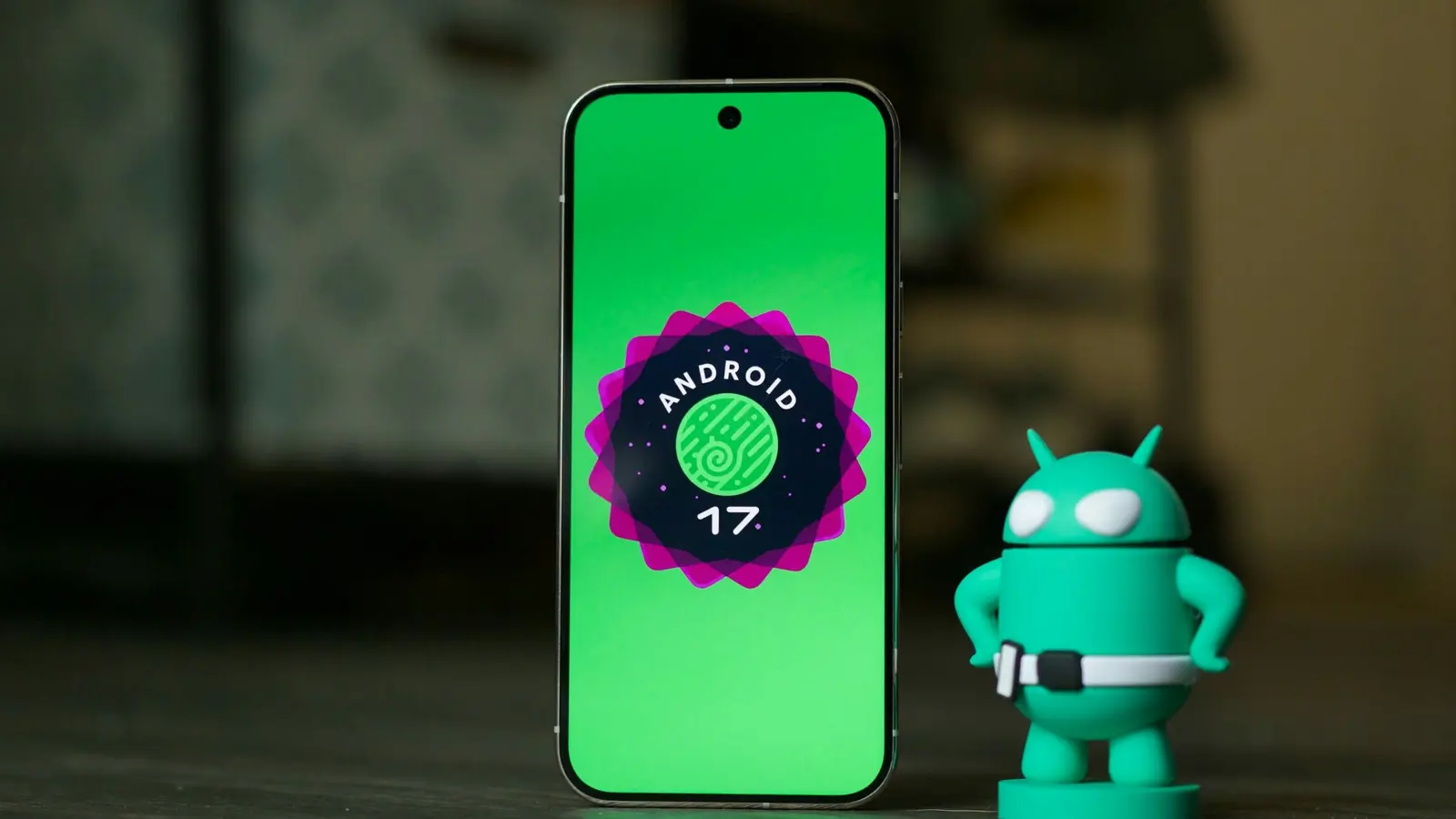
Blink and you might miss the next update. Google has quietly pushed Android 17 QPR 2 Beta 2 to Pixel owners, slipping it into the Android Beta Program alongside AOSP images. There’s one oddity: the official release notes say almost nothing about what changed since Beta 1.
So what’s different this time?
Short answer: Google hasn’t spelled it out. That doesn’t mean this build is meaningless. Beta releases often carry small stability improvements, under-the-hood fixes, and targeted patches that aren’t dramatic enough to headline. If you want to see the visible fixes, the previous QPR 2 Beta 1 changelog gives us a useful map of the problems addressed recently.
Eligible Pixels will receive the OTA through the Android Beta Program. If you’re ready to test, enroll your device and wait for the update to arrive. The OTA applies to a wide range of Pixels, from more affordable models to the latest flagships:
Pixel 6a, Pixel 7, Pixel 7 Pro, Pixel 7a, Pixel Tablet, Pixel Fold, Pixel 8, Pixel 8 Pro, Pixel 8a, Pixel 9, Pixel 9 Pro, Pixel 9 Pro XL, Pixel 9 Pro Fold, Pixel 9a, Pixel 10, Pixel 10 Pro, Pixel 10 Pro XL, Pixel 10 Pro Fold, and Pixel 10a.
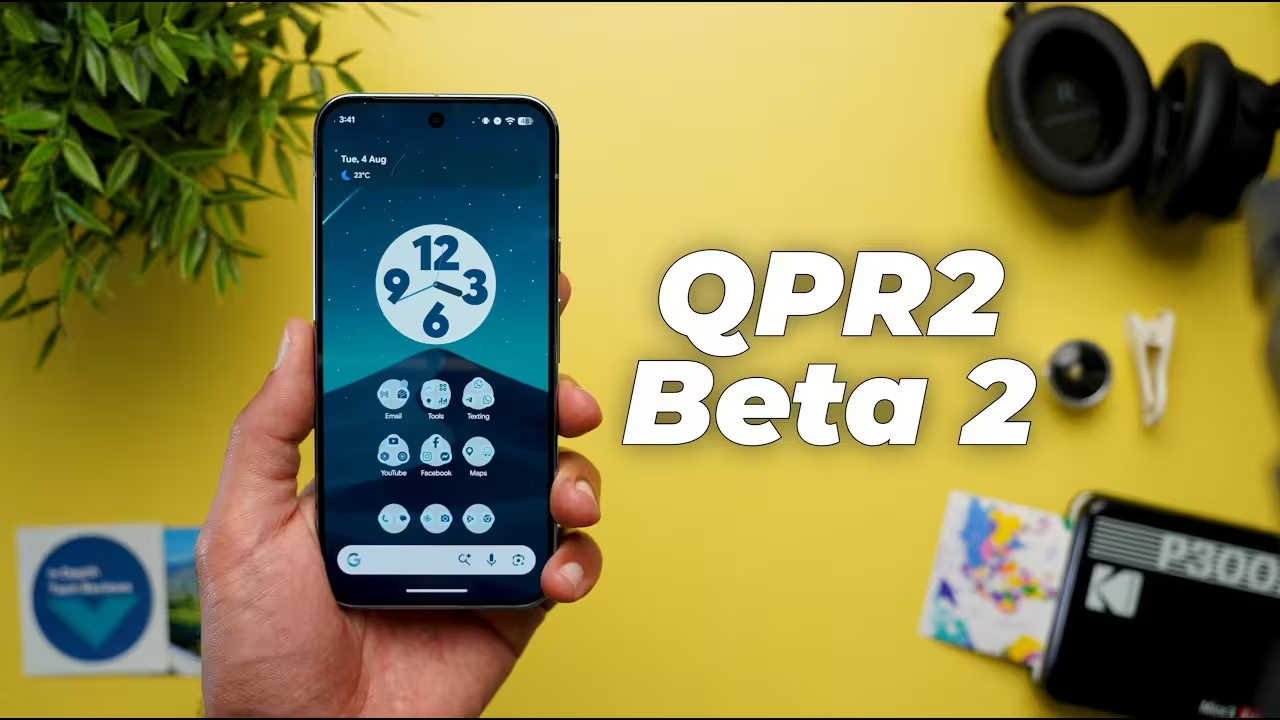
What Beta 1 fixed (useful context)
- Bluetooth re-pairing sometimes failed silently after a remote bond loss. (Issue #412524057)
- Media controls briefly flashed on the lock screen on wake even with notifications turned off. (Issue #484607701)
- System crash causing unexpected reboots when invoking Gemini. (Issue #505750489)
- Starting a multi-finger drag-and-drop could stop the source app from receiving further touch events. (Issue #516836306)
- Notifications sometimes became invisible in the shade until a reboot. (Issue #526139207, Issue #522657034)
- ML-DSA key generation threw an exception when using the string "NONE" for the digest instead of the class constant. (Issue #525612735)
- AccessibilityNodeInfo.toString() logged window bounds as screen bounds, producing misleading accessibility debug data. (Issue #520428442)
- Window-level blur effects failed to render and the developer toggle for those blurs reset after reboot. (Issue #527376569)
Those fixes read like a practical checklist: Bluetooth reliability, media UI polish, crash prevention, touch input consistency, notification visibility, cryptographic edge cases, accessibility accuracy, and UI blur stability. None are flashy features, but together they tidy the experience.
Want to try Beta 2? Join the Android Beta Program, back up your data, and opt in. Expect an OTA if your device is listed; advanced users can also grab the AOSP images. Remember: betas are for testing, so occasional hiccups are part of the trade-off for getting fixes early.

“I love exploring gadgets, apps, and trends that redefine how we connect, work, and play in a digital world.”

Discussion
Leave a Comment
Comments
No comments yet. Be the first.