
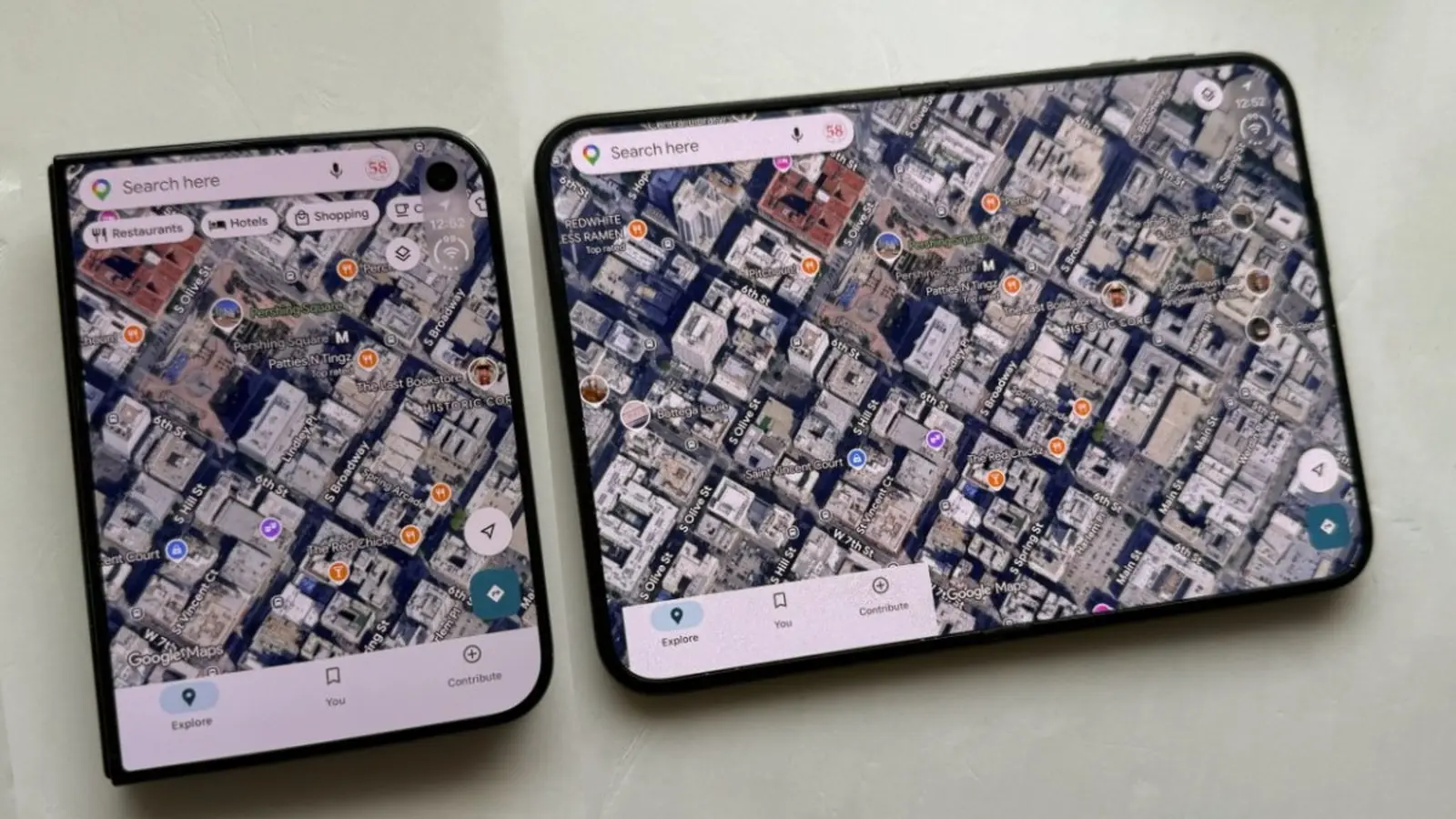
Google Maps has received an update that makes the app fully compatible with the iPhone Duo's two displays. The App Store listing for version 26.44.4 lists only "bug fixes", but users report that the new release changes how the app uses both the outer and inner screens.
Before this update, Google Maps behaved awkwardly on the Duo. On the outer screen the app sat slightly offset to the left to accommodate the relocated iOS dock. On the inner screen the app ran in a regular iPhone layout that could be shifted left or right, leaving much of the display unused.
With version 26.44.4, Google Maps fills both screens on the iPhone Duo.
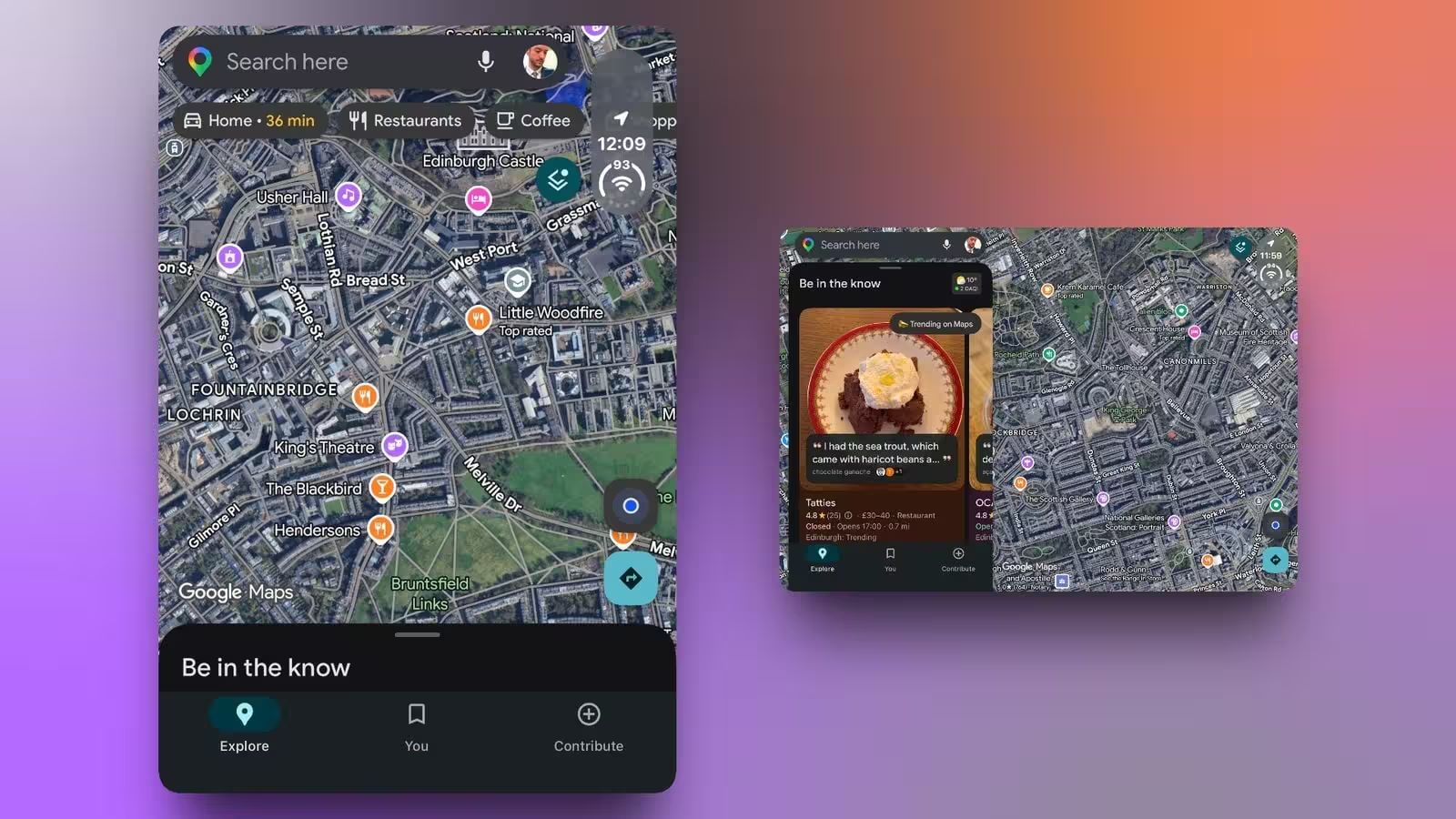
The change is subtle on the outer display but gives a cleaner appearance. On the inner screen the app now uses a wide layout: the menus and search box appear on the left while the map or satellite view stretches from corner to corner. That arrangement closely resembles Google Maps on the iPad and makes better use of the Duo's additional width.
Street View and behavior when folding
Street View takes advantage of the extra space as well. By default it occupies the left side of the inner screen and leaves the right side for the map; there does not appear to be a way to swap those panes, though Street View can be expanded to fill the entire display. If you close the iPhone Duo while in Street View, the view moves to the outer screen and a close button returns you to the map.

“I cover emerging technologies, digital innovation, and the intersection of tech and everyday life. My goal is to make complex trends accessible and inspiring.”

Discussion
Leave a Comment
Comments
No comments yet. Be the first.