
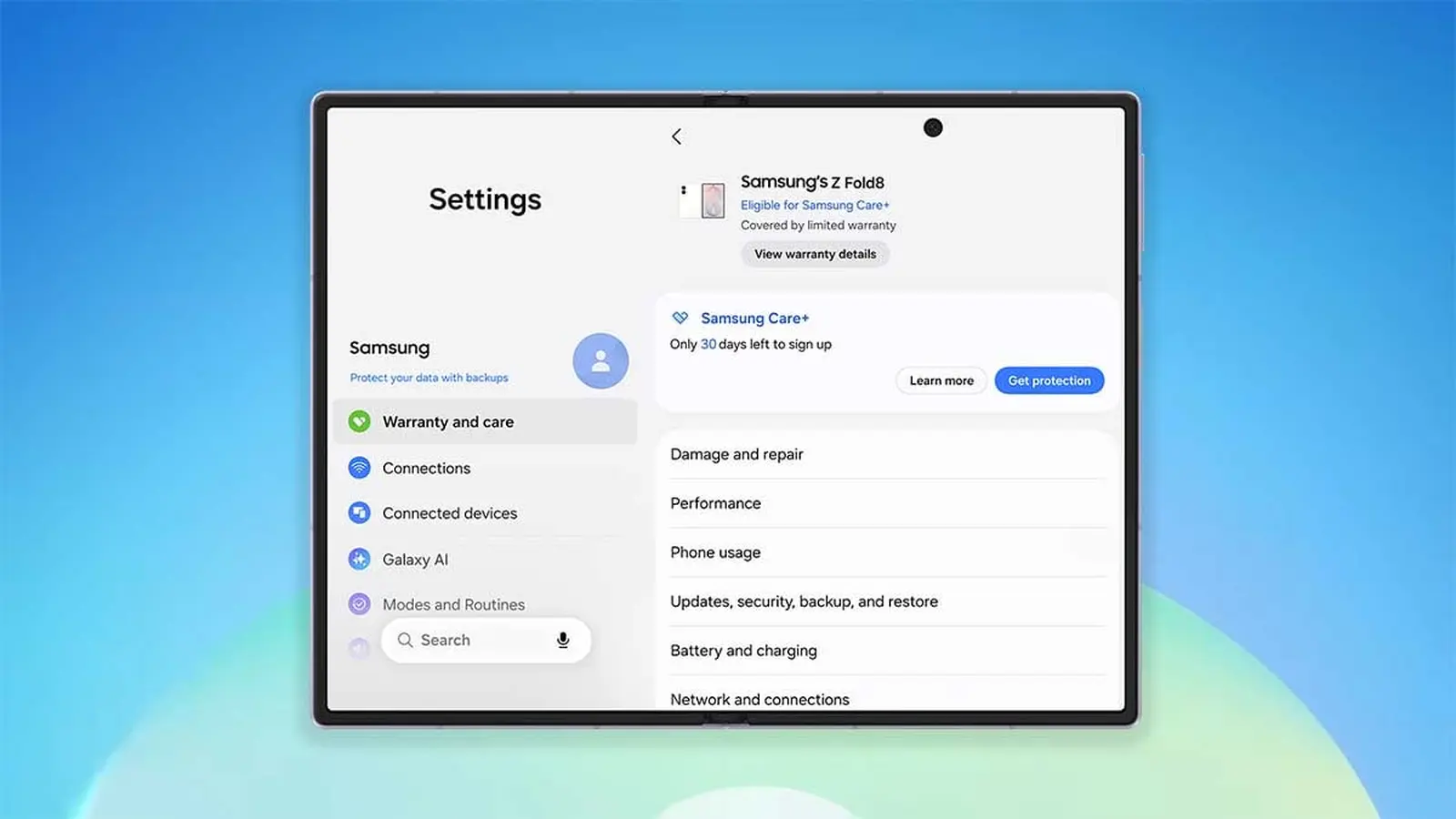
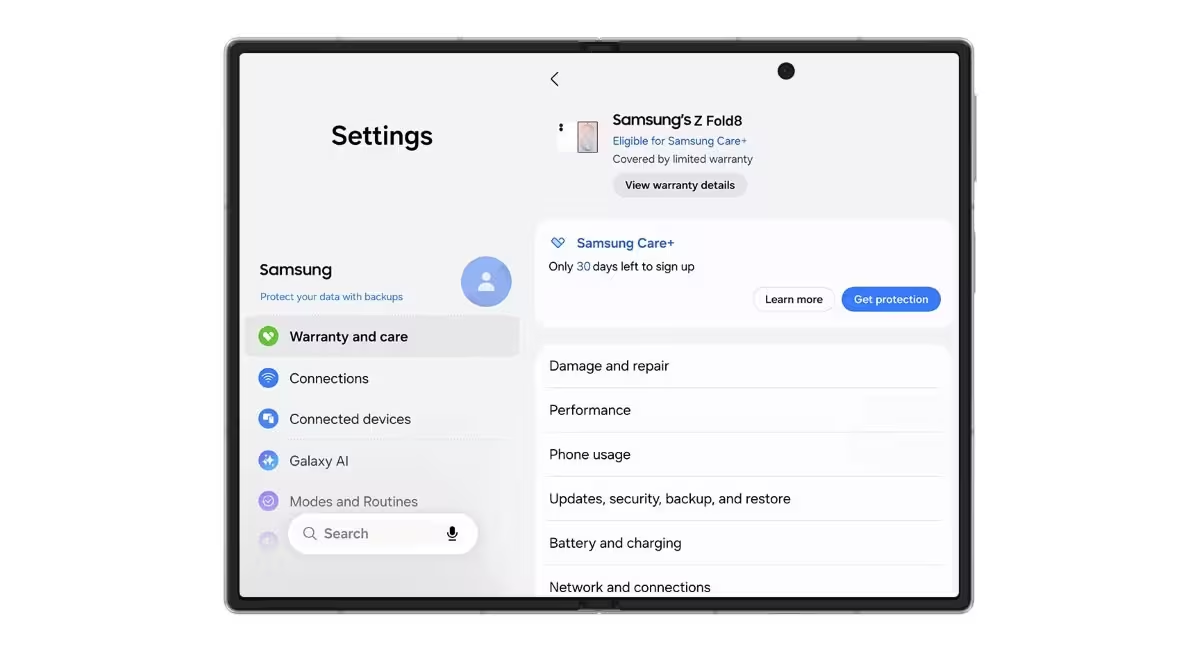
Imagine opening Settings and finding a tidy dossier for every Samsung device you own. One UI 9, which ships on the Galaxy Z Fold8, Fold8 Ultra, and Flip8, moves warranty details out of hidden menus and into plain sight.
The current device sits at the top of the screen, with a clear note on whether it can join Samsung Care+. Scroll down and you’ll see every other phone, tablet, or wearable tied to your Samsung account. No digging. No guesswork.
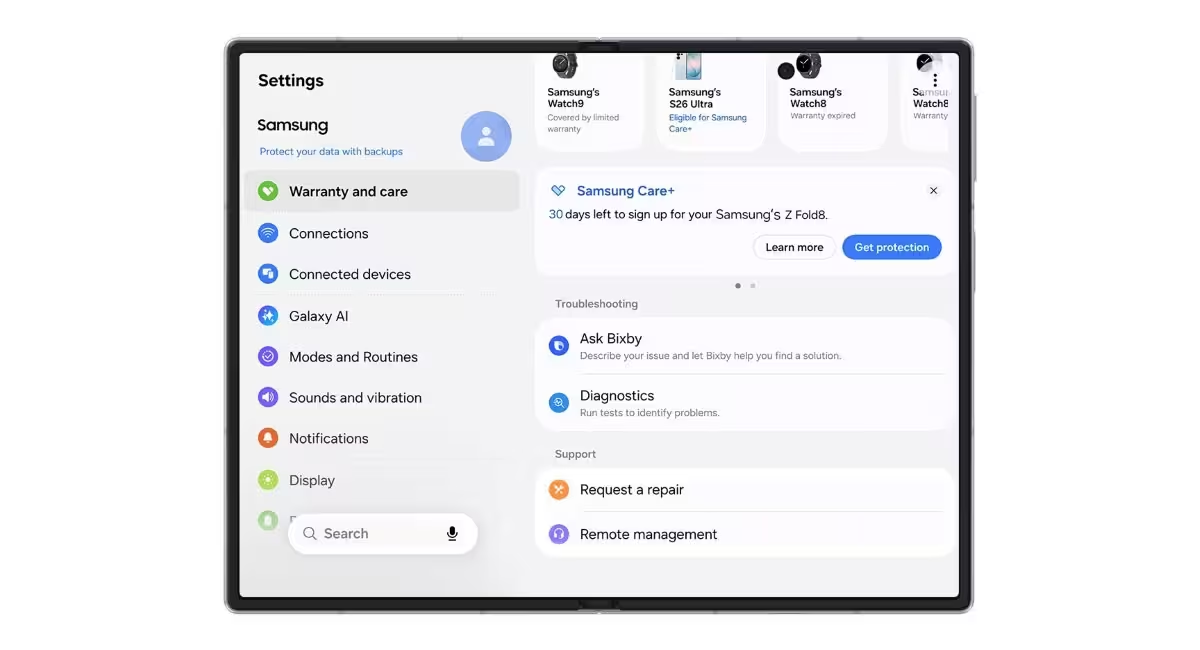
What the new Warranty and care menu actually does
Bixby lives in this space now, but not as a flashy assistant. It runs quick diagnostics for things that matter: battery health, charging behavior, sensors, touchscreen responsiveness, and connectivity. Want a fast check? Tap and let it run.
- Battery and charging
- Sensors and touch response
- Connectivity checks
Found an issue? You can request a repair from within the menu without making a single call. Repairs are handled by Samsung certified technicians and use genuine Samsung parts. If visiting a service center is inconvenient, remote support lets a technician guide you or take control to troubleshoot.

One practical detail stands out: estimated part costs appear alongside repair options. It is a small addition that changes decision making. You can see, in black and white, how much you might have saved had you bought Samsung Care+ sooner. That clarity could steer more people toward protection plans.

At its best, this feels like a product manager finally listening to actual human friction. A single place to check warranties, run diagnostics, compare repair costs, and start support sessions. Fast, clear, and designed for people who want answers without a museum of menus.
Warranty and care in One UI 9 brings transparency to repairs and makes enrolling in protection plans a practical choice rather than an afterthought.

“I love exploring gadgets, apps, and trends that redefine how we connect, work, and play in a digital world.”

Discussion
Leave a Comment
Comments
No comments yet. Be the first.