
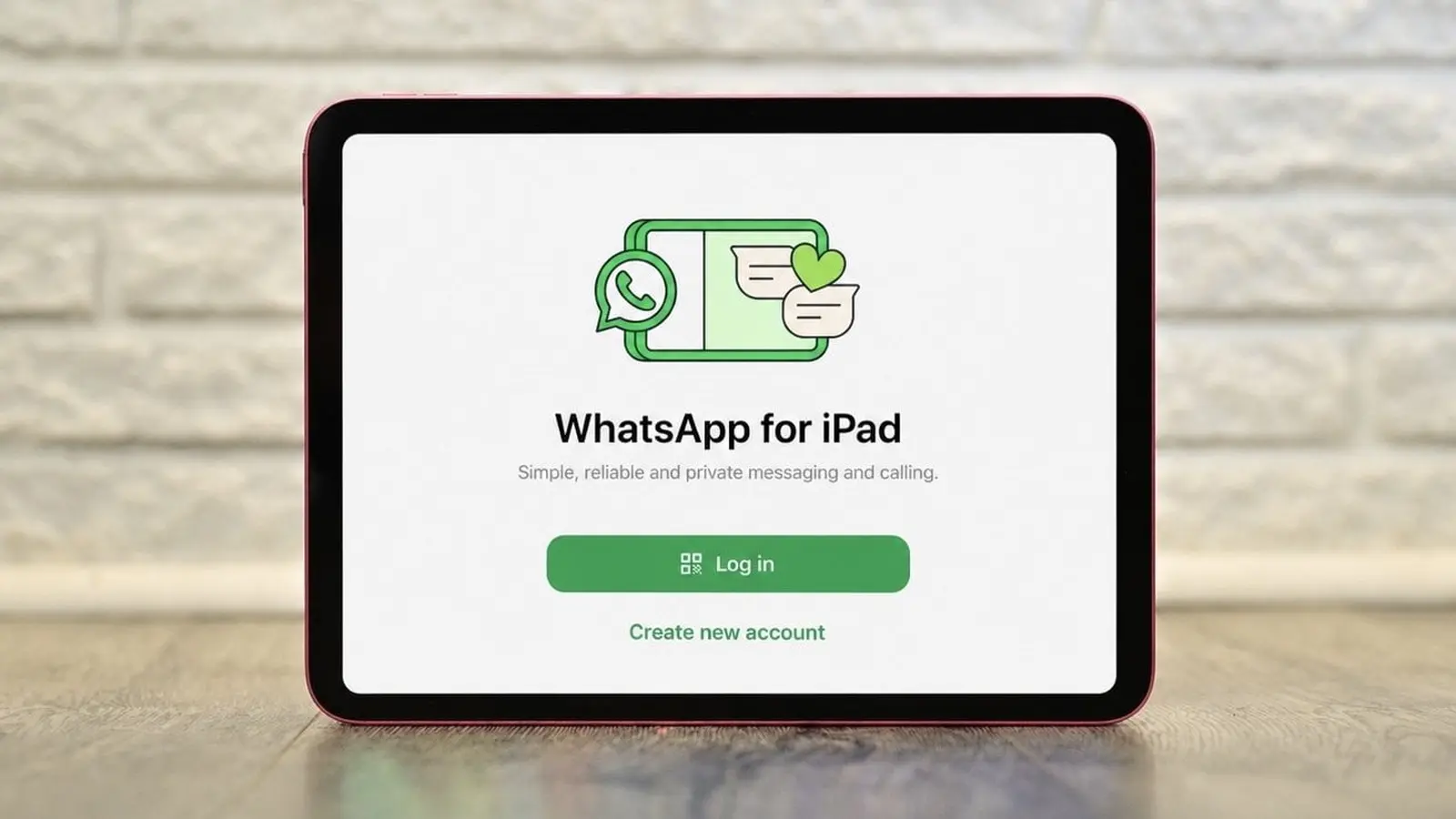
Ever tried to get WhatsApp running on an iPad and hit a snag because your phone wasn't nearby? That friction just got smaller. WhatsApp's latest update removes a key limitation: you can now register and use the app straight from an iPad without first linking a phone.
Small changes, big payoff
WhatsApp now lets you create an account on an iPad without a phone.
Think about it: an iPad is often the device you reach for when you want a bigger screen, longer battery life, or a more comfortable typing experience. Until now, the requirement to tether a phone made the iPad version feel like a neat afterthought. That changes today. Users can set up a new account directly on the tablet, start chats, and use the app as a standalone client.
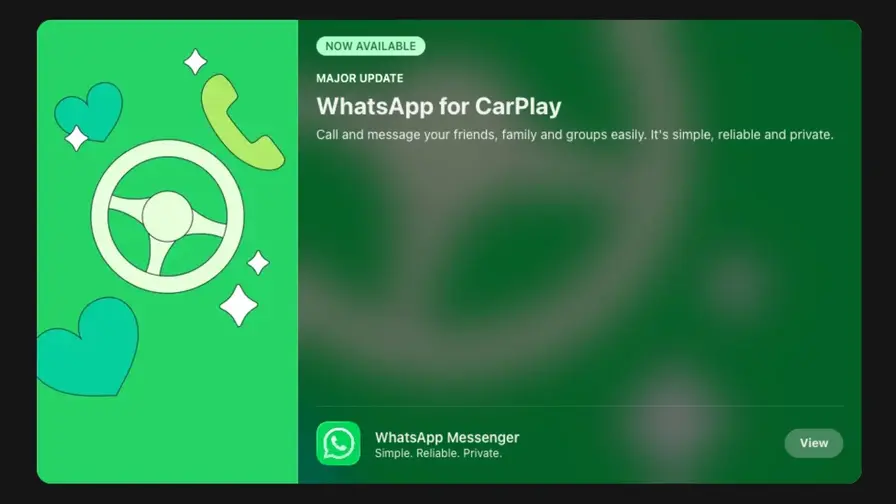
But this release is more than just a single tweak. WhatsApp also sharpened the in-car experience. If you use Apple CarPlay or Android Auto, the app can now read messages aloud, reply by voice, make calls, display recent call history, and surface your favorites right on the car's screen. It's a tighter, safer hands-free workflow for drivers who prefer not to fumble with their phones behind the wheel.

There are practical improvements too. PDFs no longer force a download detour. You can open documents inside the chat, mark them up, highlight passages, and add quick annotations without leaving WhatsApp. It’s a small convenience but one that will matter for people who share contracts, receipts, or classroom materials.
And for anyone who likes to soundtrack their life, WhatsApp now supports status updates that show what you're listening to. Open the share sheet in Apple Music or Spotify, tap share, and your currently playing track can appear as a status for your circle to see. It’s social listening made simpler.
These features are being rolled out gradually to users around the world. If you don't see them yet, check for an update and be patient; staged rollouts can take a few days.
Small features. Big difference. For many, the iPad upgrade alone will change how they use WhatsApp each day.

“I love exploring gadgets, apps, and trends that redefine how we connect, work, and play in a digital world.”

Discussion
Leave a Comment
Comments
No comments yet. Be the first.