
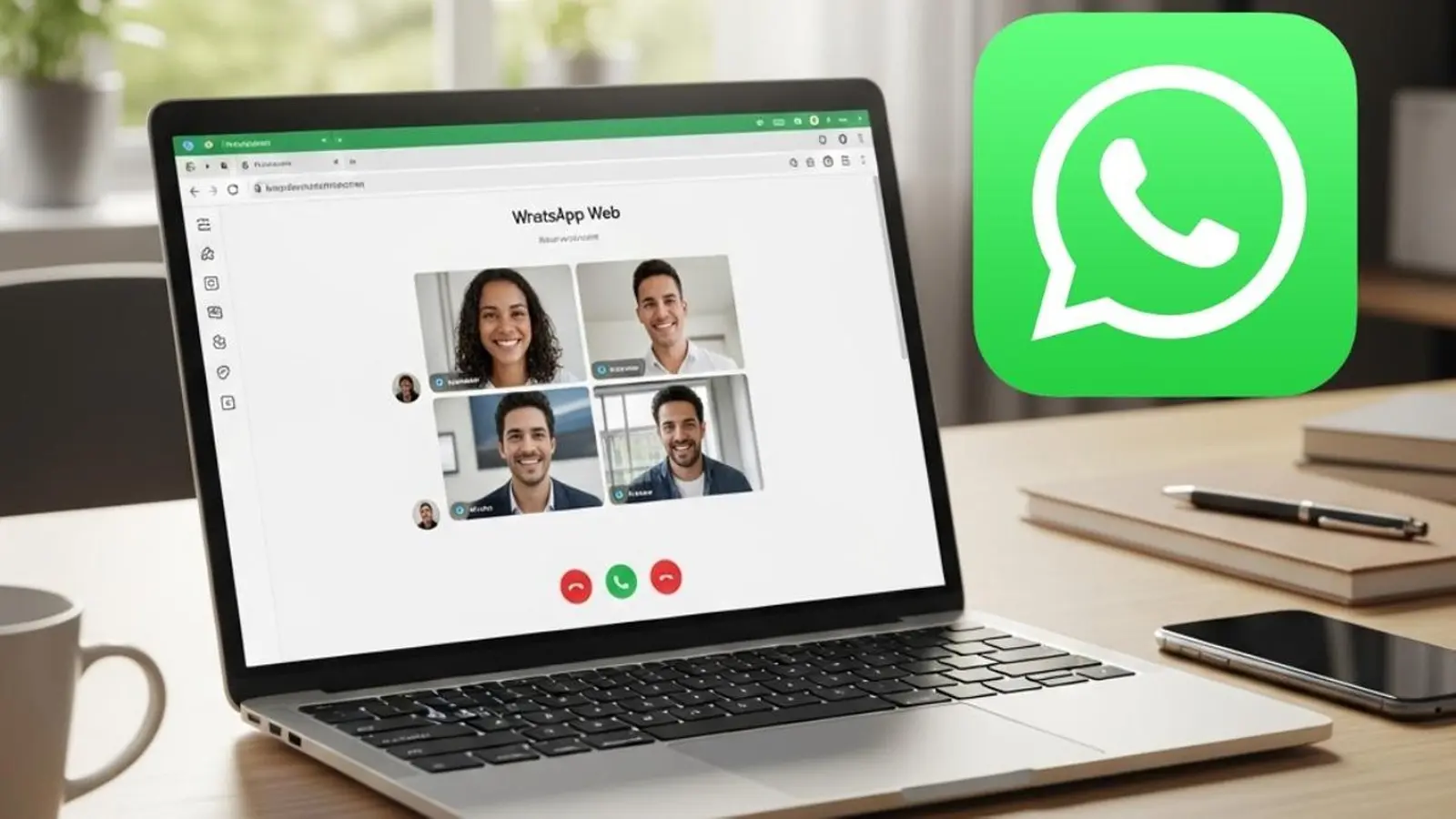
If you've ever muted a laptop, grabbed your phone, and cursed the chaos of switching devices mid-call, this will feel like an olive branch. WhatsApp has rolled out real audio and video calling inside the browser, and it changes how you use the web client in small but meaningful ways.
A browser that behaves like an app
Calls on WhatsApp Web now support both audio and video without any extra downloads. Screen sharing, reactions, and a new Calls tab land alongside the calling feature, giving the web client a more finished, desktop-like feel. The Calls tab stores your full history and your favorites so yesterday's conversation is never more than a click away.
Privacy isn't an afterthought. All calls remain end-to-end encrypted, and there are no hidden time limits or extra charges. Want to move a live call from your phone to your laptop? Do it. Move it back? Also possible. The handoff works between the mobile app, WhatsApp Web, and WhatsApp Desktop without forcing you to hang up first.

WhatsApp also borrowed a few tricks from video platforms that actually care about meetings. When you create a call link and set it to require approval, participants wait in a virtual waiting room until you let them in. Noise suppression is built into the in-call settings, cleaning up background clatter so your voice comes through clear. And if you've tolerated blurry, pixelated starts on other services, note this: HD video kicks in right away, no waiting for quality ramps.
Small changes, clearer calls
These updates don't transform WhatsApp into a full meeting suite. They do, however, remove several tiny frictions that made browser calling feel like a compromise. Quick reactions during a chat. Easy screen sharing when you need to show a document. A single place for call history. These are the details that shift a feature from gimmick to genuinely useful.
Rollout will be gradual, so not everyone will see the features immediately. But when they arrive, expect the web client to look and behave more like the primary way many people actually communicate: fast, private, and forgiving of multitasking.
So next time a colleague asks to hop on a call while you're already at your laptop, you might actually be able to stay where you are. No fumbling, no extra app, no hang-ups. Just click and speak.

“I cover emerging technologies, digital innovation, and the intersection of tech and everyday life. My goal is to make complex trends accessible and inspiring.”

Discussion
Leave a Comment
Comments
No comments yet. Be the first.