
File Explorer in Windows 11 version 26H2 can now edit supported images and summarize documents, with document summarization limited to files stored in OneDrive and SharePoint and requiring a Microsoft 365 subscription plus a Copilot license.
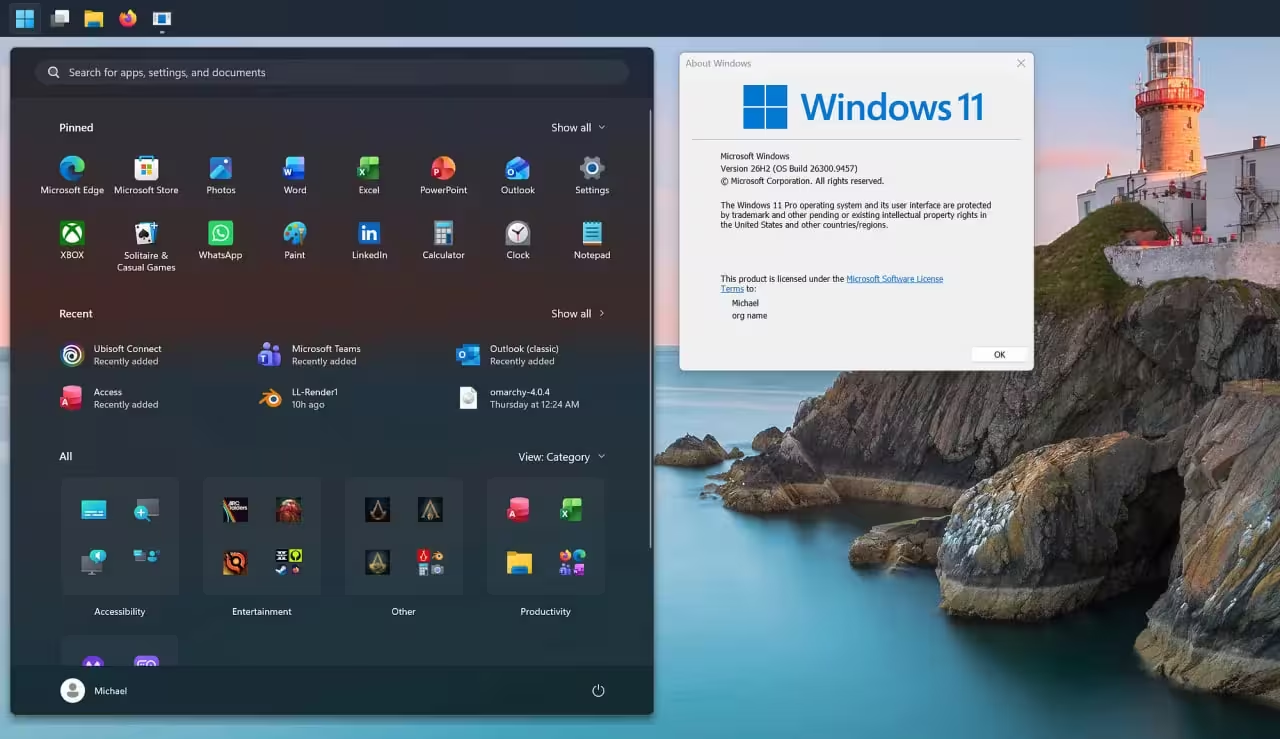
Microsoft has begun rolling out the 26H2 release, also called the Windows 11 2026 Update, to eligible PCs. The staged distribution started on 29 September and is offered as a package for devices running 24H2 or 25H2; the update is delivered through Windows Update.
AI and file-management changes
The update brings several AI-driven capabilities into File Explorer. Users signed in with work or school accounts will see Open File Location and Ask Copilot options when hovering over files on the File Explorer home page. The summarization feature operates on files saved to OneDrive and SharePoint and requires both a Microsoft 365 subscription and a Copilot license as prerequisites.
Windows file management also gains support for additional compressed formats, including uu, cpio, xar and nupkg, and adds the ability to rename files using voice commands. The taskbar receives layout flexibility and size options: it can be positioned at the bottom, top, left or right of the screen and switched to a smaller size. App-specific actions on the taskbar are enabled by default for commercial devices.
Security, recovery and servicing details
Microsoft has bundled the Sysmon monitoring tool into Windows by default; the component is initially disabled and writes events to the Windows Event Log when activated. The operating system also gains support for new post-quantum cryptography algorithms ML-KEM and ML-DSA. For recovery, First Sign-in Restore now supports cloud PCs and hybrid-joined work systems, and Point-in-Time Restore allows returning a device, including apps, settings and personal files, to a specified earlier point in time.
Because 24H2, 25H2 and 26H2 share the same servicing branch, many of the capabilities in this release were previously distributed via monthly updates; the 26H2 package primarily enables those features and in most cases requires only a single restart. Installing 26H2 resets the support clock: Home and Pro editions receive 24 months of servicing until October 2028, while Enterprise and Education editions receive 36 months until October 2029. Microsoft said it will list software blockers and known issues on the Windows release health page as the phased rollout proceeds.
Devices running 26H1 cannot migrate directly to 26H2 because that earlier build uses a different Windows kernel.

“I cover emerging technologies, digital innovation, and the intersection of tech and everyday life. My goal is to make complex trends accessible and inspiring.”

Discussion
Leave a Comment
Comments
No comments yet. Be the first.